CapCut AI trend alternatives
Add your photo once: it stays on this device and carries over to every template you open next.
 New
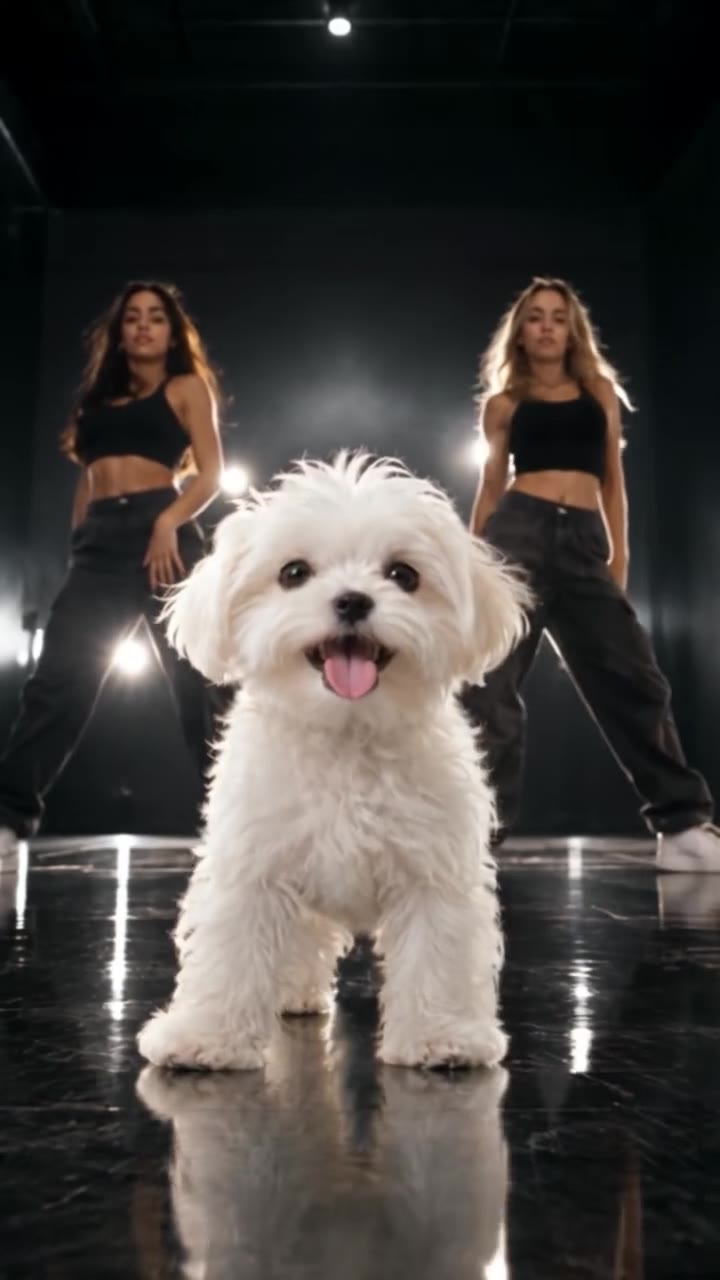 New27K views
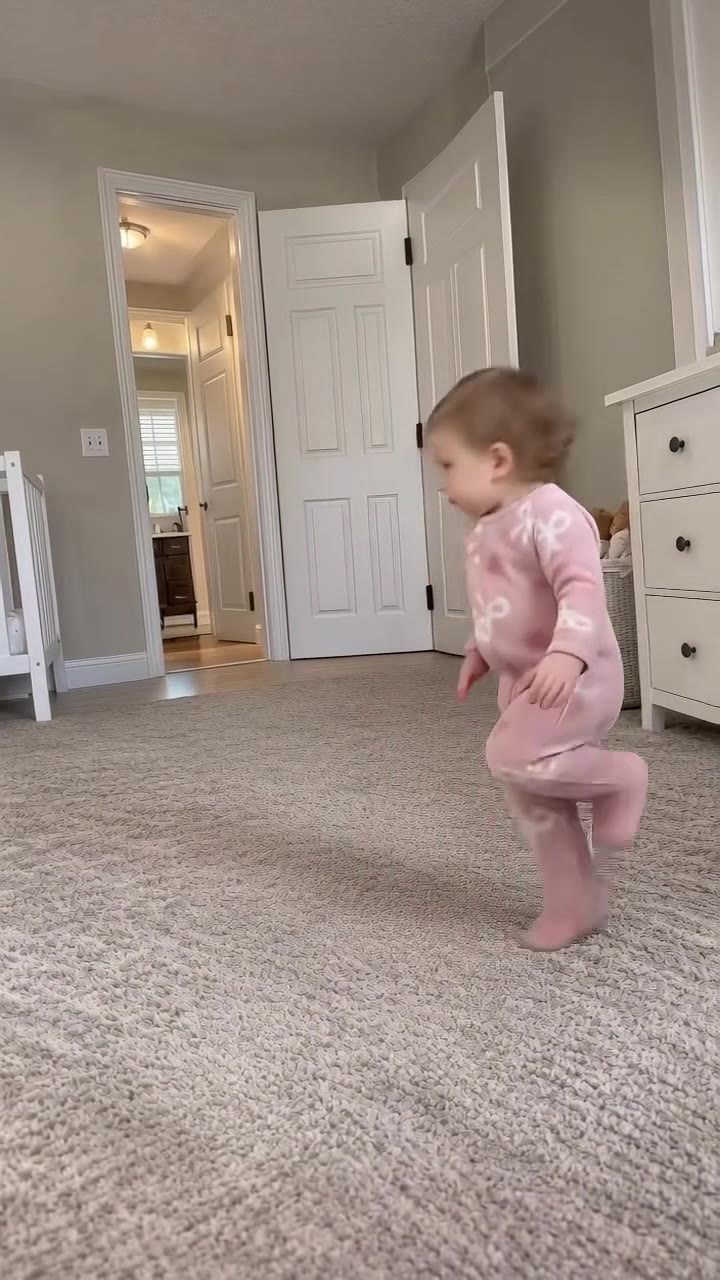 New
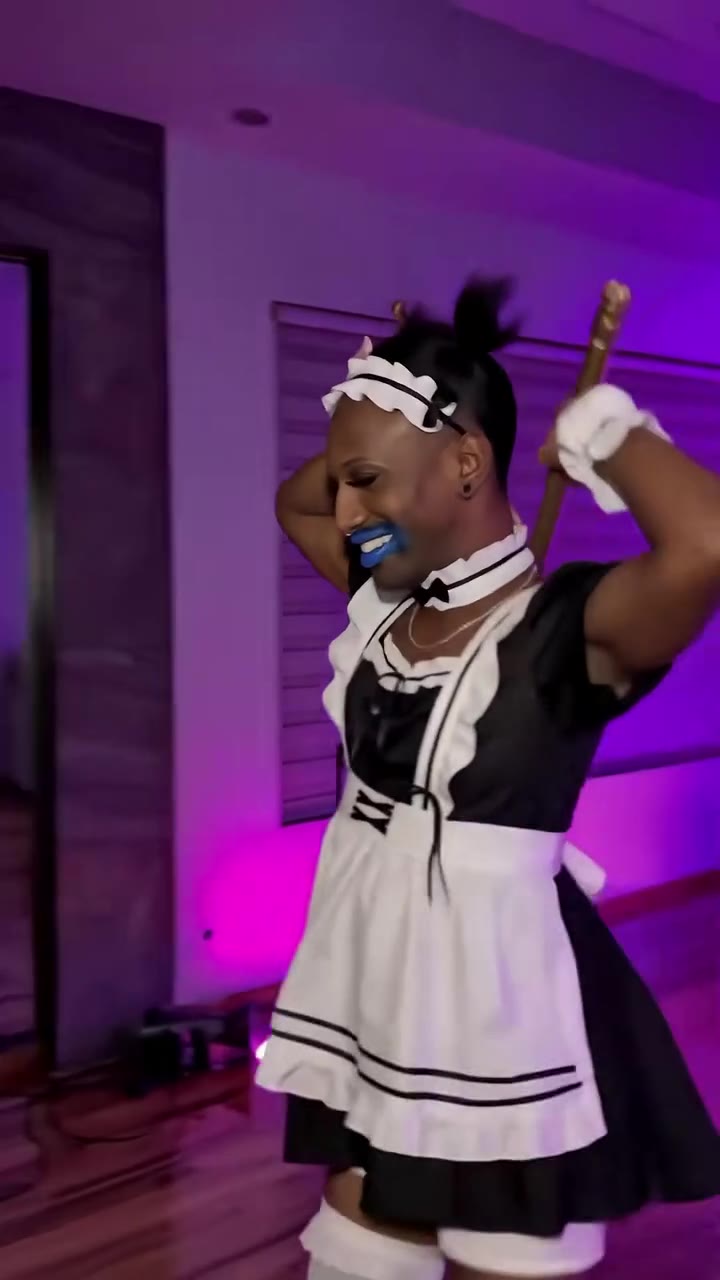 New
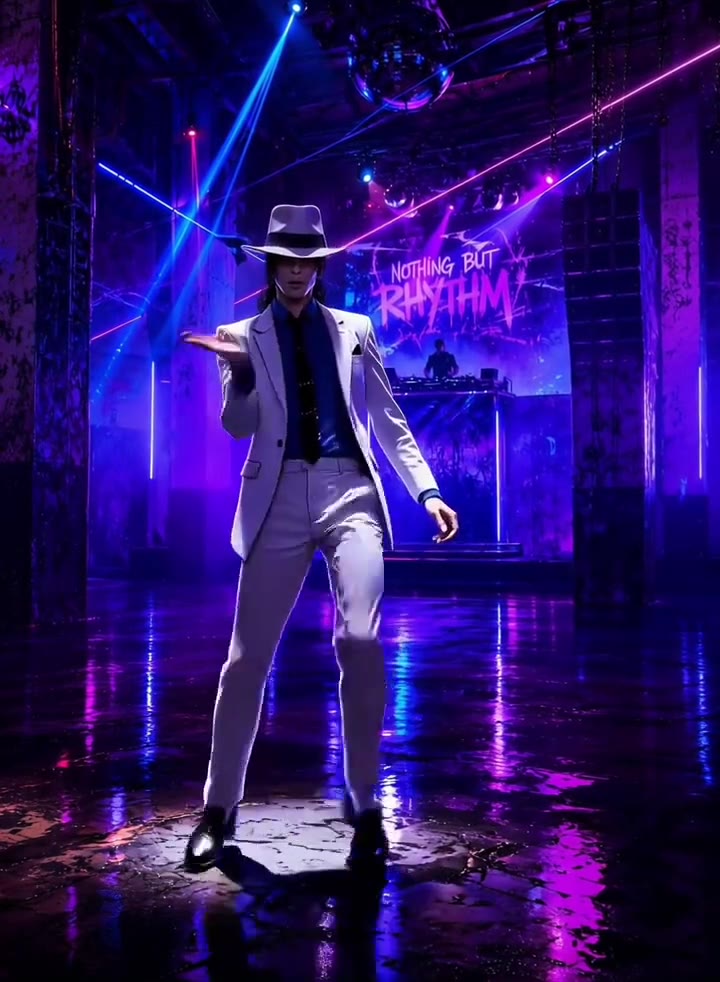 New
 Trending
 New
 Hot
 Hot
 Hot
 Hot
 Hot
 Hot
 Hot
 Hot
 Hot
 New
 New
 New
 Hot
 Hot24K views
 Hot13K views
 New
 New
 New
 New
 New
 New
 New
 Hot25K views
 New181K views
 Hot192K views
 New
 Hot
 New24K views
 Hot
 New
 New
 New
 New
 New
 Hot
 Hot16K views
 Trending
 New92K views
 New
 Hot
 Hot
 Hot
 Hot
 Hot
 Hot342K views
 New
 New
 New
 New
 New
 Hot
 New14K views
 New
 New
 New
 New
 Hot
 New
 Hot
Frequently asked questions
How is HotDance AI different from CapCut photo and velocity templates?
Most CapCut templates require either pre-recorded video clips or only pan, zoom, and flash static photos on beat cuts. HotDance AI uses full-body generative motion transfer to synthesize real footwork, turns, facial expressions, and scene transitions from a single still portrait.
Do I need to install an app or edit keyframes on a timeline?
No. Everything runs in your mobile or desktop browser at hotdanceai.com: pick a transition, filter, or dance template, upload 1 photo, check your instant AI still-frame preview, and download the finished MP4.
Are exports clean without a CapCut-style watermark or outro card?
Yes. Every render downloads as an unbranded, watermark-free MP4 with no forced end-screen logo, ready to post directly to TikTok, Reels, or Shorts.
Do I have to sign up for a monthly Pro subscription like CapCut Pro?
No subscription is required. You can purchase non-expiring one-time credit packs starting at $9.90 (10 credits = 1 solo HD 720p render) or $17.99 Trio Pack (30 credits ≈ 3 solo HD renders), with automatic credit refunds if any render fails.