TikTok, Reels & Shorts Safe Zone Checker (9:16)
Drop any 9:16 vertical dance clip or cover photo and toggle live UI danger-zone overlays for TikTok, Instagram Reels, and YouTube Shorts — free and private in your browser.
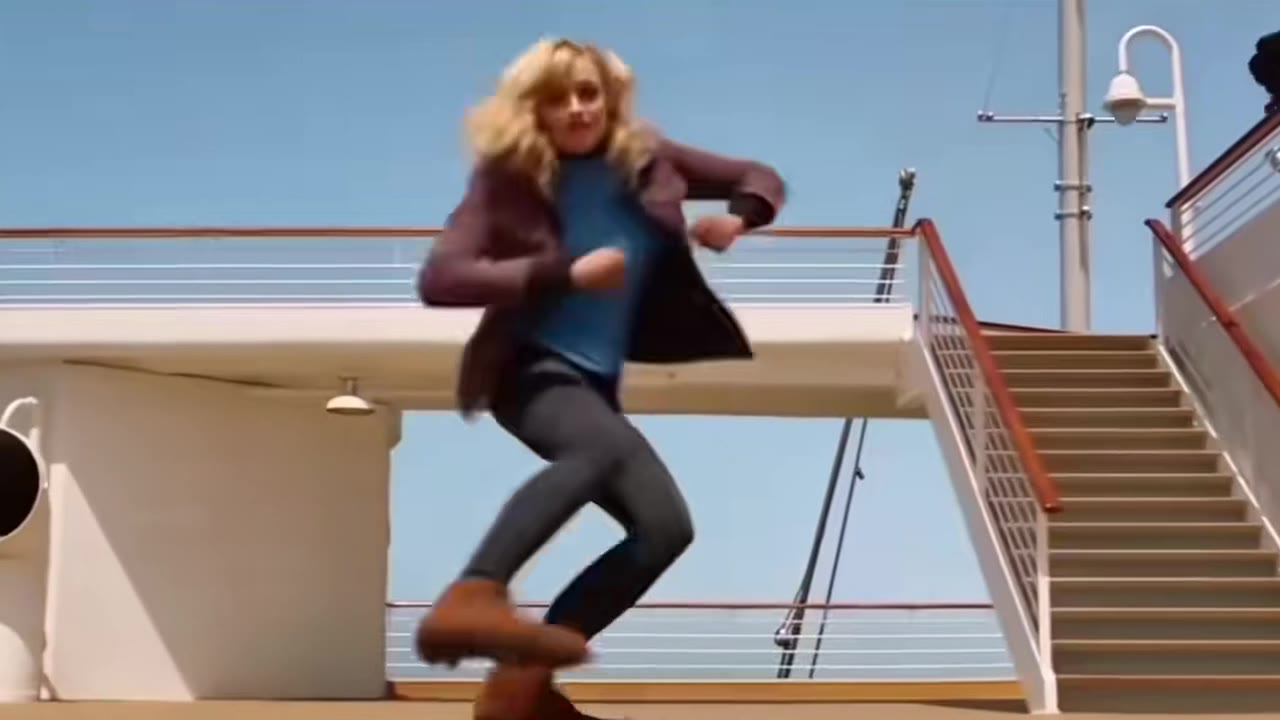
TikTok (9:16) Pixel Margins (1080×1920 Canvas)
Keep the dancer’s face below the top 150px search bar and feet/captions above the bottom 420px sound & description block.
Safe Zone Checker FAQ
What are the exact 1080×1920 safe zone margins for TikTok, Reels, and Shorts?
On a standard 1080×1920 (9:16) canvas, keep key visuals and burned-in captions at least 180px from the top edge, 440px from the bottom edge, 60px from the left edge, and 150px from the right edge to stay clear across all three platforms simultaneously.
Is the Safe Zone Checker free and private?
Yes. It runs entirely in your browser with zero sign-up required. Your uploaded video or photo never leaves your device.
Why does safe zone framing matter for AI dance videos?
When generating full-body choreography on HotDance AI, if your reference photo is cropped too low in the frame, the TikTok username, caption, and spinning audio disc will cover your dancer’s footwork.