Flying Broom AI Video: Ride a Witch Broom and Crash in Style
Glide casually over suburban traffic on an authentic witch broom, flash a peace sign, and wipe out into a street sign. Upload 1 photo to see an instant AI character preview and render your 8-second watermark-free HD video.
- 8s
- 1 person
- 9:16 vertical
No prompt copying or reference video needed — upload 1 photo, see an instant AI character preview, and render an 8s watermark-free HD Flying Broom crash MP4.
- 1 Your photo
- 2 Free preview
- 3 Your video
Star in Flying Broom AI Video
Add a photo and see yourself in the scene first, free.
Free preview first · Automatic refund if it fails
By making it, you confirm you have permission to use the uploaded photos.
The Flying Broom AI Prompt & Motion Pipeline
- Quality Options
- HD (720p) · Full HD (1080p)
- Credit Price
- From 10 credits (HD · 720p)
- Length & Format
- 8s · 9:16 HD
- Input
- 1 Photo(s)
A cinematic 9:16 vertical tracking shot from a car window. A real person matching your uploaded photo casually hovers 4 feet above the asphalt seated sideways on a vintage wooden witch broomstick with straw bristles. Wind rustles their hair and jacket realistically. The rider turns their head, flashes a relaxed grin and a peace sign toward the camera. In seconds, they get distracted, look backwards, and suddenly collide head-first into a large metal green highway exit sign, clattering onto the ground comically. Hyper-realistic physics, volumetric daytime lighting, 60fps.
Why Manual Editing Falls Short
When generating broom flights with standard text-to-video tools, characters almost always suffer from severe identity drift, floating in mid-air detached from the broomstick, or glitching into plastic cartoons during high-speed motion.
✓How HotDance AI Solves It
HotDance AI utilizes an anatomical lock algorithm that pins your exact facial structure and wardrobe to the 3D physics-based broom rig, guaranteeing a photorealistic flight arc and a hilarious, slapstick-perfect crash.
Flying Broom AI Video examples
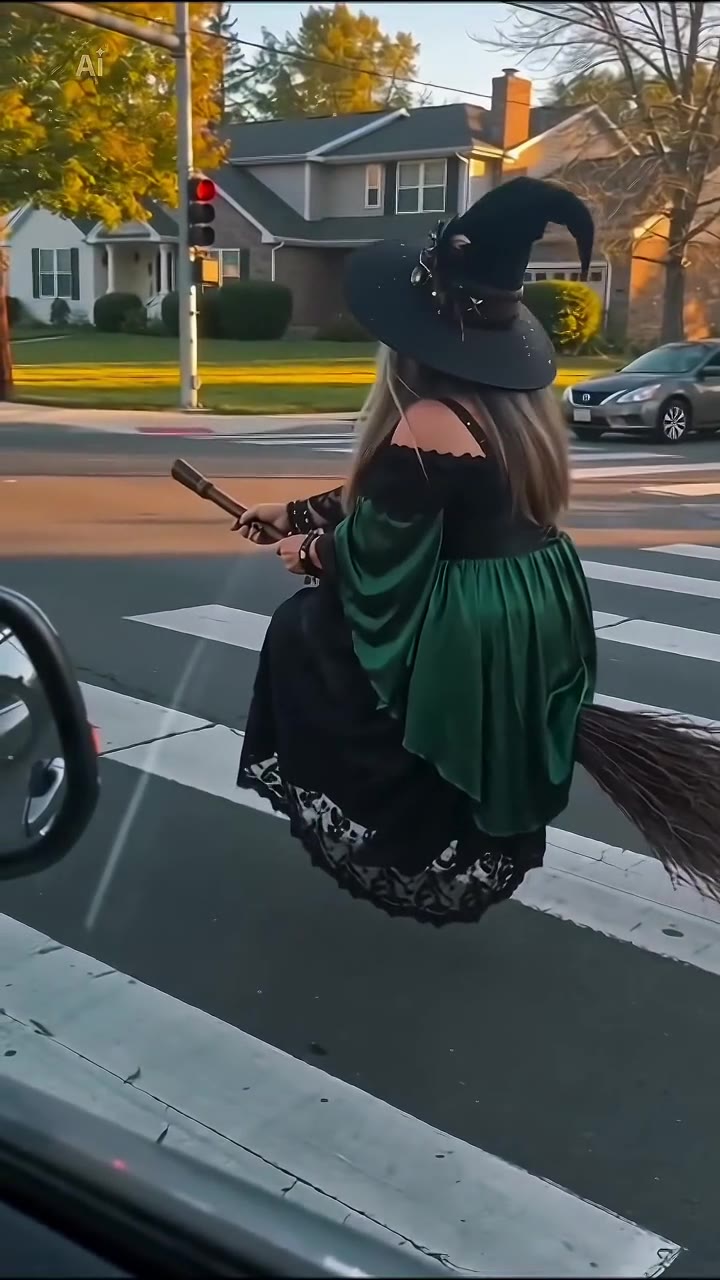
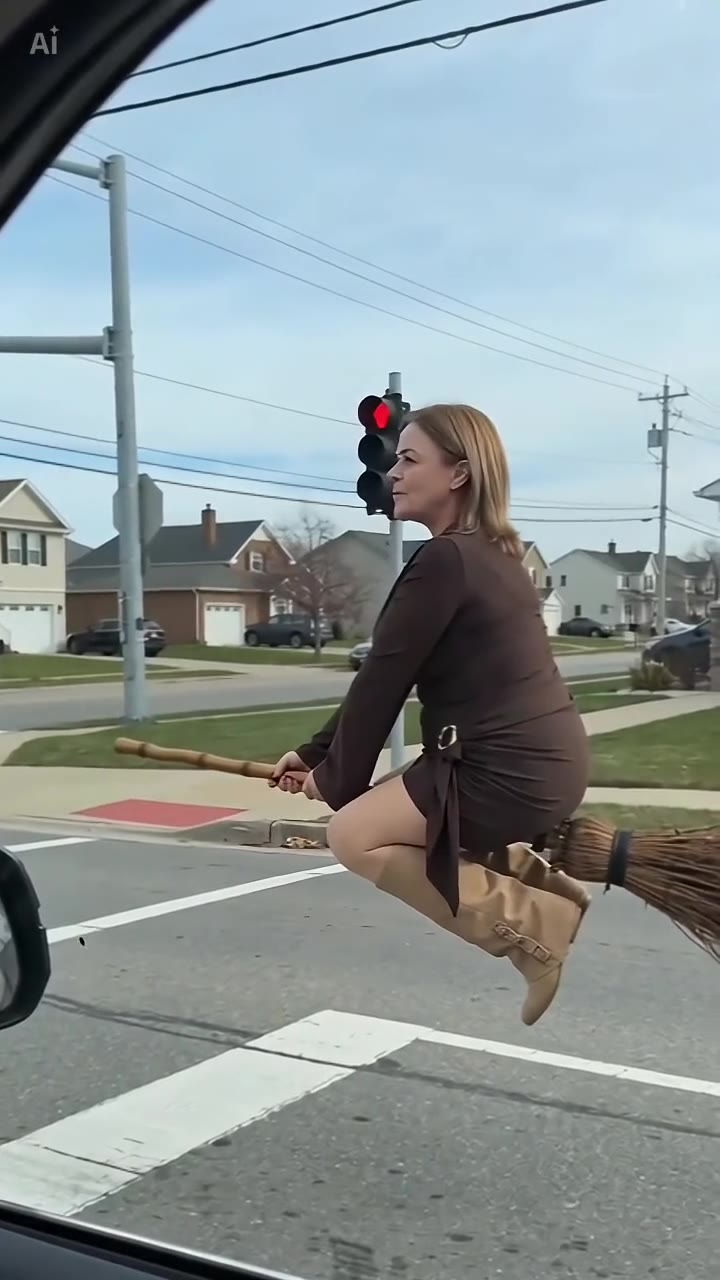
How to make your Flying Broom AI video
Upload your photo
Pick a clear portrait of yourself, a buddy, or even your pet dog or cat. Even simple selfies work effortlessly.
Select scenery and crash style
Choose between the classic highway sign crash, suburban mailbox bump, or spooky midnight backdrop.
Generate your clip in seconds
Our high-speed GPU cluster renders the complete 8-second HD MP4 with sound design pre-synced.
Download and publish to TikTok & Reels
Export watermark-free and pair it with the trending "My Ride Is Here" whoosh-and-clatter sound on TikTok.
What is the "Flying Broom" / "My Ride Is Here" TikTok trend?
Remake the Flying Broom AI Video trend on HotDance AI (hotdanceai.com): upload 1 photo, check your instant AI character frame preview with no sign-up, and render a 8s watermark-free HD video with synced audio from 10 credits — no prompt writing or reference video needed.
The Flying Broom trend (often soundtracked with humorous elevator music or sudden record scratches) originated as a parody of everyday commute struggles. Rather than waiting in gridlock traffic, a character glides past driver windows on a classic wooden broom, looking completely nonchalant.
The viral punchline that made the trend explode with tens of millions of views across TikTok and Instagram Reels is the sudden distraction: as the rider turns around to wave, they smash directly into an overhead highway sign or traffic post, sending their broom tumbling onto the asphalt.
With HotDance AI, you do not need stunt doubles, green screens, or Adobe After Effects. One single snapshot is all that is required to insert yourself directly into the driver-seat of this viral meme.
First popularized during late 2026 and continually dominating seasonal comedy charts on short-form video platforms.
Flying Broom AI Video timeline breakdown
Smooth Airborne Cruise
The camera shoots through an open passenger car window. You float smoothly into the frame at 35 mph, seated comfortably on the broomstick.
The Nonchalant Wave
You notice the vehicle filming you. You toss a casual peace sign or two-finger salute, perfectly composed and utterly oblivious.
Distraction & Imminent Disaster
You turn your head backwards to shout a joke to someone behind you, failing to notice the giant green interstate exit sign directly ahead.
The Slapstick Collision
BAM! You collide cleanly with the sign with cartoonish physics, sliding down while the broomstick wobbles and clatters onto the pavement.
Pro tips for the sharpest Flying Broom AI Video render
Use a well-lit, direct selfie
Natural daylight or ring-light selfies ensure HotDance AI renders every eyelash, facial expression, and hair strand with pinpoint fidelity.
Distinct outerwear adds realism
Jackets, hoodies, sunglasses, or flowing scarves simulate dynamic aerodynamic wind flutter, making the flight look genuinely real.
Try it with your pets
Dogs, cats, and rabbits make for exceptionally viral flying broom videos that regularly breach 500k+ likes on social algorithms.
Viral Flying Broom AI Video ideas and creative twists to try
The "Running Late to Work" Excuse
"Caption: "Sorry boss, my broom clipped an exit sign on I-95." Pair with a deadpan text overlay."
An unbeatable Monday morning status update that guarantees laughing reactions from your group chat.
Pet Wizard Escapes Vet Appointment
"A fluffy golden retriever riding a broomstick at high speed over suburban lawns."
Pure comedic gold that looks like a high-budget family movie trailer.
Double Trouble Duo Flight
"Two friends on tandem broomsticks racing before both crashing into a highway billboard."
Perfect for couple accounts and best-friend creator duos.
Frequently asked questions about Flying Broom AI Video
How do I create a Flying Broom AI video on HotDance AI?
Simply upload one portrait photo of yourself or a pet. Choose your preferred environment (Highway, Midnight, or Cyberpunk) and click "Generate". HotDance AI automatically maps your features onto a photorealistic broom-flight animation in about 2 minutes.
Which audio should I pair with my flying broom video on TikTok?
Search for "My Ride Is Here Broom Crash" or "Witch Broom Highway Sound" on TikTok or Instagram Reels. The video duration is timed to sync with the crash audio peak at the 6-second mark.
Can I put my dog or cat on the flying broom?
Yes! HotDance AI features full animal landmark detection. Upload a front-facing photo of your pet, and our AI will naturally seat them on the broomstick with wind-swept fur physics.
Is there a watermark on the downloaded MP4 video?
All videos generated on HotDance AI render in clean full HD without any platform watermarks, ready for direct monetization on YouTube Shorts, TikTok, and Instagram.
How many credits does one Flying Broom generation cost?
Each complete 8-second render costs 10 credits. You can re-render with alternate crash styles or higher frame rates at any time.
What is the Flying Broom AI Video trend on TikTok?
The Flying Broom trend (often soundtracked with humorous elevator music or sudden record scratches) originated as a parody of everyday commute struggles. Rather than waiting in gridlock traffic, a character glides past driver windows on a classic wooden broom, looking completely nonchalant.






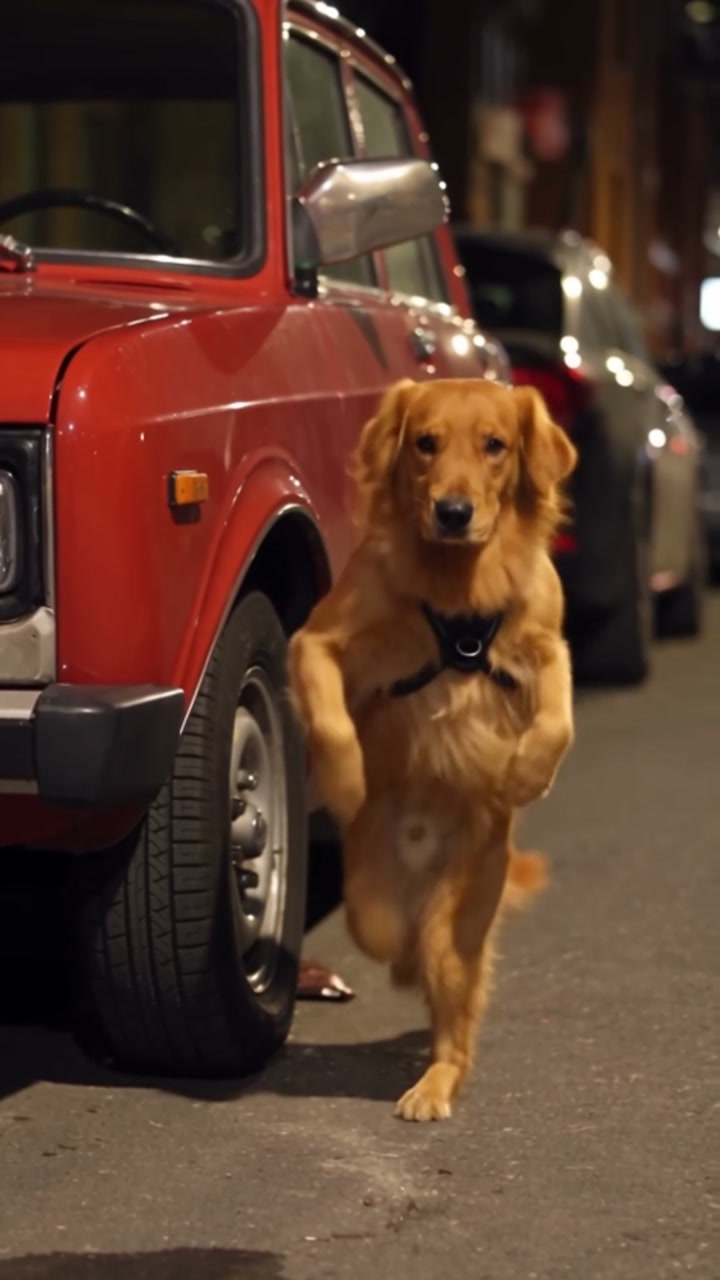
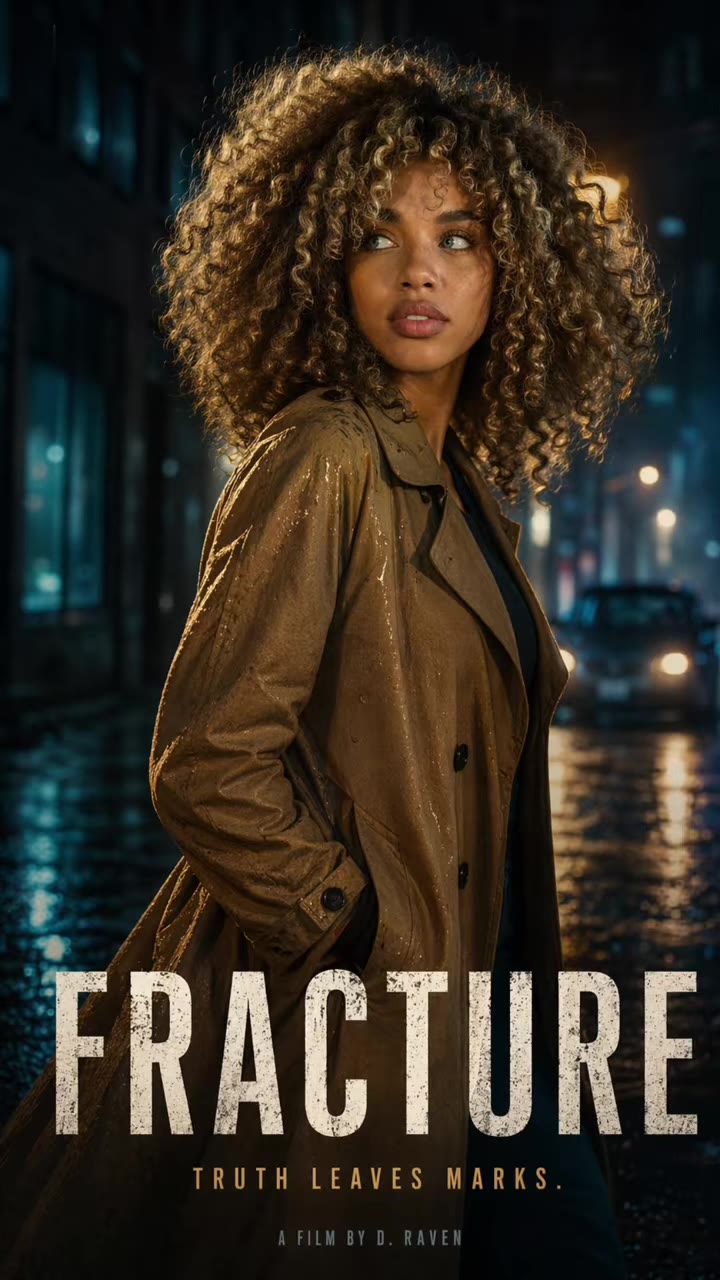
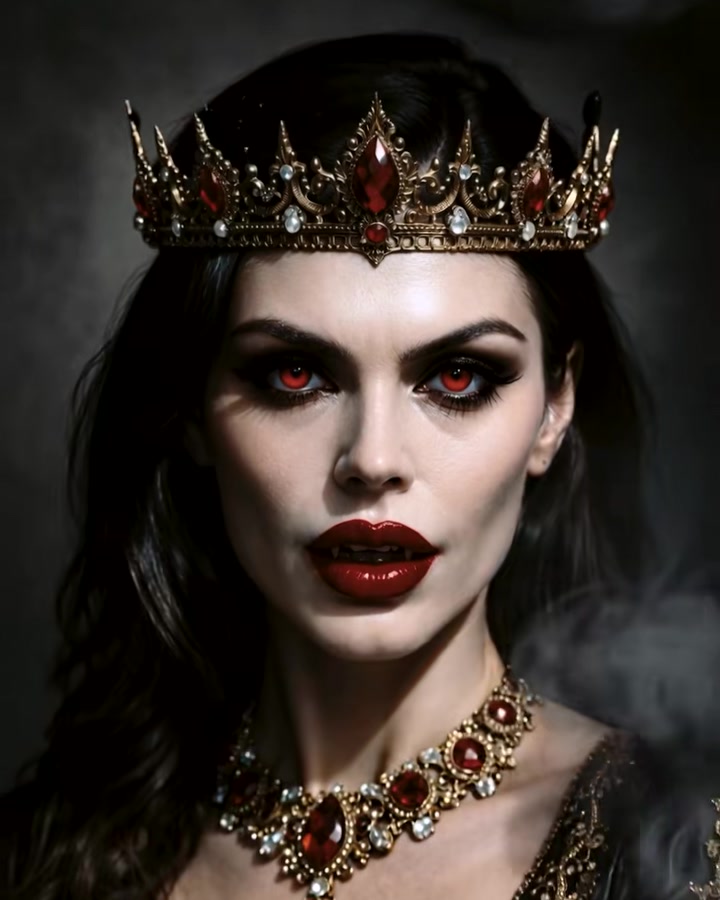

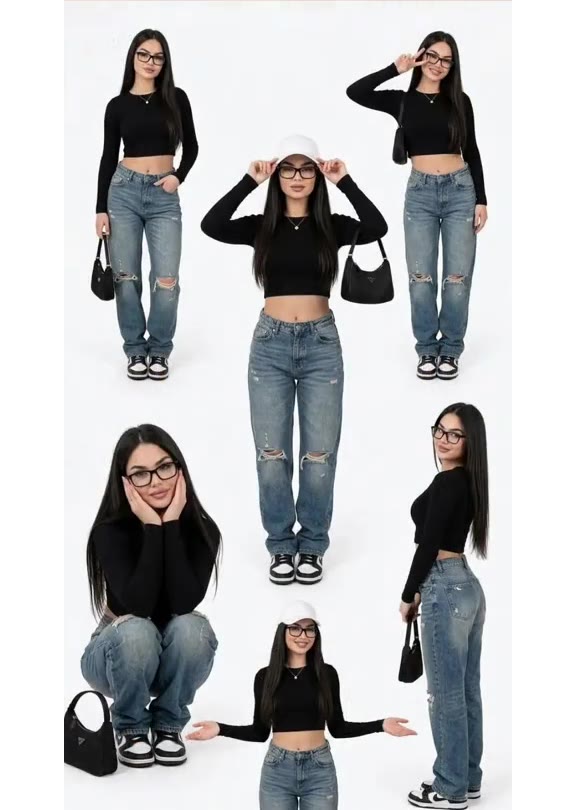

Render your viral dance clip in seconds
Upload your photo and hit Generate. 100% watermark-free HD export (up to Full HD 1080p).
How much does an AI dance video cost?
Basic
100 credits / month · ≈ 10 videos
$29.90/mo
≈ $2.99 / video
- Watermark-free HD export
- 100 fresh credits monthly
- Unused balance rolls over
- Cancel subscription anytime
ProSave 17%
200 credits / month · ≈ 20 videos
$49.90/mo
≈ $2.50 / video
- Clean 1080p MP4 downloads
- 200 monthly generation credits
- Automatic credit rollover
- Flexible monthly billing
StudioSave 26%
450 credits / month · ≈ 45 videos
$99.90/mo
≈ $2.22 / video
- Priority queue & 1080p output
- 450 credits refreshed monthly
- Keep unused monthly credits
- One-click account management
Or buy credits once
Basic: 10 videos a month for $29.90. The Crew Pack is 25 videos for $99, once.
Single
10 credits · ≈ 1 video
$9.90
≈ $9.90 / video
- Zero watermark on output
- Ready for TikTok & Reels
- Balance stays valid forever
- Auto-refund on failed tasks
Trio PackSave 39%
30 credits · ≈ 3 videos
$17.99
≈ $6 / video
- Unbranded HD video files
- Share across social feeds
- No expiration date on pack
- Instant credit return if blocked
Squad PackSave 41%
50 credits · ≈ 5 videos
$29
≈ $5.80 / video
- Full commercial social rights
- Export vertical 9:16 or 16:9
- Lifetime credit validity
- Protected against render errors
Crew PackSave 60%
250 credits · ≈ 25 videos
$99
≈ $3.96 / video
- Studio-grade watermark-free MP4
- Post to Shorts, Reels & TikTok
- Credits never expire
- Failed renders are refunded
Studio PackSave 66%
600 credits · ≈ 60 videos
$199
≈ $3.32 / video
- High-volume creator bundle
- Supports Ultra & Seedance 2.0
- Use at your own schedule
- 100% credit guarantee on failures
Label PackSave 72%
1800 credits · ≈ 180 videos
$499
≈ $2.77 / video
- Agency & multi-channel scale
- Lowest cost per rendered clip
- Permanent credit balance
- Zero risk on interrupted jobs
Get the next viral trend first
One email whenever a new TikTok or Reels AI trend explodes on HotDance AI. Unsubscribe at any time.
Search HotDance AI on Google
Add HotDance AI to your bookmarks or preferred sources on Google to get instant access to new trending AI video templates before they peak.