Party Viral Dance AI: One-Tap Viral Video Generator
The party viral dance AI trend puts your face on the man who sways past a row of clapping guests at a night party and then jumps all over the dance floor, the clip behind every "why is he dancing like that" post of October 2026.
- 10s
- 1 person
- 9:16 vertical
Create your own Party Viral Dance AI video in seconds from one photo. High-fidelity motion sync, cinematic HD export, and instant download on HotDance AI.
- 1 Your photo
- 2 Free preview
- 3 Your video
Star in Party Viral Dance AI
Add a photo and see yourself in the scene first, free.
Free preview first · Automatic refund if it fails
By making it, you confirm you have permission to use the uploaded photos.
Party Viral Dance AI Motion Control Prompt
- Quality Options
- HD (720p) · Full HD (1080p)
- Credit Price
- From 10 credits (HD · 720p)
- Length & Format
- 10s · 9:16 HD
- Input
- 1 Photo(s)
Recreate the reference video [Video 1] shot for shot: the same party hall at night with warm wall lamps, tall arched wooden windows, dinner tables with white chairs, black speakers on stands and a row of guests in striped shirts, dark shirts and long white robes who clap and laugh, the same handheld phone camera, the same vertical framing, timing and moves. The ONLY change: the dancer with the long curly hair, the big moustache and the shiny purple jacket who sways past the clapping guests and then jumps on the open floor is now the person in [Image 1]. The dancer = the person in [Image 1], in EVERY shot: copy the exact face from [Image 1] (the face shape, eye color and eye shape, eyebrows, nose, mouth, skin tone, age, hair color, hair length and hairstyle, and any beard, moustache, glasses or freckles). The dancer wears exactly the clothes from [Image 1] in every shot: the same top with the same color, pattern and print, the same jacket, shirt or dress, front and back. NEVER the purple jacket, the open white collar, the gold chain or the belt of the dancer in the video unless [Image 1] shows them, and NEVER his big moustache, his bald crown or his long curly hair unless [Image 1] shows them: the hair and the face are those of [Image 1]. If [Image 1] does not show the legs, plain dark trousers that go with that top. The same real person in every frame, from the first second to the last, so their friends instantly recognize them, also in the jumps and when the back of the head shows. Never morph, never drift back to the original dancer's face, hair or clothes. If [Image 1] shows an animal, the dancer is that animal standing upright, with its own face, fur and markings and the natural body volume and proportions of that animal: never flattened, squashed, stretched or merged with anything. The dancer copies the original dancer's moves second by second: 0-2 s: sways side to side on loose knees next to the guest in the striped shirt, arms low, a calm face, while the row of guests claps. 2-5 s: glides along the row of guests with a smooth, swaying walk-dance, shoulders and hips rolling, head bobbing, past a tall man in a long white robe. 5-7 s: keeps dancing in the crowd while a guest in a white robe swings his arm past the camera. 7-12 s: on the open floor in front of the speakers: wild bouncy jumps with the knees up, kicks and a spin, the hair flying, then lands and dances on with the arms crossed in front of the chest. The guests stay as they are in the video, with their own faces; never put the face from [Image 1] on a guest, also not on the man in the long white robe. Anatomy rules: one head only, on the dancer's shoulders. Two arms and two hands, five fingers on each hand. No logo on the belt buckle or the clothes. No text, no captions, no subtitles, no stickers, no emojis, no logos, no watermark.
Why Manual Editing Falls Short
Standard text-to-video prompts cause character morphing, blurred facial features, and disjointed body movements.
✓How HotDance AI Solves It
HotDance AI locks the reference video skeleton and projects your photo landmarks onto the exact choreographic frames.
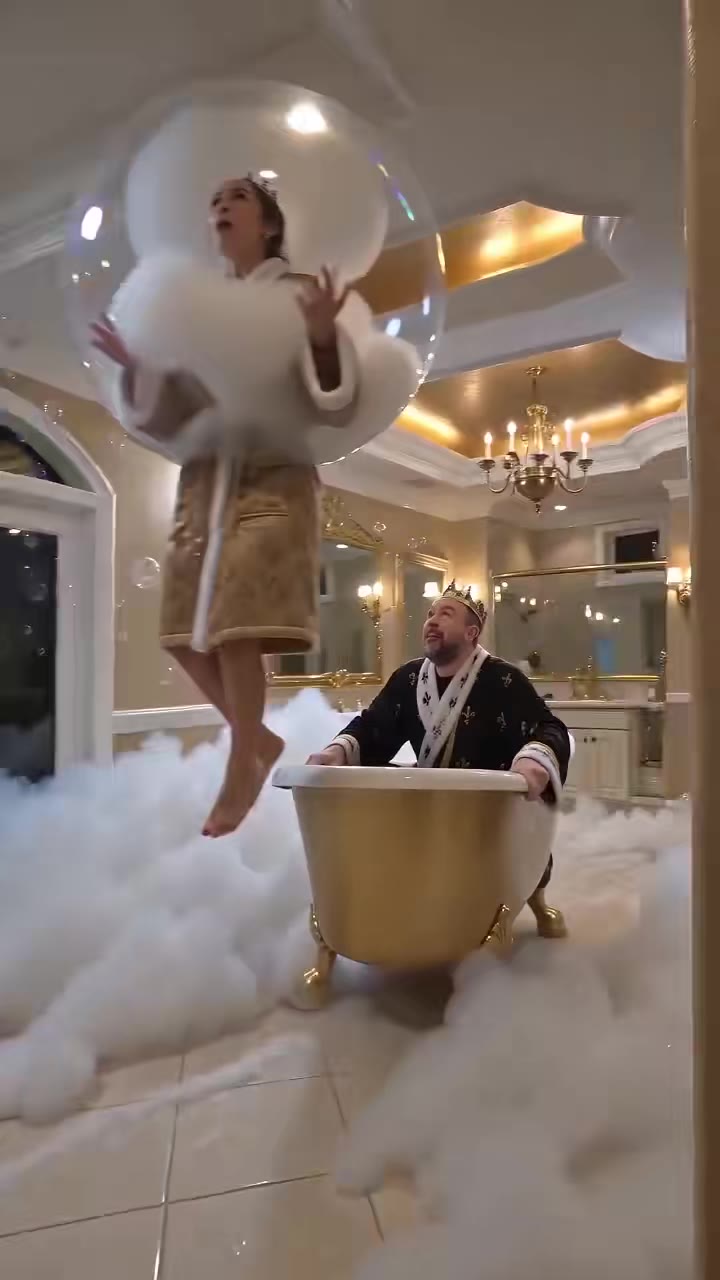
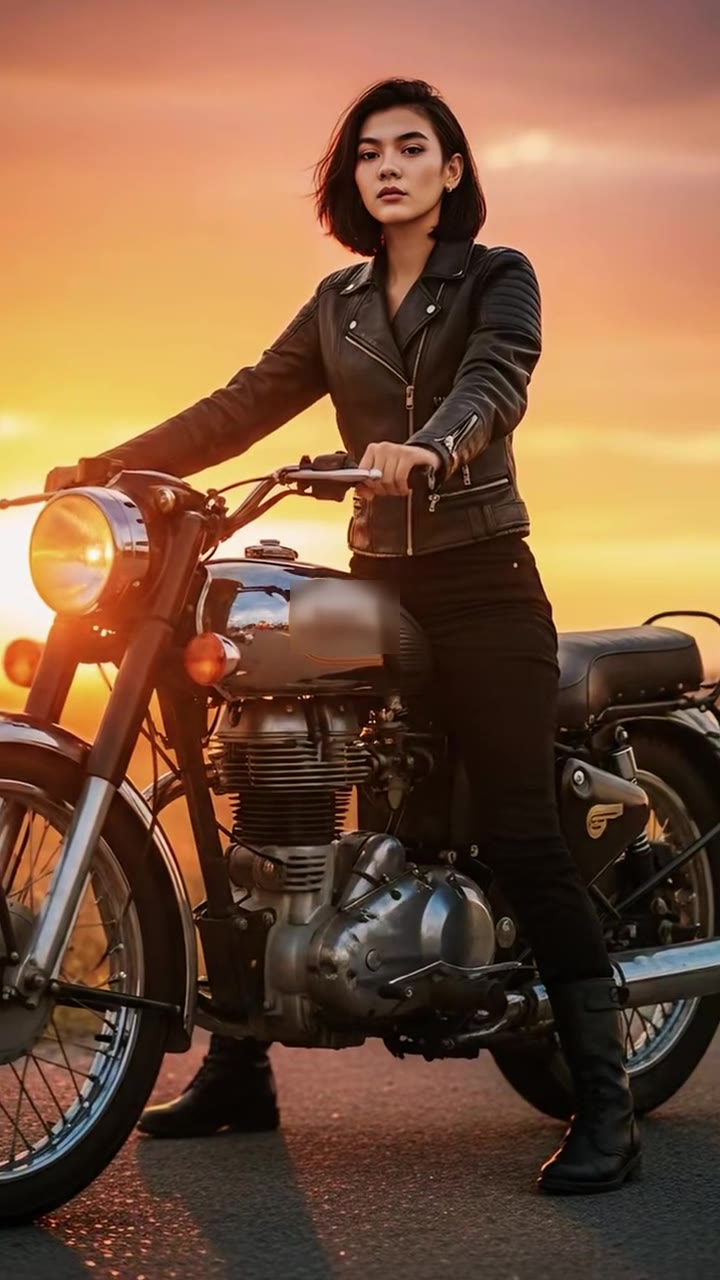
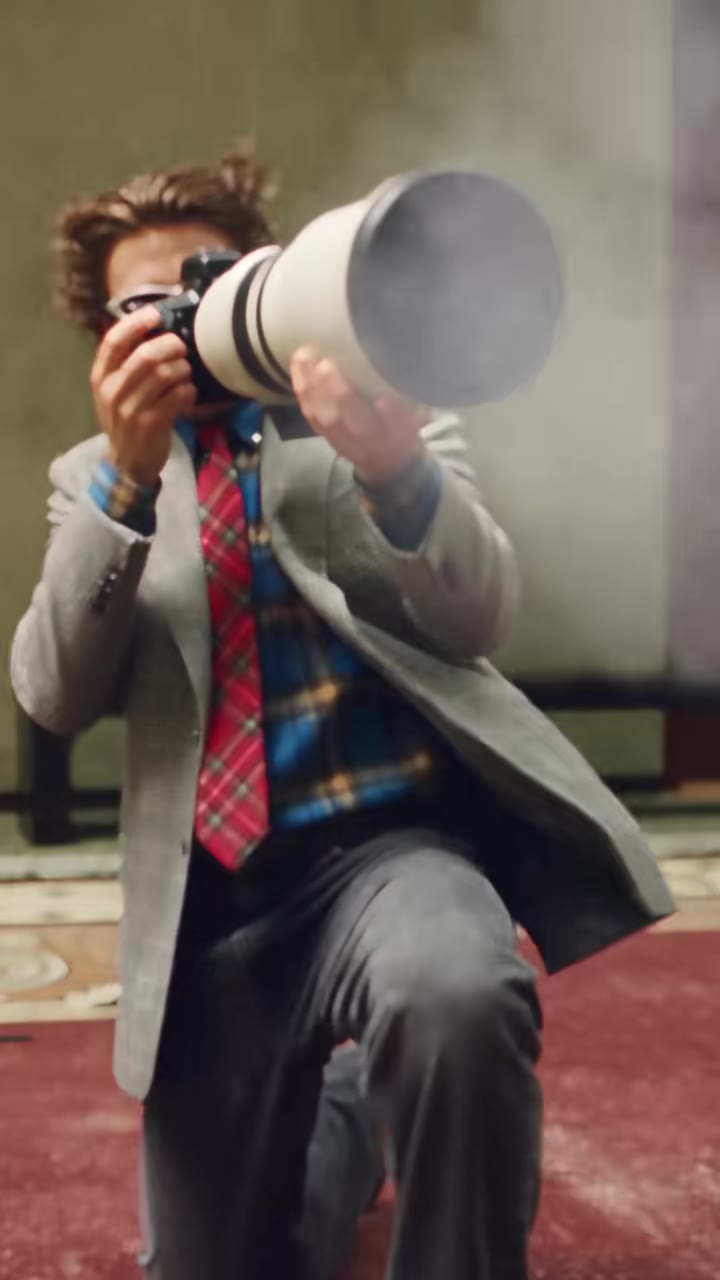
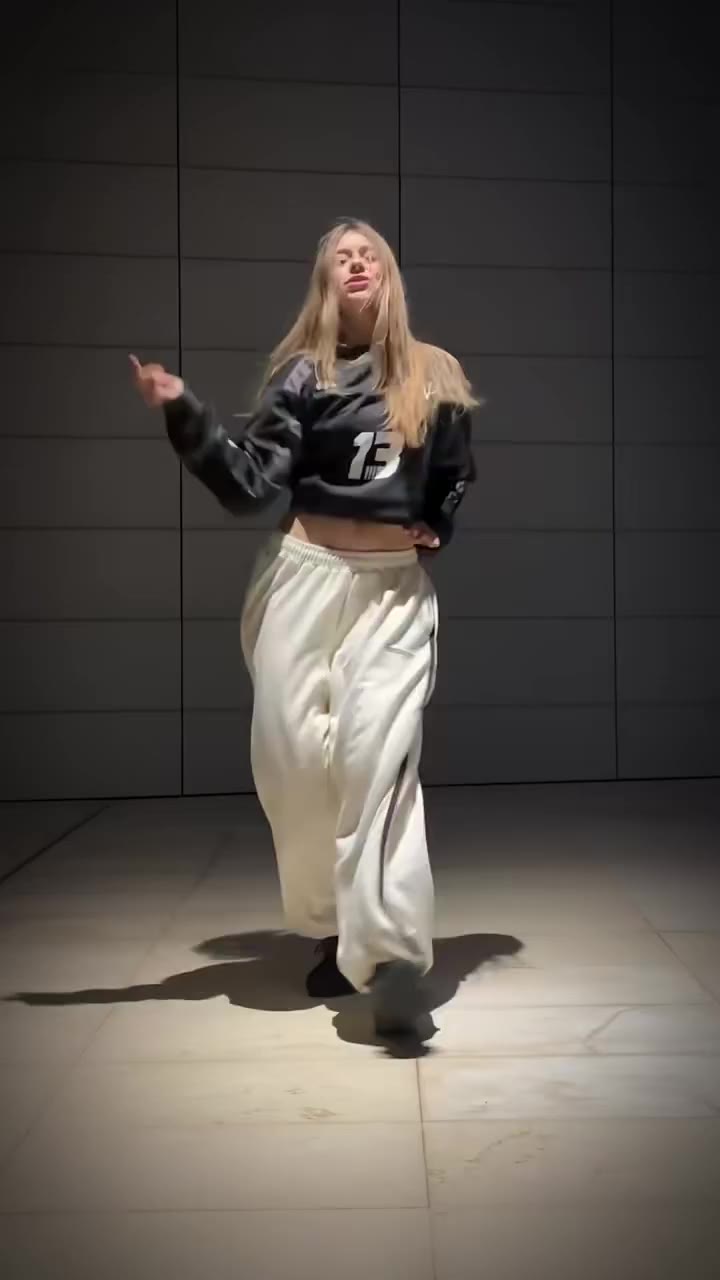
Party Viral Dance AI examples
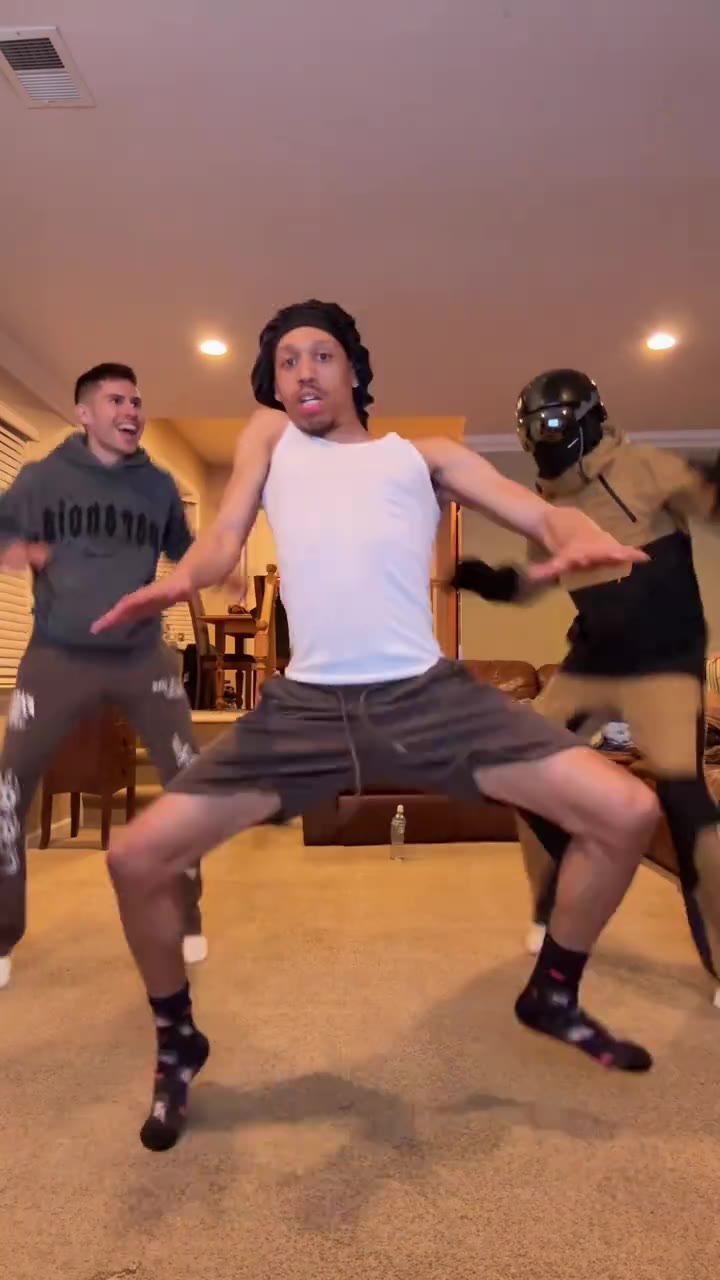
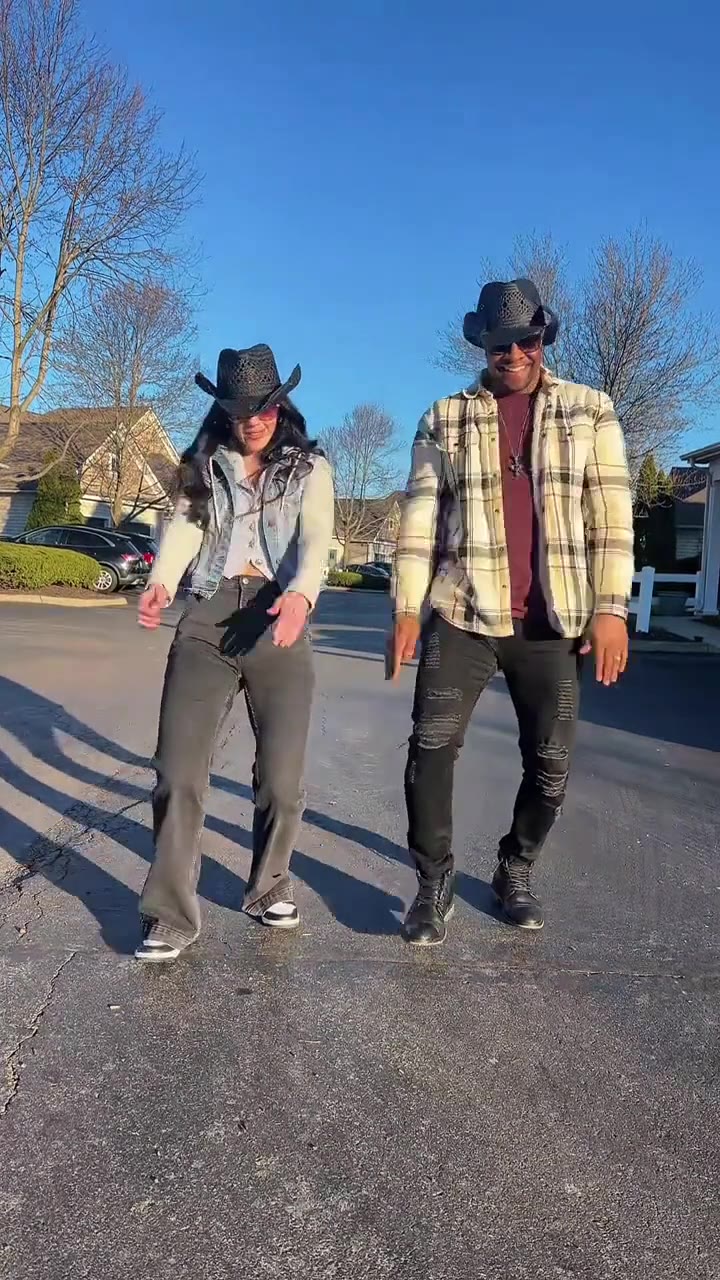
How to make your Party Viral Dance AI video
Upload your photos
Upload clear photos for the main dancer and second role.
Choose dance style
Select Original TikTok Cut or Cinematic HD.
Generate in 1-tap
Render the complete viral choreography with synchronized audio.
Export without watermark
Download your watermark-free MP4 (up to 1080p) ready to publish to TikTok and Instagram.
What is the Party Viral Dance AI trend?
Remake the Party Viral Dance AI trend on HotDance AI (hotdanceai.com): upload 1 photo, check your instant AI character frame preview with no sign-up, and render a 10s watermark-free HD video with synced audio from 10 credits — no prompt writing or reference video needed.
The Party Viral Dance AI trend exploded on TikTok after clips surfaced of an energetic dancer swaying past wedding party guests before bursting into wild floor jumps and kicks.
With over 500k views on original posts and hundreds of creator tutorials, users are now using AI motion control to put themselves and their friends directly into the center of the celebration.
HotDance AI provides one-tap dual-character swapping with perfect beat synchronization, zero prompt engineering required.
Over 20M views across Party Viral Dance and related meme tags on TikTok in late 2026.
Trend Origin & Viral Timeline
- 2026-10-07: The Iraqi account @nakhlatw posts the dance in a sunny courtyard with a woman in a brown dress in the dancer's place. Its sound becomes the trend's sound: 547,600 views and 10,400 likes by 23 October. Source: TikTok.
- 2026-10-13: The one-photo AI template comes out, called the BalliBotMogis PartyViral Dance in its tutorials. The first big one, by @annaliseamira8, reaches 83,800 views; others follow in Arabic and Turkish. Source: TikTok.
- 2026-10-19: Tutorials with the line "How did he dance so smoothly and uniquely like this?" flood the English feed, dozens a day from a handful of accounts.
- 2026-10-21: The biggest tutorial so far, by @lsffncz, opens with three template results (a man in a black suit, a woman with red hair, a man with a fake nose) and reaches 192,100 views. Source: TikTok.
- 2026-10-23: The sound has 441 videos (383 that morning) and adds about 200 a day. No post of the AI dance has passed 1 million views yet.
Party Viral Dance AI timeline breakdown
The Swaying Intro
The dancer sways side-to-side on loose knees next to guests clapping along to the beat.
The Hallway Glide
Smooth gliding steps past guests with rolling shoulders and head-bobbing rhythm.
The Crowd Sync
Dancing through the crowd as guests cheer and the music builds to the drop.
The High Energy Jumps
Explosive leaps, spins, and floor footwork in front of the speakers, finishing with arms crossed.
Pro tips for the sharpest Party Viral Dance AI render
Use well-lit front portraits
Natural daylight or even indoor lighting preserves facial landmarks and eye sharpness.
Keep subject unobstructed
Avoid sunglasses, heavy face masks, or cropped shoulders for seamless motion transfer.
Single subject per slot
Crop group shots down to one clear person or pet so skeletal tracking locks cleanly.
Viral Party Viral Dance AI ideas and creative twists to try
Viral Party Viral Dance AI TikTok & Reels Post
"Front-facing portrait + Party Viral Dance AI Original preset + trending audio"
Turn your everyday selfie into a scroll-stopping party viral dance ai clip ready for TikTok, Instagram Reels, and YouTube Shorts.
Best Friend or Group Chat Surprise
"Casual candid photo + Party Viral Dance AI HD preset"
Run a friend's portrait through the Party Viral Dance AI generator for an instant high-reaction reveal in your group chat.
Before-and-After Carousel Reveal
"Original still photo slide 1 -> Party Viral Dance AI HD export slide 2"
Post your original still photo next to the animated export to maximize watch time and comments.
Frequently asked questions about Party Viral Dance AI
What photos work best for Party Viral Dance AI?
Use clear, front-facing photos with good lighting. Avoid sunglasses, heavy shadows, or obstructed faces for maximum facial preservation.
How long does video generation take?
Generation typically finishes in 90 to 180 seconds on our GPU cluster. You can safely close the window and find your clip in My Creations.
Can I download the video without watermarks?
Yes! All videos generated on HotDance AI are 100% free of watermarks and ready for direct posting to TikTok, Instagram Reels, and YouTube Shorts.
What is the Party Viral Dance AI trend on TikTok?
The Party Viral Dance AI trend exploded on TikTok after clips surfaced of an energetic dancer swaying past wedding party guests before bursting into wild floor jumps and kicks.
How do I make a Party Viral Dance AI video from one photo?
Upload a clear front-facing photo on the Party Viral Dance AI page, select your preferred style preset, and click Generate. The Seedance motion pipeline renders your 9:16 MP4 clip in 90 to 180 seconds (10 credits).
Is there a party viral dance ai CapCut template or TikTok filter?
Most viral clips on TikTok are generated with dedicated AI motion-control models (Seedance 2.5 / Kling 2.6) rather than basic overlay filters, because full-body motion transfer requires skeletal pose tracking.
Why is my party viral dance ai video blurry or face-warped, and how do I fix it?
Blurry faces or warped limbs happen when the input photo has heavy shadows, sunglasses, or cropped shoulders. Use a well-lit, front-facing upper-body or full-body photo for clean identity lock.






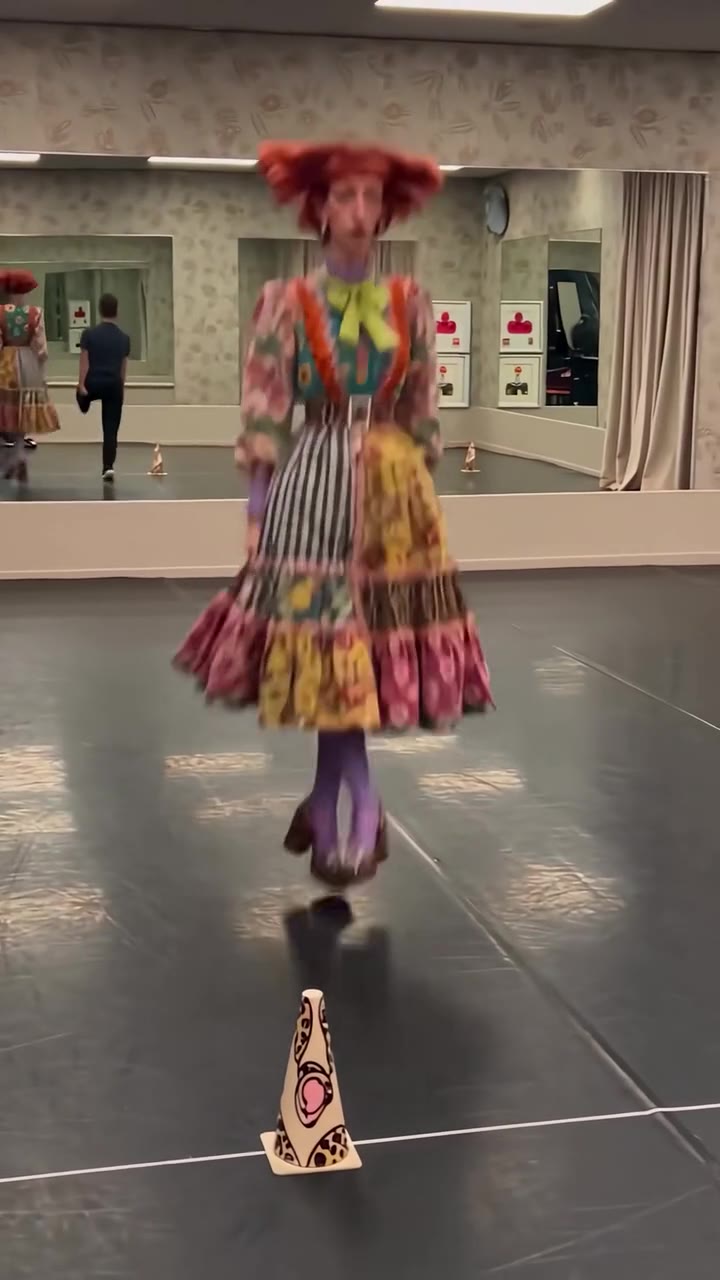
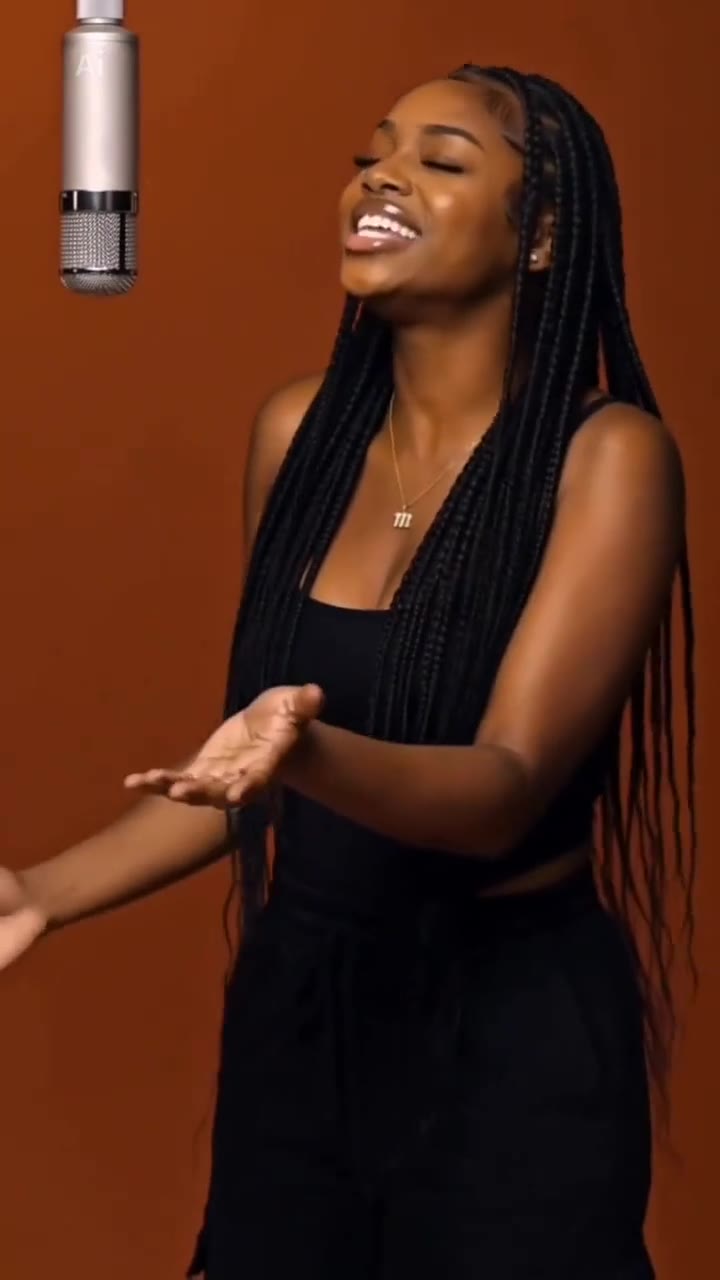
Render your viral dance clip in seconds
Upload your photo and hit Generate. 100% watermark-free HD export (up to Full HD 1080p).
How much does an AI dance video cost?
Basic
100 credits / month · ≈ 10 videos
$29.90/mo
≈ $2.99 / video
- Watermark-free HD export
- 100 fresh credits monthly
- Unused balance rolls over
- Cancel subscription anytime
ProSave 17%
200 credits / month · ≈ 20 videos
$49.90/mo
≈ $2.50 / video
- Clean 1080p MP4 downloads
- 200 monthly generation credits
- Automatic credit rollover
- Flexible monthly billing
StudioSave 26%
450 credits / month · ≈ 45 videos
$99.90/mo
≈ $2.22 / video
- Priority queue & 1080p output
- 450 credits refreshed monthly
- Keep unused monthly credits
- One-click account management
Or buy credits once
Basic: 10 videos a month for $29.90. The Crew Pack is 25 videos for $99, once.
Single
10 credits · ≈ 1 video
$9.90
≈ $9.90 / video
- Zero watermark on output
- Ready for TikTok & Reels
- Balance stays valid forever
- Auto-refund on failed tasks
Trio PackSave 39%
30 credits · ≈ 3 videos
$17.99
≈ $6 / video
- Unbranded HD video files
- Share across social feeds
- No expiration date on pack
- Instant credit return if blocked
Squad PackSave 41%
50 credits · ≈ 5 videos
$29
≈ $5.80 / video
- Full commercial social rights
- Export vertical 9:16 or 16:9
- Lifetime credit validity
- Protected against render errors
Crew PackSave 60%
250 credits · ≈ 25 videos
$99
≈ $3.96 / video
- Studio-grade watermark-free MP4
- Post to Shorts, Reels & TikTok
- Credits never expire
- Failed renders are refunded
Studio PackSave 66%
600 credits · ≈ 60 videos
$199
≈ $3.32 / video
- High-volume creator bundle
- Supports Ultra & Seedance 2.0
- Use at your own schedule
- 100% credit guarantee on failures
Label PackSave 72%
1800 credits · ≈ 180 videos
$499
≈ $2.77 / video
- Agency & multi-channel scale
- Lowest cost per rendered clip
- Permanent credit balance
- Zero risk on interrupted jobs
Get the next viral trend first
One email whenever a new TikTok or Reels AI trend explodes on HotDance AI. Unsubscribe at any time.
Search HotDance AI on Google
Add HotDance AI to your bookmarks or preferred sources on Google to get instant access to new trending AI video templates before they peak.