How to Make a Buggin Dance Video From One Cat Photo: Inputs, Cropped-Paw Limits & Credit Billing
Exact input rules, cropped-paw limitations, 0-credit still preview caps, credit pricing (10 cr HD 720p), and automatic refund behavior for the Buggin Cat Dance AI template.
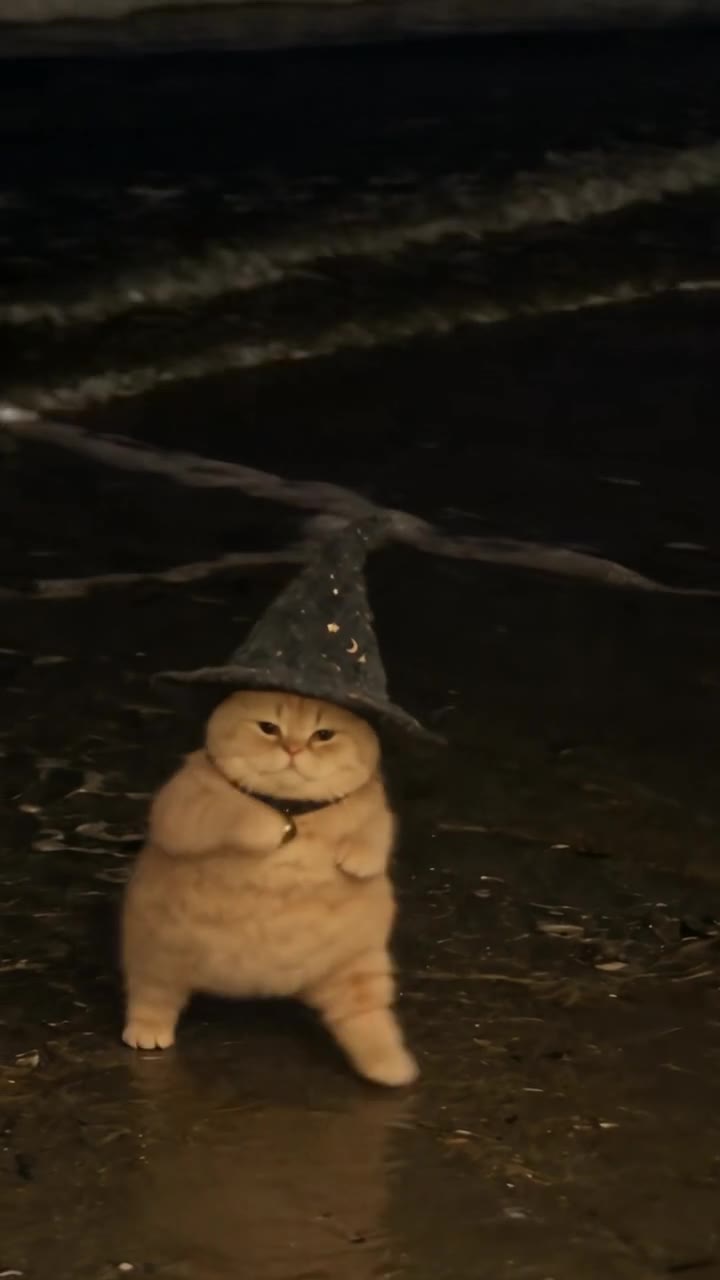
On the Buggin Dance AI template at HotDance AI (hotdanceai.com), you only upload one cat (or pet) photo (JPG, PNG, WEBP, or HEIC)—no reference video file or text prompt is needed or accepted. Before you spend credits, the template renders an instant 0-credit, no-signup OpenAI GPT Image 2.6 still-frame preview (up to 3 per template and 15 total per visitor) showing your cat inside the chosen stage; rendering the 12-second watermark-free HD MP4 costs 10 credits at HD 720p (default) or 93 credits at Full HD 1080p from non-expiring packs starting at $9.90 (10 credits). Note that cropped-paw seated cat photos have not been separately benchmarked, and because upright leg and paw motions are synthesized frame by frame, missing front-paw pixels force the model to invent unseen toes, leg stripes, and chest markings.
Here is the complete breakdown of verified inputs, preview limits, credit deduction and auto-refund timing, and what to avoid when using a cat photo.
Buggin Dance AI Template Specs & Billing Facts
Unlike custom motion-transfer editors that ask you to film or upload a driving dance clip, HotDance AI pre-calibrates the upright bounce, paw-clasping motion, and camera framing inside the template itself.
| Specification | Verified Template Behavior (Buggin Dance AI) |
|---|---|
| Upload Slot & File Types | 1 slot ( |
| Reference Video or Prompt | None required and no custom reference-video upload accepted; select from
built-in stage presets such as |
| Pre-Pay Still Preview | 0 credits, no sign-up required — OpenAI GPT Image 2.6 renders a static character frame preview (capped at 3 per visitor per template, 15 per visitor total, 15 per IP/day). Not a playable video preview. |
| Output Video & Audio |
|
| Exact Credit Cost | 10 credits for HD 720p (default, Seedance 2.0 Mini) or 93 credits for Full HD 1080p (Seedance 2.5). |
| Pack Pricing & Refunds | One-time non-expiring packs from $9.90 Single Pack (10 credits) or $17.99 Trio Pack (30 credits ≈ $6.00/solo HD clip). Credits deduct atomically on paid render submission and refund 100% automatically if a task fails or blocks. |
Seated Cat Photos With Cropped Paws: Verified Behavior vs. Unbenchmarked Limits
Creators frequently ask whether a cute photo of a cat sitting upright or perched on a sofa with its front paws cropped off at the bottom edge still converts cleanly into the upright Buggin dance without paw distortion or coat drift.
What is verified vs. what is unbenchmarked:
- Unbenchmarked scenario: HotDance AI has not published a controlled benchmark comparing cropped-paw seated cat photos against full-body standing cat photos on
Buggin Dance AI. We cannot guarantee zero paw artifacts or exact lower-body coat fidelity on cropped inputs. - Why cropped front paws increase hallucination risk: During the Buggin routine, the animated character bounces upright on two hind legs while clasping and waving its front paws in front of its chest. If your source photo cuts off the paws, hides them in a curled “loaf” posture, or covers them with a blanket, the diffusion model has zero reference pixels for paw color, white “socks,” chest stripes, or digit count—so it must hallucinate those details frame by frame.
- What you can check free before spending credits: Because your uploaded cat photo triggers the
0-creditGPT Image 2.6 still-frame preview immediately on the template page, inspect whether your cat's facial markings, ear shape, and chest fur held together in the preview frame before you submit the paid video job. - Safer input alternative: If the still preview already invents odd legs or blends sofa fabric into the belly, swap to an uncropped full-body photo—or pull a sharper full-body frame from an existing home video using our zero-cost Frame Extractor tool—before spending 10 credits.
Prepare One Clear Cat Photo
Since all visual identity cues come from a single upload slot, four framing choices do the most to keep tabby stripes, tuxedo patches, or calico spots consistent:
- Include ears, chest, and all four paws if possible: An uncropped sitting or standing photo gives the model real paw and leg reference pixels instead of forcing guesswork at the bottom crop boundary.
- Use even front lighting: Soft daylight or bright indoor light keeps pupils, whiskers, and fur contrast sharp without muddy shadows.
- Separate fur cleanly from the backdrop: A cat photographed against a plain wall or contrasting floor blends less than a dark cat sitting on a dark blanket.
- Avoid hands, collars, or furniture overlapping the torso: Objects resting across the cat's chest frequently smear into the front paws once animation begins.
Credit Timing, Auto-Refunds & Failed Renders
HotDance AI separates browsing and still previews from paid GPU video inference so you know exact billing rules before starting a job:
- Uploading & Viewing the Still Preview (
0 credits): Uploading your cat photo and checking the GPT Image 2.6 still-frame preview requires no login and deducts zero credits. - Submitting the Final MP4 Render (
10 cr720p /93 cr1080p): Credits are deducted atomically at the moment you confirm and start the paid video generation via Stripe, Apple Pay, Google Pay guest checkout, or an existing credit balance. - Automatic Failed-Render Refund (
100% returned): If a render fails server-side, times out, or hits an upstream moderation rejection (OutputVideoSensitiveContentDetected), 100% of the deducted credits return automatically to your balance. - Completed Broken Renders: Under our Refund Policy, one-time packs are final sale in cash (except verified duplicate charges), while verified template failures where a render finishes without properly swapping the subject can be reviewed by
support@hotdanceai.comfor credit restoration. All uploaded source images and finished MP4 files are deleted automatically within 30 days (About & Safety).
Template Workflow vs. Other Pet & Body-Swap Paths
A common source of confusion online is assuming /body-swap lets you upload a custom reference dance video to drive your cat photo. On live HotDance AI, AI Body Swap is a curated directory of pre-calibrated template routines—custom reference-video uploads are not accepted there or on /buggin-dance-ai.
For upright cat dancing, pick a purpose-built pet or animal routine directly from our AI Cat Video Effects hub (including Buggin Dance AI, AI Cat Dance, and Wizard Cat AI), check each template's photo slot requirements, inspect the free still preview, and review full pricing on /pricing.
Audio Rights Check Before Sharing on TikTok or Reels
Even though Buggin Dance AI exports a pre-muxed soundtrack by default, a sound track inside an exported file is not a commercial synchronization or public copyright license. Before publishing to a monetized channel or brand account, either mute the exported audio using the template toggle or replace the track inside TikTok's, Instagram's, or YouTube Shorts' official licensed audio library.
Quick Answers
Does my real cat need to stand upright in the photo?
No. Never force a pet into an uncomfortable upright posture. Upload a relaxed, natural sitting or standing photo in good lighting and let the template synthesize the animation.
What if I want a different cat dance choreography?
Each effect page performs its own calibrated routine. Browse more single-photo animal options in our Cats Effects hub or Pet Dance catalog.