AI Transition Video Generator: Seamless Camera Cuts & Morphs from 1 Photo
Skip hours of manual match-cuts and keyframing. Upload one clear photo and let our AI transition video generator from photo render seamless F1 camera whip-pans, ceiling-fan outfit reveals, and toy-to-supercar morphs in seconds.
- 6s
- 1 person
- 16:9 wide
Create viral AI transition video clips from one photo: ceiling fan outfit swap, F1 camera whip-pan, Earth zoom-out, and toy-to-real car morphs in HD.
- 1 Your photo
- 2 Free preview
- 3 Your video
Star in AI Transition Video
Add a photo and see yourself in the scene first, free.
Free preview first · Automatic refund if it fails
By making it, you confirm you have permission to use the uploaded photos.
Optical-Flow Match-Cut & Identity-Preserving Morph Pipeline
- Quality Options
- HD (720p) · Full HD (1080p)
- Credit Price
- From 10 credits (HD · 720p)
- Length & Format
- 6s · 16:9 HD
- Input
- 1 Photo(s)
- 1. Pre-Transition Subject & Anchor Lock Maps depth, lighting direction, and facial or vehicle landmarks from your single input photo so the opening shot looks authentically filmed.
- 2. Beat-Timed Optical Whip-Pan & Morph Bridge Generates natural directional motion blur, rotational spin, or volumetric geometry expansion precisely on the 2-second audio drop.
- 3. High-Contrast Destination Scene Resolve Snaps focus cleanly onto the transformed outfit, stadium broadcast angle, or full-size supercar without frame ghosting.
Vertical 9:16 60fps cinematic camera transition. Anchor the exact facial identity, body proportions, or vehicle silhouette in your uploaded photo during the opening frames, execute a physics-accurate whip-pan or volumetric scale morph on the musical beat drop, and resolve into a razor-sharp destination scene with coherent lighting.
Why Manual Editing Falls Short
- Manual CapCut or phone match-cuts fail whenever hand position, room lighting, or lens height shifts by even a few centimeters.
- Basic image-to-video interpolation melts facial features into abstract blobs during fast camera spins.
- Low-bitrate transitions lose sharpness right at the reveal frame where viewer retention is decided.
✓How HotDance AI Solves It
HotDance AI synthesizes a continuous 3D camera trajectory from a single photo—maintaining 100% facial likeness and object geometry right through the motion-blur apex.
AI Transition Video examples
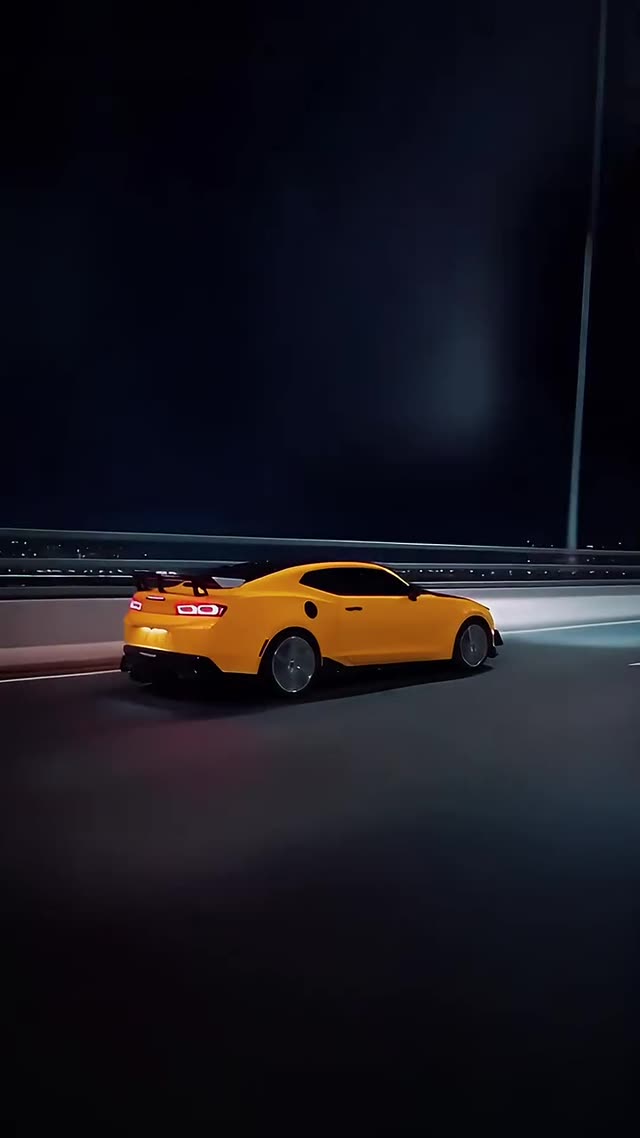
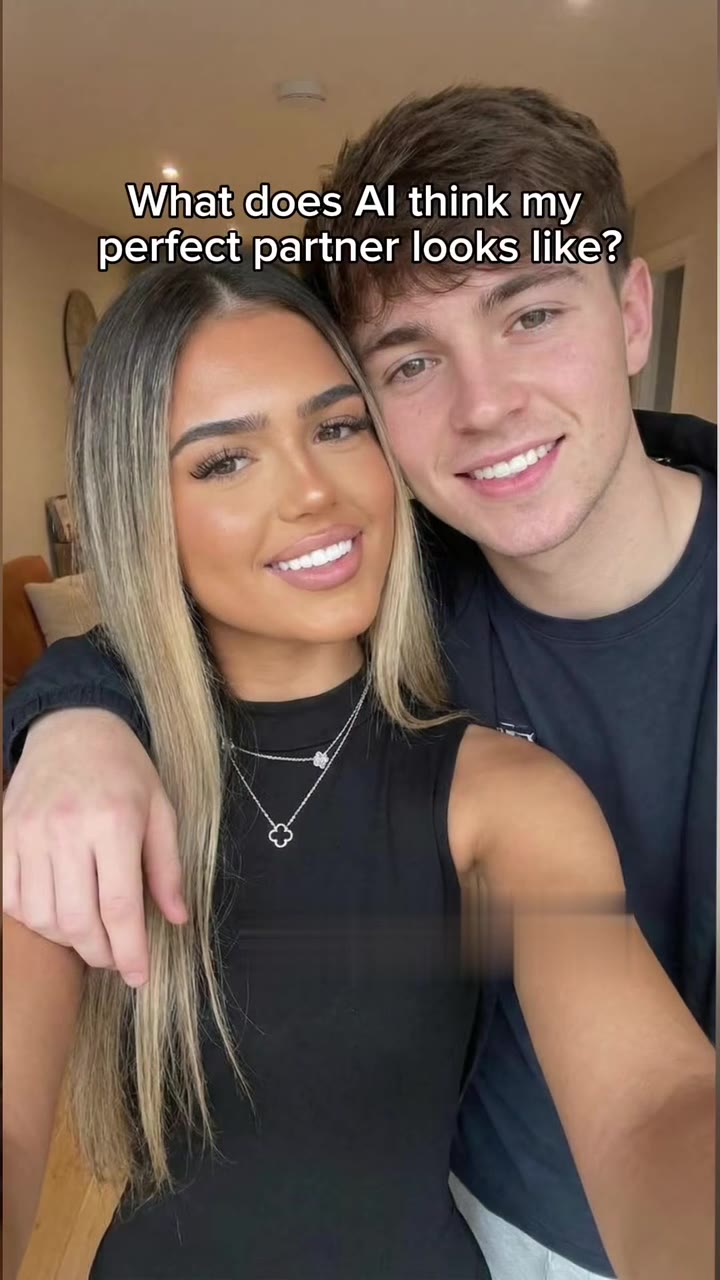
How to make your AI Transition video
Upload one clear starting photo
Select a well-lit portrait, full-body outfit shot, or vehicle/object photo from your device.
Pick your viral camera transition preset
Choose F1 Camera Whip-Pan Cut, Toy-to-Real Scale Morph, or Ceiling Fan & Outfit Reveal.
Render with Seedance 2.0 optical flow
Our engine computes the 3D camera path and morph frames in under 2 minutes with zero manual editing.
Download watermark-free HD MP4
Save your vertical transition video with synced audio and publish directly to TikTok, Reels, or Shorts.
What is the viral AI Transition Video trend on TikTok?
Remake the AI Transition Video trend on HotDance AI (hotdanceai.com): upload 1 photo, check your instant AI character frame preview with no sign-up, and render a 6s watermark-free HD video with synced audio from 10 credits — no prompt writing or reference video needed.
Creators searching for how to make ai transition video edits are replacing tedious multi-hour match-cut shoots with one-photo AI camera transitions—ranging from ceiling-fan outfit swaps and F1 broadcast whip-pans to Earth zoom-outs and miniature-to-real car morphs.
With our ai transition video generator from photo, you no longer need a tripod, matching room lighting, or timeline keyframing. A single still image is extrapolated into a continuous 3D camera move that bridges two distinct looks or scales in one fluid shot.
Because the transition apex is timed to hit at the exact 2-to-3-second mark where short-form algorithms measure watch-through rate, these seamless morphs consistently drive high replay loops and comment engagement on TikTok, Instagram Reels, and YouTube Shorts.
AI-powered camera whip-pans, outfit reveals, and scale morph transitions have accumulated over 1.8 billion views across TikTok and Reels.
AI Transition Video timeline breakdown
The Anchor Shot & Camera Push-In
Opens on your uploaded photo with subtle handheld camera breathing and natural depth-of-field separation to hook the viewer.
The Kinetic Whip-Pan or Volumetric Morph
On the beat drop, the virtual lens executes a high-velocity rotational arc or 3D geometry transformation with realistic motion blur.
The Hero Reveal & Replay Hold
Focus snaps onto the transformed outfit, full-scale supercar, or cinematic arena angle, holding for a clean social feed loop.
Pro tips for the sharpest AI Transition Video render
Center your subject with breathing room
Leave a little margin around your head, torso, or object so the virtual 3D camera has space to arc and zoom.
Sharp, unblurred starting photo
Start with a crisp daytime or indoor shot—let the AI generate the directional whip-pan blur automatically.
One primary subject in frame
A single person or vehicle ensures the optical-flow bridge locks onto the right silhouette during the cut.
Viral AI Transition Video ideas and creative twists to try
Diecast Toy to Driveway Supercar
"Tabletop toy car photo + Toy-to-Real Scale Morph preset"
Place a miniature model car on pavement and watch it expand into a full-size gleaming sports car.
Everyday Hoodie to Red-Carpet Glamour
"Mirror or half-body selfie + Ceiling Fan & Outfit Reveal preset"
Turn a casual daytime selfie into an instant high-fashion evening reveal on the beat drop.
Good to know before you start your video render
- No second photo or manual timeline splicing is required—the preset builds the entire transition from one image.
- Full-body or waist-up portraits produce the most dramatic wardrobe and environment transitions.
- All exports are delivered as watermark-free 9:16 vertical MP4 files ready for TikTok, Reels, and Shorts.
Frequently asked questions about AI Transition Video
What is an AI camera transition and how does it work?
An AI camera transition uses 3D optical-flow generation to create a seamless whip-pan, spin, or volumetric morph between two looks or scales. Instead of filming and splicing two separate clips by hand, you upload one starting photo and our model generates the entire transition automatically.
How do I make a seamless transition clip from one photo?
To see how to make ai transition video clips, upload a clear portrait or object photo in the generator above, select a preset such as F1 Whip-Pan, Toy-to-Real Morph, or Outfit Reveal, and click Generate. Your 6-second vertical MP4 will be ready in about two minutes.
Do I need CapCut, keyframes, or a custom text prompt?
No. Every transition preset on HotDance AI includes pre-calibrated camera motion curves, lighting synthesis, and identity lock parameters—no timeline editing or prompt writing is needed.
Does this AI transition video generator from photo preserve my face?
Yes. Our Seedance 2.0 Transition-Pro pipeline locks onto your facial geometry and skin tone before the camera spin begins, ensuring the person revealed after the cut looks unmistakably like you.
How many credits does an AI transition render cost?
A standard 6-second transition clip at 720p costs 10 credits, and every export is 100% watermark-free. If a render ever fails or times out, your credits are automatically refunded.
Can I include synchronized trend audio in my exported MP4?
Yes. Keep the Trend Audio (AAC HD) toggle enabled in Output Settings to mux the beat-matched transition soundtrack directly into your download, or switch to Mute if you want to add trending audio inside TikTok.






More Effects Like This


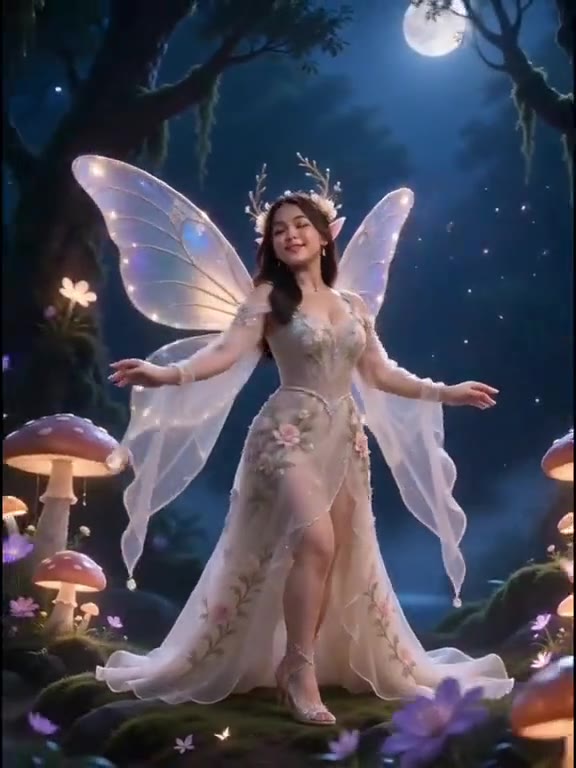
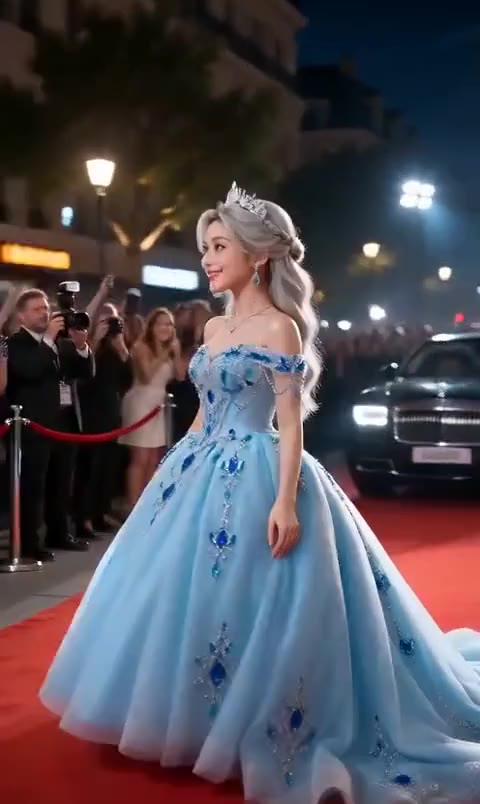
Render your viral dance clip in seconds
Upload your photo and hit Generate. 100% watermark-free HD export (up to Full HD 1080p).
How much does an AI dance video cost?
Basic
100 credits / month · ≈ 10 videos
$29.90/mo
≈ $2.99 / video
- Watermark-free HD export
- 100 fresh credits monthly
- Unused balance rolls over
- Cancel subscription anytime
ProSave 17%
200 credits / month · ≈ 20 videos
$49.90/mo
≈ $2.50 / video
- Clean 1080p MP4 downloads
- 200 monthly generation credits
- Automatic credit rollover
- Flexible monthly billing
StudioSave 26%
450 credits / month · ≈ 45 videos
$99.90/mo
≈ $2.22 / video
- Priority queue & 1080p output
- 450 credits refreshed monthly
- Keep unused monthly credits
- One-click account management
Or buy credits once
Basic: 10 videos a month for $29.90. The Crew Pack is 25 videos for $99, once.
Single
10 credits · ≈ 1 video
$9.90
≈ $9.90 / video
- Zero watermark on output
- Ready for TikTok & Reels
- Balance stays valid forever
- Auto-refund on failed tasks
Trio PackSave 39%
30 credits · ≈ 3 videos
$17.99
≈ $6 / video
- Unbranded HD video files
- Share across social feeds
- No expiration date on pack
- Instant credit return if blocked
Squad PackSave 41%
50 credits · ≈ 5 videos
$29
≈ $5.80 / video
- Full commercial social rights
- Export vertical 9:16 or 16:9
- Lifetime credit validity
- Protected against render errors
Crew PackSave 60%
250 credits · ≈ 25 videos
$99
≈ $3.96 / video
- Studio-grade watermark-free MP4
- Post to Shorts, Reels & TikTok
- Credits never expire
- Failed renders are refunded
Studio PackSave 66%
600 credits · ≈ 60 videos
$199
≈ $3.32 / video
- High-volume creator bundle
- Supports Ultra & Seedance 2.0
- Use at your own schedule
- 100% credit guarantee on failures
Label PackSave 72%
1800 credits · ≈ 180 videos
$499
≈ $2.77 / video
- Agency & multi-channel scale
- Lowest cost per rendered clip
- Permanent credit balance
- Zero risk on interrupted jobs
Get the next viral trend first
One email whenever a new TikTok or Reels AI trend explodes on HotDance AI. Unsubscribe at any time.
Search HotDance AI on Google
Add HotDance AI to your bookmarks or preferred sources on Google to get instant access to new trending AI video templates before they peak.