Celebrity Red Carpet AI Video Generator: 10-Second VIP Arrival & Autograph
Step out of a chauffeured black sedan onto a velvet-roped premiere carpet with our Celebrity Red Carpet AI generator. From a single front-facing photo, the 10-second sequence captures your car-door reveal, a tracking walk past a wall of popping camera flashes, an autograph signing where screaming fans hold up printed portraits of you, and a sparkling final close-up smile.
- 10s
- 1 person
- 9:16 vertical
Make a 10-second Celebrity Red Carpet AI video from one photo. Step out of a black sedan, walk past flashing cameras, sign fan photos, and smile on camera.
- 1 Your photo
- 2 Free preview
- 3 Your video
Star in Celebrity Red Carpet AI
Add a photo and see yourself in the scene first, free.
Free preview first · Automatic refund if it fails
By making it, you confirm you have permission to use the uploaded photos.
The 5-Beat Premiere Arrival, Fan-Print Match & Flash-Wall Pipeline
- Quality Options
- HD (720p) · Full HD (1080p)
- Credit Price
- From 10 credits (HD · 720p)
- Length & Format
- 10s · 9:16 HD
- Input
- 1 Photo(s)
- 1. Five-Beat Facial Identity & Close-Up Lock Preserves your exact facial structure, hairstyle, and headscarf or accessories from the wide car-door exit all the way to the 8–10s hero portrait.
- 2. Matching Fan-Held Autograph Portrait Maps your uploaded likeness onto the printed glossy photos held out by fans at the velvet rope so you are signing your own portrait rather than a random stranger’s.
- 3. Selectable Gala Couture or Original Photo Outfit Lets you dress up in a floor-length evening gown or black tuxedo (Gala Look) or walk the premiere in your everyday clothes (My Own Outfit) for comedic contrast.
- 4. Synchronized Paparazzi Strobe & Specular Lighting Simulates realistic press-line camera flashes reflecting across the black sedan, jewelry, and skin tones without washing out your facial features.
- 5. Clean Canopy & Zero Gibberish Sponsor Text Rule Strictly suppresses garbled step-and-repeat logos, fake event names, and floating watermarks so the stone venue and rope line look like a real broadcast.
Photorealistic 10-second live-action night premiere footage outside an illuminated stone landmark lined with velvet ropes and press photographers. Anchor 100% of the star’s facial identity, skin tone, hairstyle, and build to your uploaded photo from the car door to the final close-up. Follow five exact beats: (1) a luxury black sedan stops at the carpet edge, (2) the rear door opens and the subject steps out wearing either a formal Gala Look or their exact outfit from your uploaded photo, (3) tracking walk past popping camera flashes, (4) turning to the barrier to sign a printed portrait that displays the subject’s own face, and (5) a glamorous hero close-up smile with clean backgrounds free of fake sponsor text or logos.
Why Manual Editing Falls Short
- Model-Face Drift on the Final Close-Up: Standard generators bias heavily toward stock celebrity faces under flash photography, losing your real features by the 8-second mark.
- Mismatched Faces on Fan Autograph Prints: Without explicit dual-surface anchoring, the printed photos held by fans at the barrier show a blurred or unrelated face.
- Garbled Step-and-Repeat Sponsor Walls: Unconstrained red-carpet prompts invent gibberish event names and fake brand logos that immediately give away an AI clip.
✓How HotDance AI Solves It
HotDance AI locks your likeness on both the walking star and the fan-held autograph prints while keeping the stone premiere venue completely free of gibberish logos.
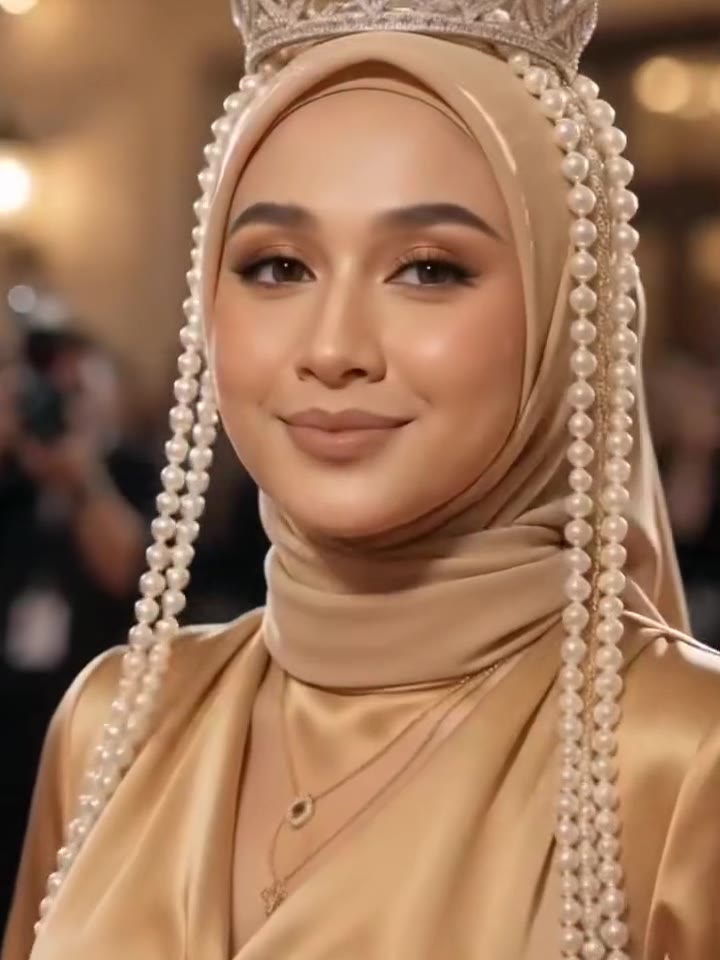
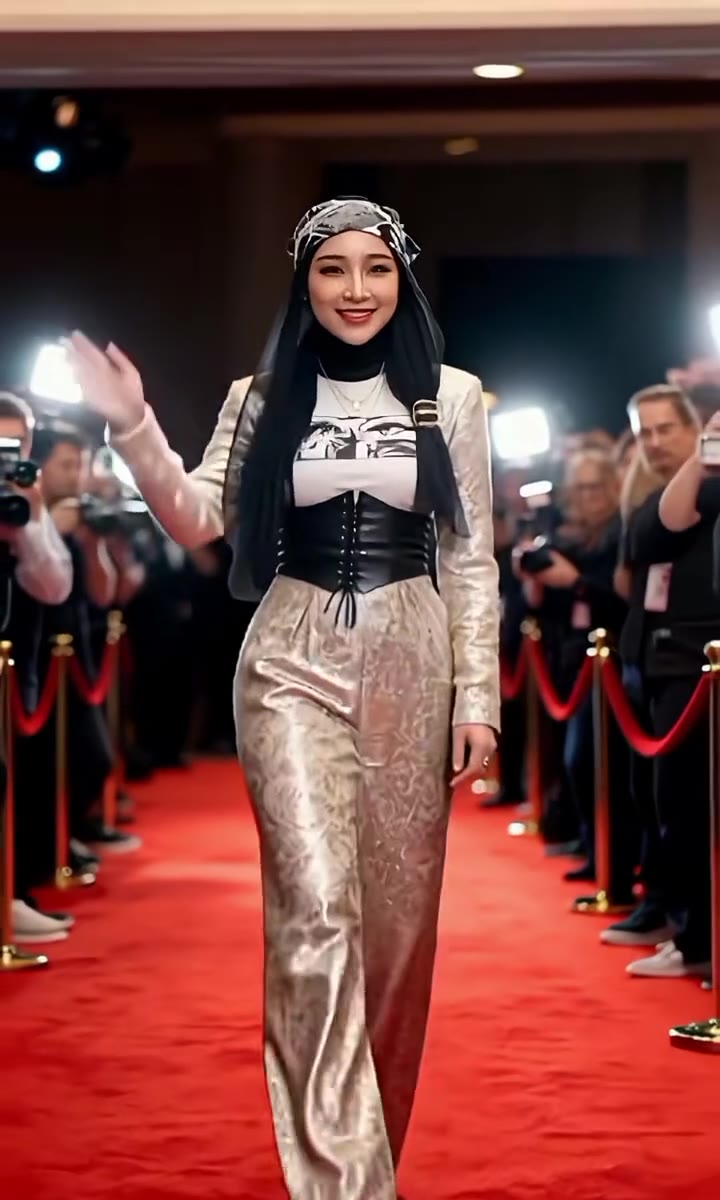
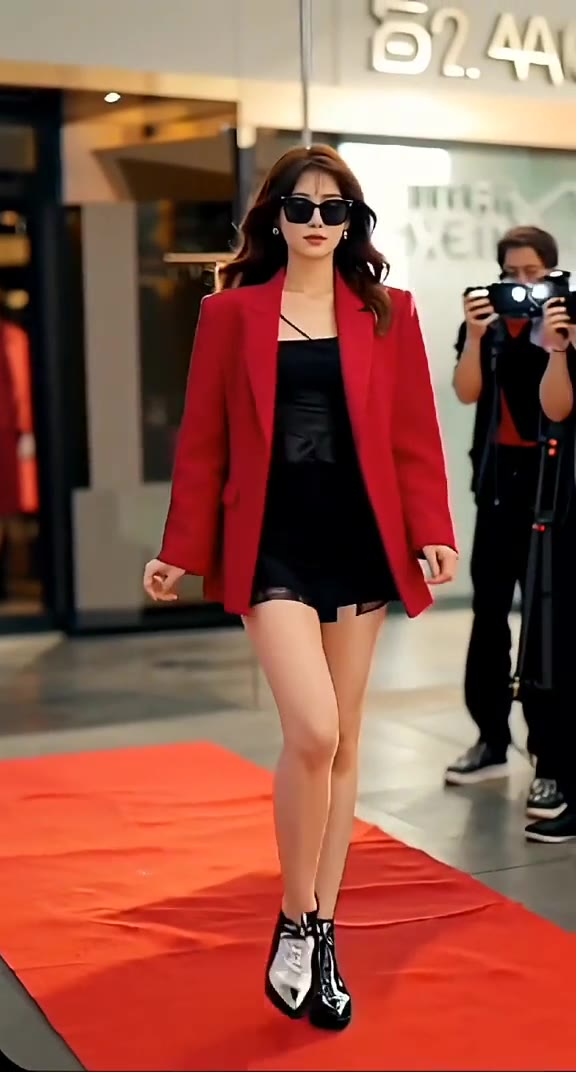
Celebrity Red Carpet AI examples
How to make your Celebrity Red Carpet AI video
Upload one clear front-facing photo
Choose a sharp, evenly lit photo showing your face and shoulders (or a full-body photo if you plan to use the My Own Outfit mode).
Select Gala Look or My Own Outfit & aspect ratio
Pick Gala Look for an evening gown or tuxedo, or My Own Outfit to keep your photo’s clothes, then choose 9:16 vertical or 16:9 widescreen.
Generate & download your 10-second VIP arrival MP4
Click Generate to render a watermark-free 10-second MP4 with premiere audio included, ready to post to TikTok, Reels, or Shorts.
What Is the Viral Celebrity Red Carpet AI Paparazzi Arrival Trend?
Remake the Celebrity Red Carpet AI trend on HotDance AI (hotdanceai.com): upload 1 photo, check your instant AI character frame preview with no sign-up, and render a 10s watermark-free HD video with synced audio from 10 credits — no prompt writing or reference video needed.
The Celebrity Red Carpet AI trend turns a single everyday selfie or portrait into a 10-second A-list movie premiere entrance. A glossy black sedan pulls up outside a lit stone building at night, the rear door swings open, and the person from the photo steps out onto a red carpet flanked by velvet ropes, popping paparazzi flashes, and cheering fans holding up printed portraits of them to sign.
While some creators use the Gala Look option to see themselves in a floor-length satin gown or tailored tuxedo, half the viral clips on TikTok and Instagram Reels lean into the comedy of the "My Own Outfit" mode—stepping out of a luxury limousine to sign autographs in a hoodie, work uniform, or casual pajamas as if they are the most famous person in the city.
HotDance AI automates the entire five-shot camera movement right in your browser. You upload one photo, choose between formal gala attire or your own clothes, and download a clean 10-second MP4 with no fake sponsor text and zero watermarks.
Celebrity Red Carpet AI timeline breakdown
Black Sedan Arrival & Rear-Door Step-Out
Opens on an illuminated stone venue at night as a black luxury sedan stops at the carpet edge; the door swings open and you step out smiling.
Paparazzi Flash-Wall Walk & Fan Autograph Signing
Tracks you walking down the velvet-roped carpet under rapid camera flashes before you turn to the barrier to sign a fan’s printed photo of yourself.
Sparkling Hero Close-Up Portrait
Finishes on a crisp close-up portrait as you look directly into the lens and smile while press flashes sparkle softly in the background.
Pro tips for the sharpest Celebrity Red Carpet AI render
Use a straight-on, front-facing photo in even lighting
Because the final two seconds hold on a tight close-up of your face, a sharp portrait with both eyes clearly visible produces the strongest likeness.
Upload a full-body or waist-up shot if you choose My Own Outfit
Showing your shirt, jacket, or full outfit in the photo gives the model the exact clothing details to carry down the carpet.
Skip sunglasses, masks, and heavy beauty filters
Uncovered eyes and natural skin texture hold up best under the simulated night-time paparazzi flashes.
Viral Celebrity Red Carpet AI ideas and creative twists to try
A-List Gala Gown or Black-Tie Premiere Reveal
"Clear front-facing portrait + Gala Look preset + 9:16 vertical"
Turn a casual camera-roll portrait into a glamorous 10-second movie-premiere arrival in an evening gown or tuxedo.
Casual Hoodie or Work-Uniform VIP Arrival Joke
"Full-body photo in casual everyday clothes + My Own Outfit preset + 9:16 vertical"
Step out of the black limousine and sign fan autographs in your everyday hoodie or work uniform for an instant TikTok punchline.
Frequently asked questions about Celebrity Red Carpet AI
How do I make the red carpet paparazzi arrival video from one photo?
Upload one clear, front-facing photo of yourself, select either Gala Look or My Own Outfit, choose 9:16 vertical or 16:9 widescreen, and click Generate. Your 10-second VIP arrival MP4 renders automatically without any text prompt.
What is the difference between Gala Look and My Own Outfit?
Gala Look dresses you in a formal floor-length evening gown or black tuxedo for the premiere walk, while My Own Outfit keeps the exact clothes shown in your uploaded photo.
Do the fans at the barrier really hold up photos of me?
Yes. During the 5–8 second autograph beat, the printed photos held out by fans along the rope line are generated from your uploaded portrait so you are signing your own picture.
Are any real celebrities, brand logos, or awards shows shown in the clip?
No. You are the sole star of the clip, and the stone building, car, and crowd are completely free of real celebrity faces, event names, or sponsor logos.
Does the downloaded 10-second MP4 include sound and have no watermark?
Every rendered clip downloads as a watermark-free 10-second MP4 with premiere audio included, which you can keep or swap for a trending sound in TikTok or Reels.
How many credits does a 10-second render cost, and what if it fails?
A standard 10-second 720p render starts at 10 credits, and if a generation ever fails, times out, or is blocked, your credits are returned automatically.






More Effects Like This

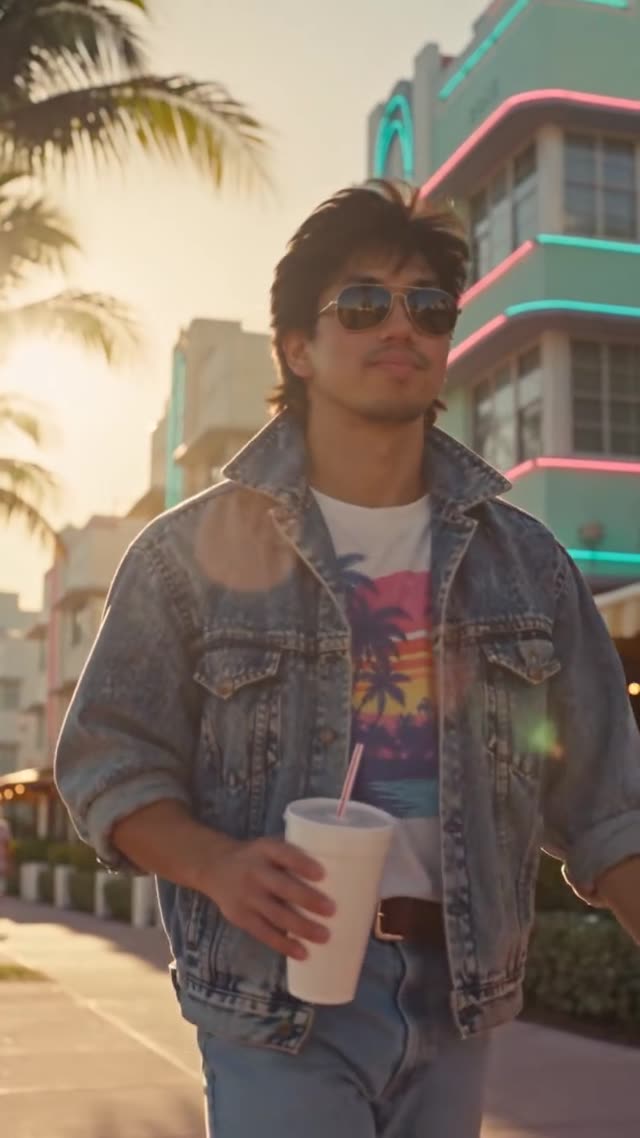

Render your viral dance clip in seconds
Upload your photo and hit Generate. 100% watermark-free HD export (up to Full HD 1080p).
How much does an AI dance video cost?
Basic
100 credits / month · ≈ 10 videos
$29.90/mo
≈ $2.99 / video
- Watermark-free HD export
- 100 fresh credits monthly
- Unused balance rolls over
- Cancel subscription anytime
ProSave 17%
200 credits / month · ≈ 20 videos
$49.90/mo
≈ $2.50 / video
- Clean 1080p MP4 downloads
- 200 monthly generation credits
- Automatic credit rollover
- Flexible monthly billing
StudioSave 26%
450 credits / month · ≈ 45 videos
$99.90/mo
≈ $2.22 / video
- Priority queue & 1080p output
- 450 credits refreshed monthly
- Keep unused monthly credits
- One-click account management
Or buy credits once
Basic: 10 videos a month for $29.90. The Crew Pack is 25 videos for $99, once.
Single
10 credits · ≈ 1 video
$9.90
≈ $9.90 / video
- Zero watermark on output
- Ready for TikTok & Reels
- Balance stays valid forever
- Auto-refund on failed tasks
Trio PackSave 39%
30 credits · ≈ 3 videos
$17.99
≈ $6 / video
- Unbranded HD video files
- Share across social feeds
- No expiration date on pack
- Instant credit return if blocked
Squad PackSave 41%
50 credits · ≈ 5 videos
$29
≈ $5.80 / video
- Full commercial social rights
- Export vertical 9:16 or 16:9
- Lifetime credit validity
- Protected against render errors
Crew PackSave 60%
250 credits · ≈ 25 videos
$99
≈ $3.96 / video
- Studio-grade watermark-free MP4
- Post to Shorts, Reels & TikTok
- Credits never expire
- Failed renders are refunded
Studio PackSave 66%
600 credits · ≈ 60 videos
$199
≈ $3.32 / video
- High-volume creator bundle
- Supports Ultra & Seedance 2.0
- Use at your own schedule
- 100% credit guarantee on failures
Label PackSave 72%
1800 credits · ≈ 180 videos
$499
≈ $2.77 / video
- Agency & multi-channel scale
- Lowest cost per rendered clip
- Permanent credit balance
- Zero risk on interrupted jobs
Get the next viral trend first
One email whenever a new TikTok or Reels AI trend explodes on HotDance AI. Unsubscribe at any time.
Search HotDance AI on Google
Add HotDance AI to your bookmarks or preferred sources on Google to get instant access to new trending AI video templates before they peak.