AI Old Photo Restoration & Lifelike Portrait Revival
Upload a faded, creased, or vintage photograph and revive the person into a sharp, lifelike vertical 2:3 high-resolution still portrait—keeping their true facial likeness, clothing, and period tone intact.
Updated : Studio-grade motion & portrait fidelity with natural likeness preservation.
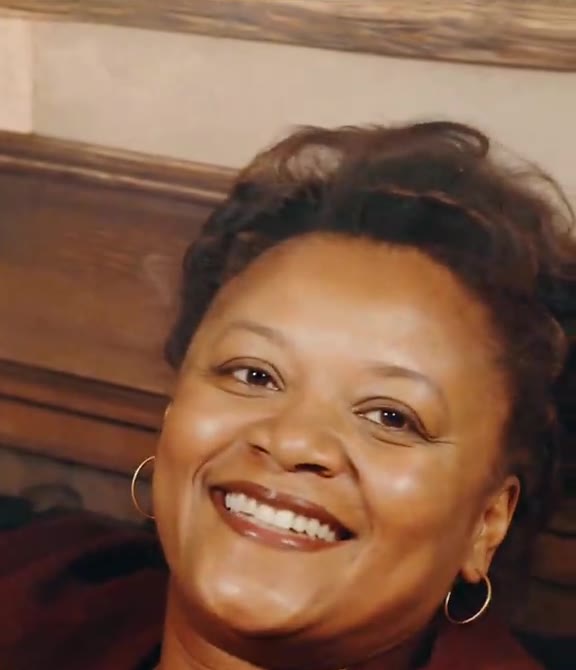
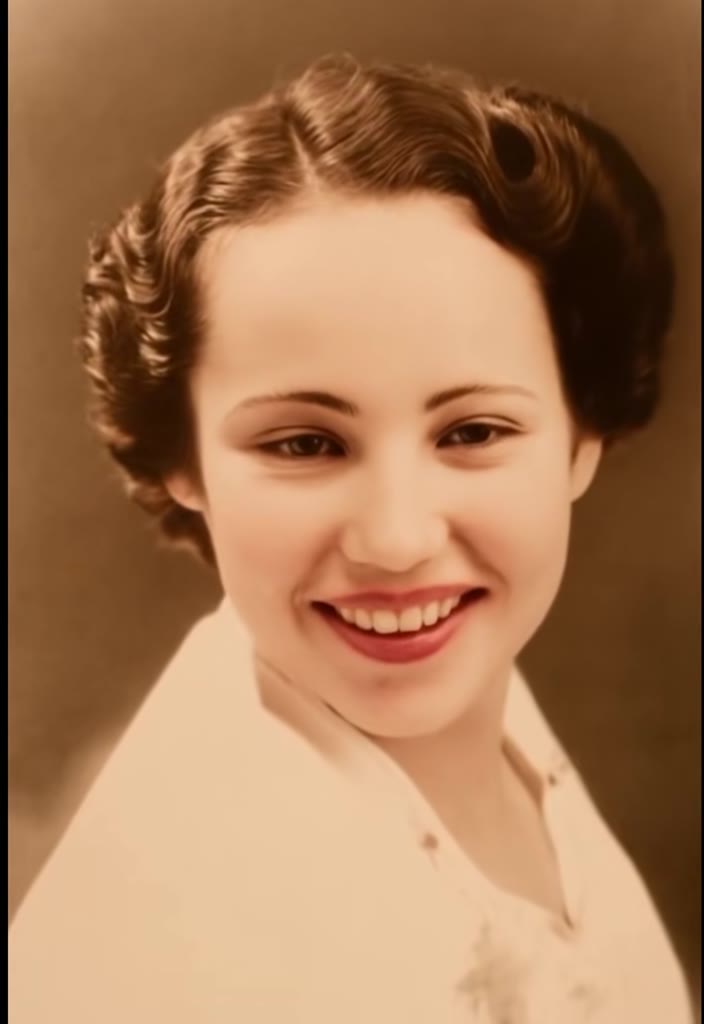
Create Your Old Photo Animation AI Generator Online
1Upload Your Photo
Tip: Use high-resolution, front-facing photos with clear lighting for maximum realism.
2Choose Environment & Style
3Output Settings
By generating you confirm you have permission to use the uploaded photos. Terms of Service
Watermark-free export · Ready in ~2 minutes · Failed renders are instantly refunded
AI Old Photo Restoration & Lifelike Portrait Revival Architecture
- Quality Options
- High-resolution portrait
- Credit Price
- 1 credit
- Length & Format
- One vertical 2:3 high-res portrait photo
- Input
- 1 Photo(s)
- 1. Historical Identity & Likeness Lock Anchors eye spacing, nose bridge, jawline, age, and hairstyle directly to your uploaded family print.
- 2. Surface Crease, Dust & Softness Repair Reconstructs fine facial detail where silver halide fading, scanner haze, or paper folds softened the original print.
- 3. Period-Accurate Wardrobe & Tone Preservation Retains vintage collars, fabrics, and authentic black-and-white, sepia, or faded film tones instead of modernizing clothes.
- 4. Clean Vertical 2:3 Archival Output Delivers a single high-resolution portrait image without logos, borders, or watermarks in under a minute.
Using the person in your uploaded photo as the strict facial identity and historical likeness source, generate one high-resolution vertical 2:3 restored portrait photograph. Preserve 100% of the subject bone structure, eye shape, age, hairstyle, period clothing, and original monochrome or faded vintage colour tone while repairing surface creases, scratches, dust, and softness into natural skin texture, sharp eyes, and lifelike portrait presence with zero watermark.
Why Manual Editing Falls Short
- Over-aggressive face enhancers smooth away natural laugh lines and make relatives look like generic modern models.
- Flash glare or angled phone captures introduce lens distortion that shifts facial proportions.
- Group scans leave very few pixels per face unless cropped tightly around one subject before uploading.
✓How HotDance AI Solves It
HotDance AI locks bone structure, eye contours, and original period attire first, reviving clarity and lifelike portrait presence in one crisp 2:3 still image.
Old Photo Animation AI Generator examples
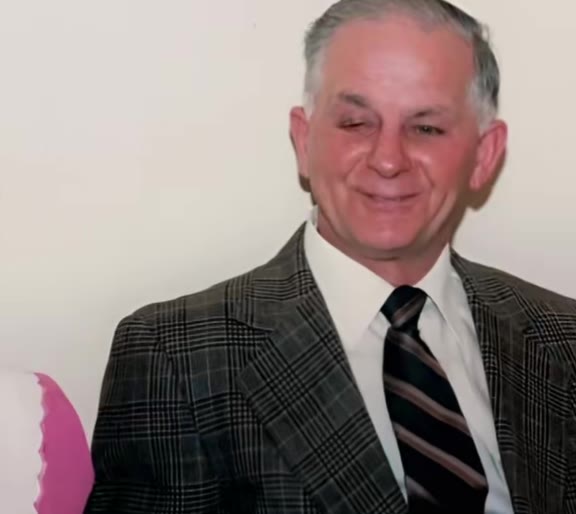
How to make your Old Photo Animation AI Generator image
Upload your old photograph
Upload a flat scan or daylight phone capture of the print, cropped to one person with borders trimmed.
Pick your revival style
Choose Warm Smile Revival for a gentle lifelike expression or Archival Portrait Clarity for faithful restoration.
Generate & download your portrait
Your vertical 2:3 high-resolution restored photo renders in under a minute for 1 credit, ready to save, print, or share.
What Is AI Old Photo Restoration & Lifelike Portrait Revival?
Remake the Old Photo Animation AI Generator photo trend on HotDance AI (hotdanceai.com): upload 1 photo and render a watermark-free OpenAI GPT Image 2.6 portrait from 1 credit — no prompt writing needed.
Bringing old family photographs back to life surged into mainstream culture in February 2021 when heritage platforms popularized reviving vintage prints, inspiring millions of people to revisit shoeboxes of grandparents and relatives captured decades before smartphone cameras existed. Even today, many searchers type "old photo animation" when looking for a way to make a faded family portrait feel vivid and present again.
On HotDance AI, this template is purpose-built as a 1-credit AI Old Photo Restoration and Lifelike Portrait Revival image generator powered by OpenAI GPT Image 2.6. Rather than producing a looping video clip that can warp mouths or drift away from a relative’s real features, it outputs one high-resolution vertical 2:3 still portrait with repaired detail, clear eyes, and natural expression.
The restoration pipeline keeps original black-and-white, sepia, or vintage colour tones alongside authentic period clothing and paper character, so your revived portrait still honors the era of the original print while looking sharp enough for framing, memorial slideshows, and before-and-after social carousels.
Updated November 11, 2026 · HotDance AI is an independent creative tool and is not affiliated with MyHeritage, TikTok, Instagram, or CapCut.
Pro tips for the sharpest Old Photo Animation AI Generator render
Capture the print flat in daylight
Place the photograph near a window with flash turned off and shoot straight down. Specular glare over the eyes is the #1 cause of likeness loss.
Crop to one subject per generation
If you are reviving a family group photo, crop tightly around one person at a time so GPT Image 2.6 dedicates full resolution to their face.
Trim heavy frames and handwritten borders
Cropping out glass frames, album corners, and ink captions helps the restoration model focus cleanly on portrait lighting and facial detail.
Compare both revival presets
At 1 credit per image, running Archival Portrait Clarity alongside Warm Smile Revival lets you pick the most faithful keepsake for your family.
Viral Old Photo Animation AI Generator ideas and creative twists to try
Before-and-After Heritage Carousel
"Slide 1 original vintage scan -> Slide 2 Archival Portrait Clarity 2:3 high-res portrait"
Pair the original faded family print beside the restored high-resolution portrait on TikTok photo mode, Instagram carousels, or family group chats.
Anniversary & Reunion Framed Print
"Daylight scan of grandparent portrait + Archival Portrait Clarity preset"
Revive a softened pocket print into a crisp vertical 2:3 portrait suitable for tribute boards, anniversaries, and family albums.
Warm Smile Tribute Portrait
"Solemn vintage studio portrait + Warm Smile Revival preset"
Create a gentle, lifelike smiling portrait variation while preserving original period attire and archival film grain.
Good to know before you start your image render
- The output on this page is one vertical 2:3 high-resolution still image (1 credit), not a video file, and has no audio.
- Heavy glare, deep tears, or missing regions across the eyes or mouth must be inferred by the AI model, so start from the cleanest print available.
- Single-person crops preserve far sharper facial likeness than wide multi-person group portraits.
- Likeness is not guaranteed on severely damaged prints, and any failed or blocked generation refunds its 1 credit automatically.
Frequently asked questions about Old Photo Animation AI Generator
Does this page generate a video or a restored still portrait photo?
This HotDance AI template generates one high-resolution vertical 2:3 still portrait image (outputType: image), not a video clip. Using OpenAI GPT Image 2.6 for portrait revival avoids the uncanny mouth warping common in short video loops while delivering crisp, frame-worthy facial detail in under a minute.
How do I restore and revive an old family photo on HotDance AI?
Photograph or scan your print flat in soft daylight without flash, crop out any frame border so one person is centered, upload the JPG, PNG, WEBP, or HEIC file above, select Warm Smile Revival or Archival Portrait Clarity, and click Generate. Your restored 2:3 portrait is typically ready in 20 to 45 seconds.
How many credits does AI old photo restoration cost?
Each high-resolution portrait generation costs 1 credit on HotDance AI (there is no complimentary trial). One-time credit packs start at $9.90 for 10 credits—enough for 10 restored portraits—and credits never expire. If a generation ever fails or is blocked, your 1 credit returns automatically.
Which AI model powers the Old Photo Portrait Revival tool?
HotDance AI runs this template on OpenAI GPT Image 2.6 with a built-in historical likeness and archival tone prompt, so you do not need to write or tune prompts yourself.
Does it work on black-and-white or sepia prints?
Yes. Both presets work on black-and-white, sepia, and faded vintage colour photographs. By default, the model preserves the authentic archival tone and period clothing of your original print rather than applying artificial neon colour.
Why does the revived portrait look slightly different from the original print?
Subtle shifts happen when the source print is tiny, heavily creased across the eyes, or photographed with flash glare. Cropping to a single face and shooting flat in indirect daylight produces the strongest likeness, and Archival Portrait Clarity keeps expressions closest to the original pose.
Can I download the restored portrait without a watermark?
Yes. Every 1-credit portrait generated on HotDance AI downloads at full 2:3 resolution with zero watermarks or badges, ready to archive, print, or share on social media.






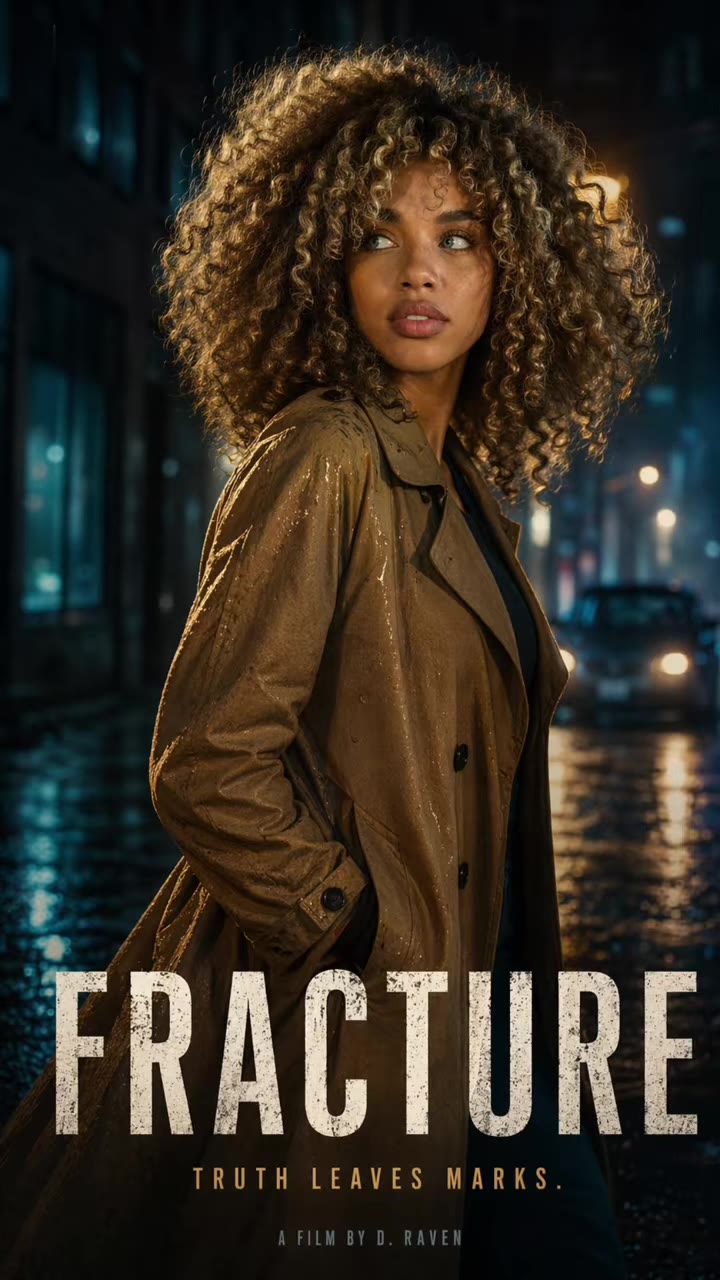
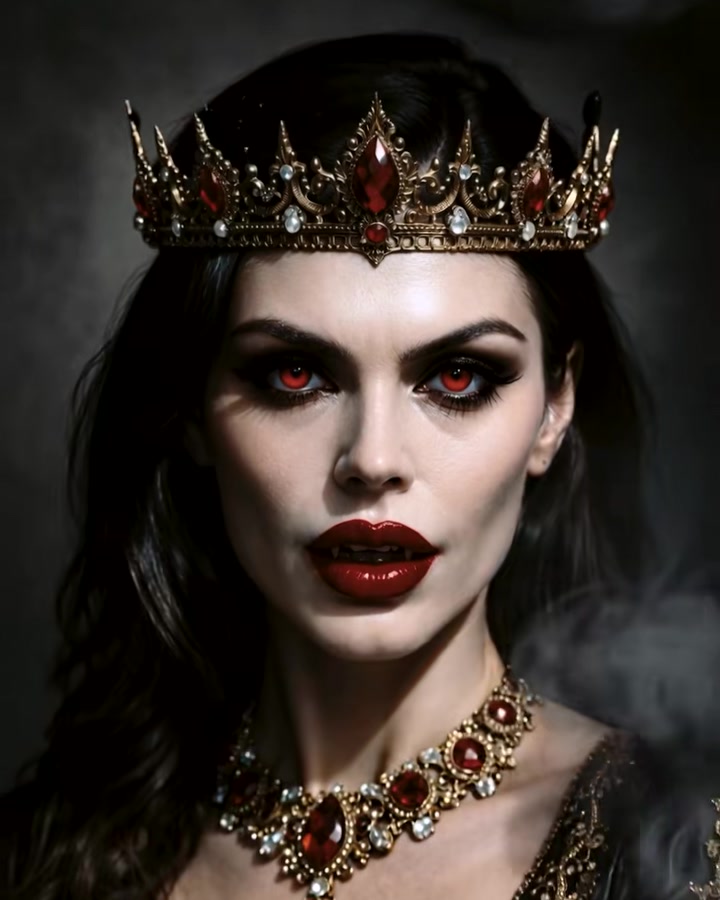
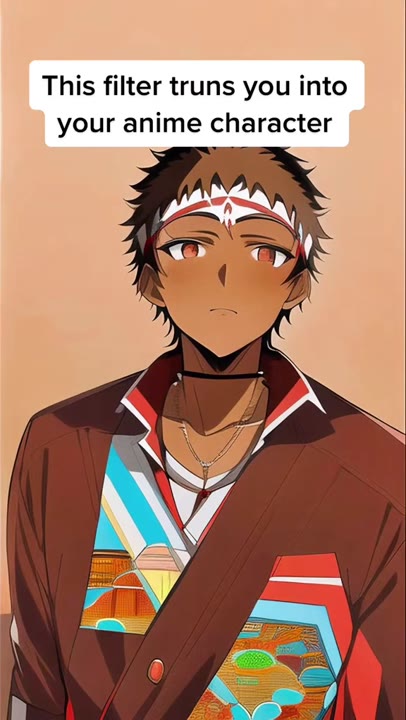
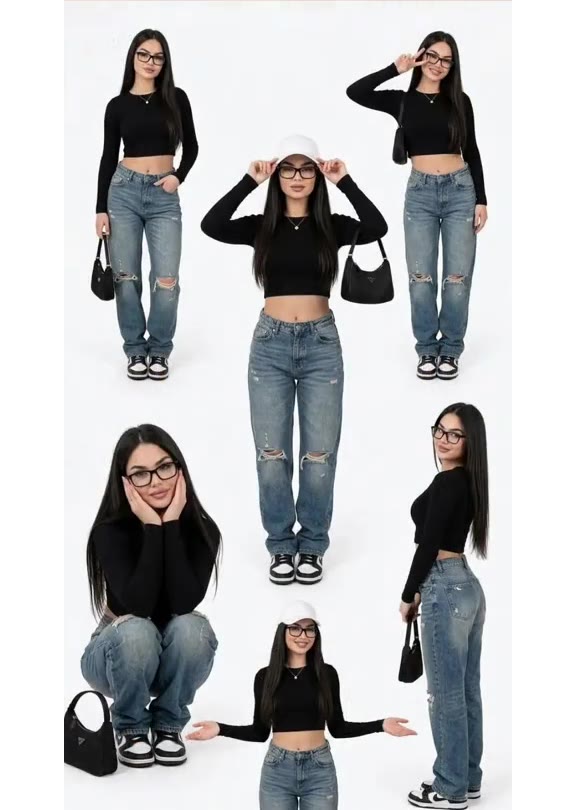
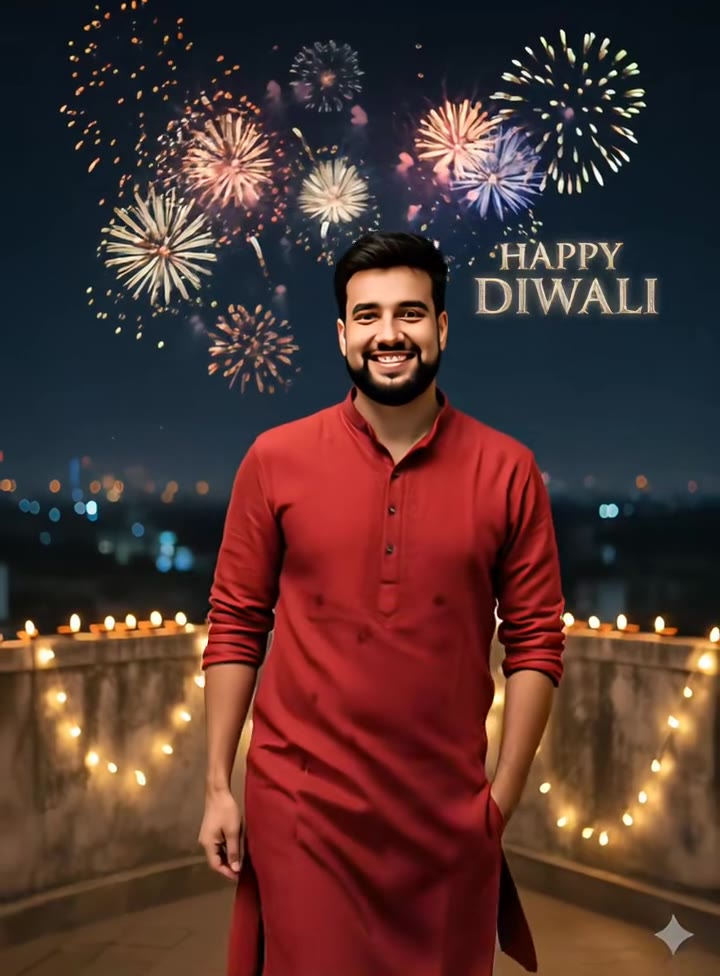
Transform your portrait in seconds
Upload your photo and hit Generate. 100% watermark-free studio styling.
How much does an AI dance video cost?
Basic
100 credits / month · ≈ 10 videos
$29.90/mo
≈ $2.99 / video
- Watermark-free HD export
- 100 fresh credits monthly
- Unused balance rolls over
- Cancel subscription anytime
ProSave 17%
200 credits / month · ≈ 20 videos
$49.90/mo
≈ $2.50 / video
- Clean 1080p MP4 downloads
- 200 monthly generation credits
- Automatic credit rollover
- Flexible monthly billing
StudioSave 26%
450 credits / month · ≈ 45 videos
$99.90/mo
≈ $2.22 / video
- Priority queue & 1080p output
- 450 credits refreshed monthly
- Keep unused monthly credits
- One-click account management
Or buy credits once
Basic: 10 videos a month for $29.90. The Crew Pack is 25 videos for $99, once.
Single
10 credits · ≈ 1 video
$9.90
≈ $9.90 / video
- Zero watermark on output
- Ready for TikTok & Reels
- Balance stays valid forever
- Auto-refund on failed tasks
Trio PackSave 39%
30 credits · ≈ 3 videos
$17.99
≈ $6 / video
- Unbranded HD video files
- Share across social feeds
- No expiration date on pack
- Instant credit return if blocked
Squad PackSave 41%
50 credits · ≈ 5 videos
$29
≈ $5.80 / video
- Full commercial social rights
- Export vertical 9:16 or 16:9
- Lifetime credit validity
- Protected against render errors
Crew PackSave 60%
250 credits · ≈ 25 videos
$99
≈ $3.96 / video
- Studio-grade watermark-free MP4
- Post to Shorts, Reels & TikTok
- Credits never expire
- Failed renders are refunded
Studio PackSave 66%
600 credits · ≈ 60 videos
$199
≈ $3.32 / video
- High-volume creator bundle
- Supports Ultra & Seedance 2.0
- Use at your own schedule
- 100% credit guarantee on failures
Label PackSave 72%
1800 credits · ≈ 180 videos
$499
≈ $2.77 / video
- Agency & multi-channel scale
- Lowest cost per rendered clip
- Permanent credit balance
- Zero risk on interrupted jobs
Get the next viral trend first
One email whenever a new TikTok or Reels AI trend explodes on HotDance AI. Unsubscribe at any time.
Search HotDance AI on Google
Add HotDance AI to your bookmarks or preferred sources on Google to get instant access to new trending AI video templates before they peak.