Bhai Dooj AI Photo Generator: Festive Tilak & Diya Portrait
Celebrate the festival of brothers and sisters with our Bhai Dooj AI photo generator. Upload one clear front-facing selfie to appear in elegant festive attire—a silk saree or regal kurta—adorned with a traditional red kumkum tilak, a gleaming brass aarti thali, and warm golden diya candlelight.
Updated : Studio-grade motion & portrait fidelity with natural likeness preservation.
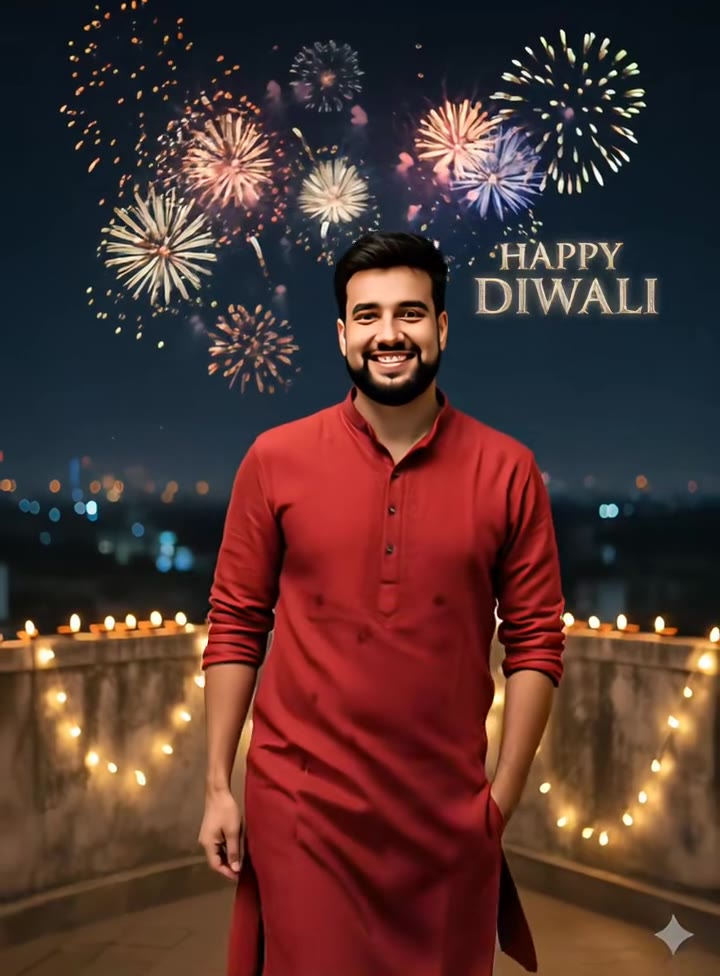
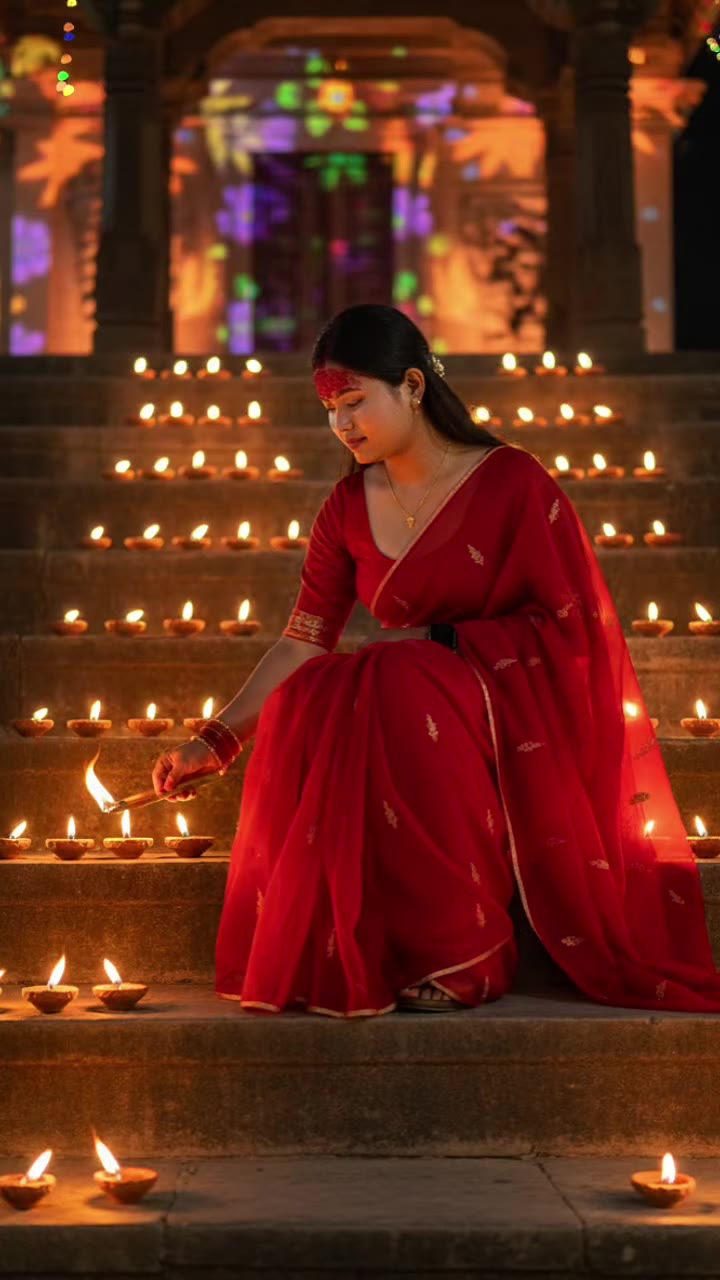
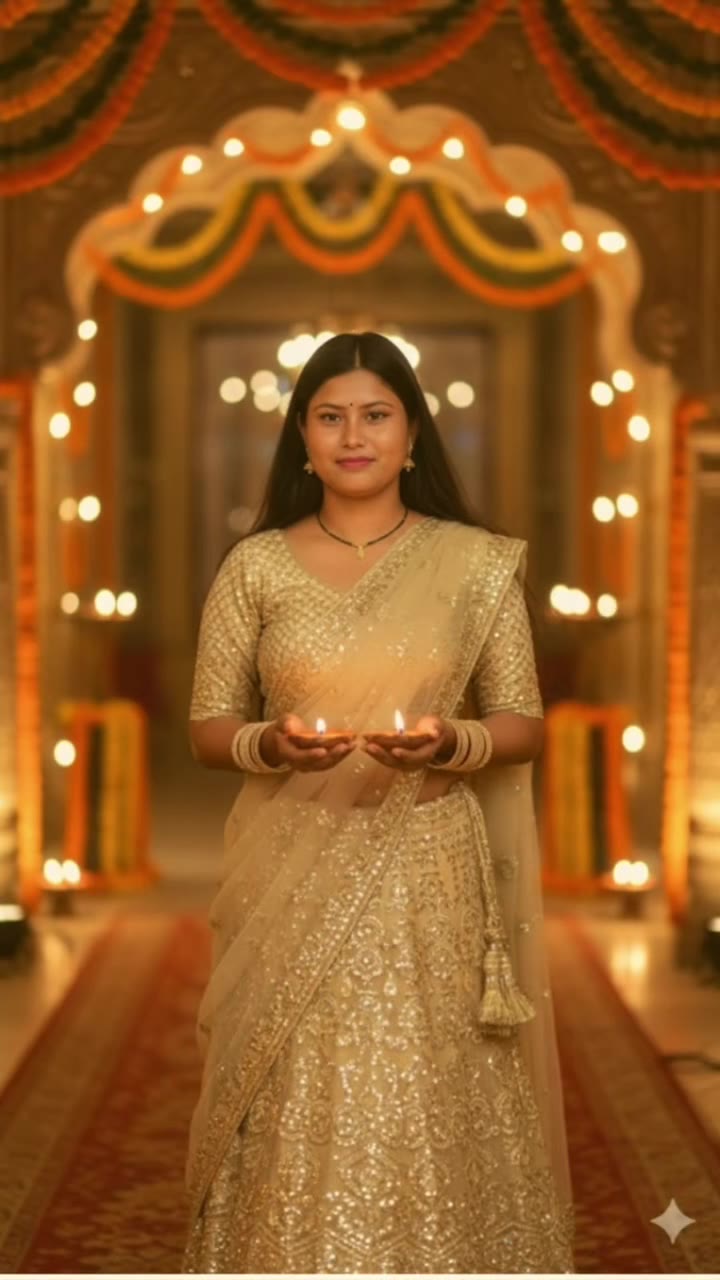
Create Your Bhai Dooj AI Online
1Upload Your Photo
Tip: Use high-resolution, front-facing photos with clear lighting for maximum realism.
2Choose Environment & Style
3Output Settings
By generating you confirm you have permission to use the uploaded photos. Terms of Service
Watermark-free export · Ready in ~2 minutes · Failed renders are instantly refunded
The 5-Part Identity Lock, Traditional Attire & Diya Lighting Pipeline
- Quality Options
- High-resolution portrait
- Credit Price
- 1 credit
- Length & Format
- One vertical 2:3 still image
- Input
- 1 Photo(s)
- 1. Facial Identity & Skin Tone Continuity Lock Preserves your exact facial contours, natural complexion, smile, and hairstyle without replacing your features with a generic model face.
- 2. Gender-Adaptive Traditional Festival Wardrobe Automatically pairs women with handloom silk sarees, dupattas, and jhumkas, and men with tailored kurtas, stoles, and Nehru jackets.
- 3. Precise Kumkum Tilak & Aarti Thali Detailing Draws a culturally authentic small round kumkum tilak on the forehead and places a traditional brass thali with clay diyas in hand.
- 4. Soft Twilight Ambient & Diya Flame Lighting Renders natural golden-hour illumination with warm specular reflections from flickering oil lamps and soft bokeh string lights.
- 5. Single-Subject High-Fidelity Rule Focuses entirely on one adult subject to eliminate facial merging or sibling blending common in multi-person AI generation.
Photorealistic vertical 2:3 festive festival portrait. Lock 100% of the subject’s facial features, age, skin tone, eye shape, and natural hair to your uploaded photo. Dress the subject in rich South Asian festive wear—an embroidered silk saree or lehenga with gold jewelry for women, or an ivory raw-silk kurta with a maroon Nehru jacket for men. Place them in a warm home interior at twilight adorned with clay diyas, marigold garlands, and a polished brass pooja thali containing sweets and kumkum. Apply a small, neat red kumkum tilak to the center forehead under warm specular lamp glow with zero watermarks or distorted hands.
Why Manual Editing Falls Short
- Tilak Distortion: Standard prompts frequently misinterpret a tilak as a giant red smear, third eye, or forehead jewelry unless strictly constrained.
- Face Swapping with Strangers: Unanchored text prompts drift toward generic Bollywood actors rather than keeping your real family resemblance.
- Saree and Kurta Hallucinations: Generic generators struggle with traditional drapes, often creating unrealistic floating fabric or broken jewelry.
✓How HotDance AI Solves It
HotDance AI pre-wires the cultural attire constraints, tilak positioning, and single-subject identity anchors in our festive portrait pipeline so one selfie creates a flawless keepsake.
Bhai Dooj AI Photo examples
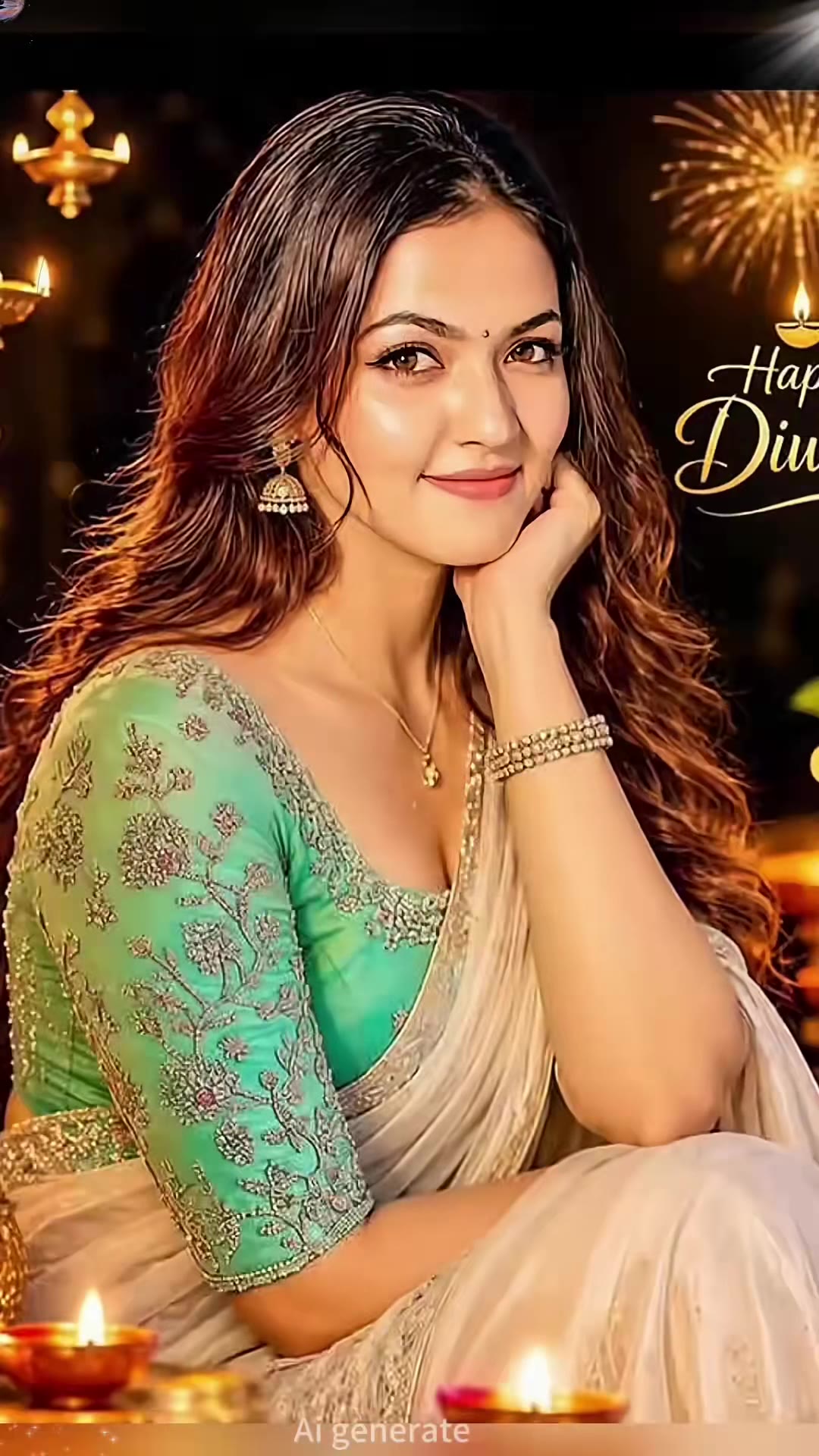
How to make your Bhai Dooj AI image
Upload one clear front-facing selfie
Choose a daylight or well-lit photo showing your face and shoulders with neutral, unobstructed lighting.
Select Tilak & Thali, Aarti, or Retro Album
Pick your preferred festive mood, and the system automatically matches the traditional outfit to the person in the photo.
Generate and share your festival greeting
Click Generate to download your vertical 2:3 high-resolution portrait ready to send to siblings or post on WhatsApp and Instagram.
What Is the Viral Bhai Dooj AI Photo Festival Trend?
Remake the Bhai Dooj AI Photo photo trend on HotDance AI (hotdanceai.com): upload 1 photo and render a watermark-free OpenAI GPT Image 2.6 portrait from 1 credit — no prompt writing needed.
A Bhai Dooj AI photo is a warm festive portrait created from a casual everyday picture: you appear in traditional holiday attire complete with a ceremonial red tilak, a polished brass thali, sweets, and flickering diyas.
Celebrated on the final day of the Diwali festive period, Bhai Dooj (also known as Bhaiya Dooj or Bhai Tika) honors the lifelong bond between sisters and brothers. Because siblings often live in different cities or abroad, creating and sharing personalized festive portraits on WhatsApp, Instagram Stories, and Facebook has become a beloved modern holiday tradition.
HotDance AI brings the entire festival look to life without requiring professional photography or complex prompting. You upload a single photo, choose your preferred ceremonial ambiance, and export a clean vertical portrait within seconds.
Pro tips for the sharpest Bhai Dooj AI Photo render
Use an unfiltered daylight photo
Natural lighting preserves your skin tone and eye shape, giving the AI model the clearest guide for a lifelike festival portrait.
Keep hands and hair away from the forehead
A clear view of your forehead ensures the red kumkum tilak is placed cleanly and accurately between the brows.
One person per image for best fidelity
Generating one individual portrait at a time guarantees maximum detail, after which you can frame both siblings side by side in a collage.
Viral Bhai Dooj AI Photo ideas and creative twists to try
Bhai Dooj Morning Festival Greeting Card
"Clear selfie + Tilak & Thali preset + 2:3 portrait"
Send a personalized festival greeting card to your brother or sister across the globe with a custom warm message overlay.
Sibling Side-by-Side Story Collage
"Individual photos of brother and sister + Aarti by the Diya preset"
Generate matching festive portraits for both siblings in identical lighting and combine them into an Instagram Story split-screen.
Frequently asked questions about Bhai Dooj AI Photo
How do I create a festive Bhai Dooj portrait from one photo?
Upload one clear front-facing photo of yourself, select Tilak & Thali, Aarti by the Diya, or Retro Family Album, and click Generate. Your vertical 2:3 festival portrait renders in about a minute with no prompt writing required.
Does the generator create both women’s and men’s festive outfits?
Yes. The system automatically detects whether the subject is a woman or a man and assigns authentic festive garments—silk sarees and lehengas for women, and kurtas with Nehru jackets for men.
Can I generate a photo with both brother and sister together?
For best facial quality and likeness, we recommend generating one person per photo. You can generate matching portraits for each sibling and pair them in a side-by-side collage.
Are any religious idols or deities included in the image?
No. The generator focuses strictly on cultural festive elements—clay diyas, marigold garlands, sweets, a brass thali, and the forehead tilak—without depicting religious idols.
What format is the downloaded picture?
The output is a high-resolution vertical 2:3 still image (JPEG/PNG) optimized for sharing on WhatsApp status, Instagram Stories, and printing.
How much does generating a festival portrait cost?
Each generated photo costs just 1 credit, and if a generation ever fails or is blocked, the credit is returned automatically to your balance.






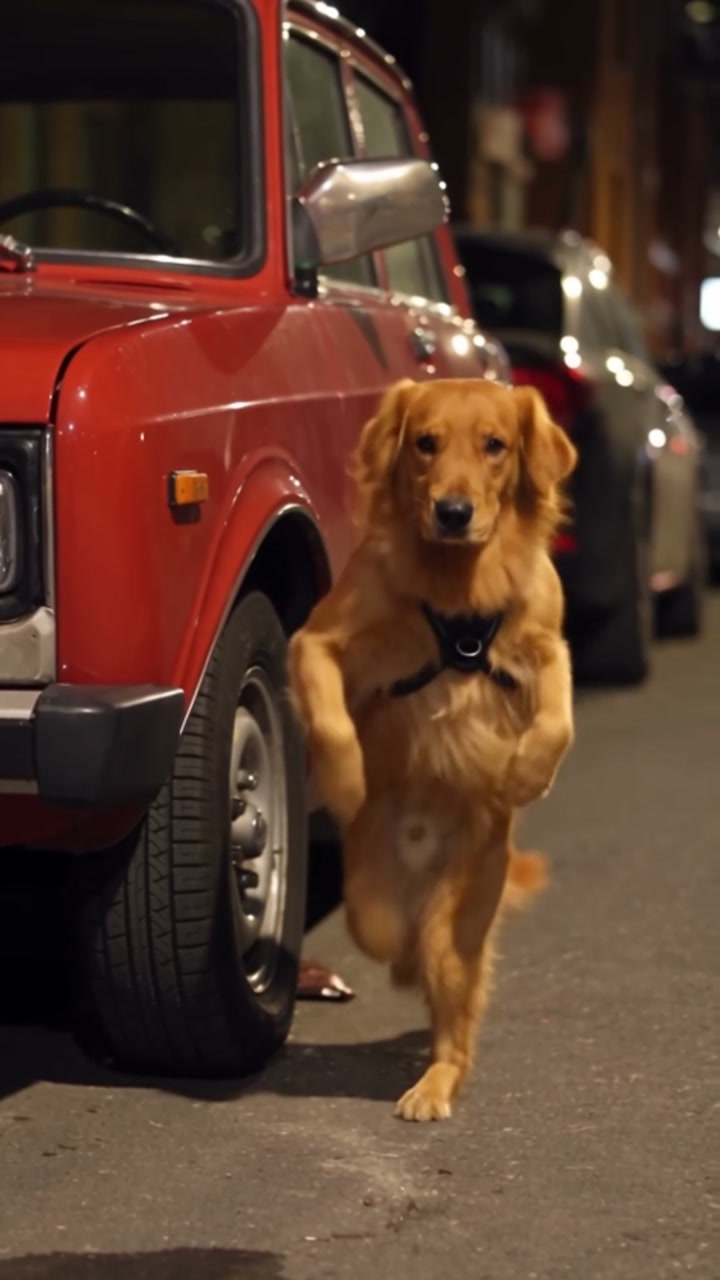
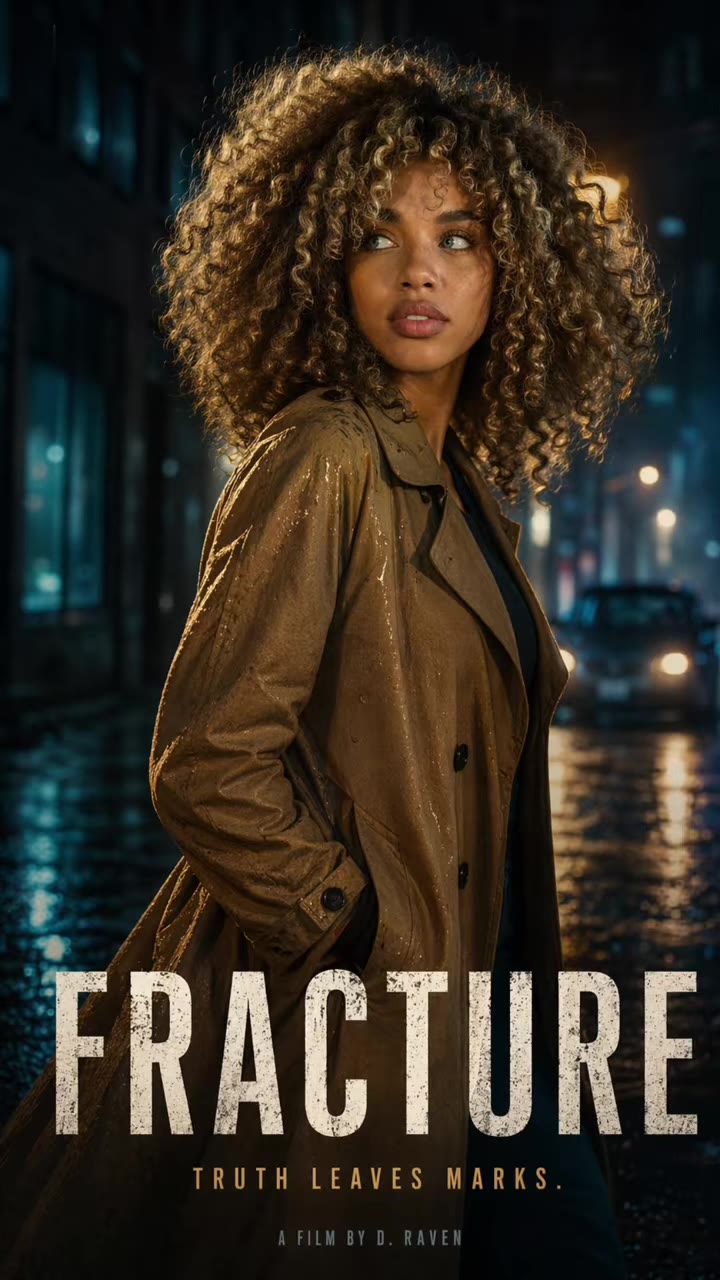
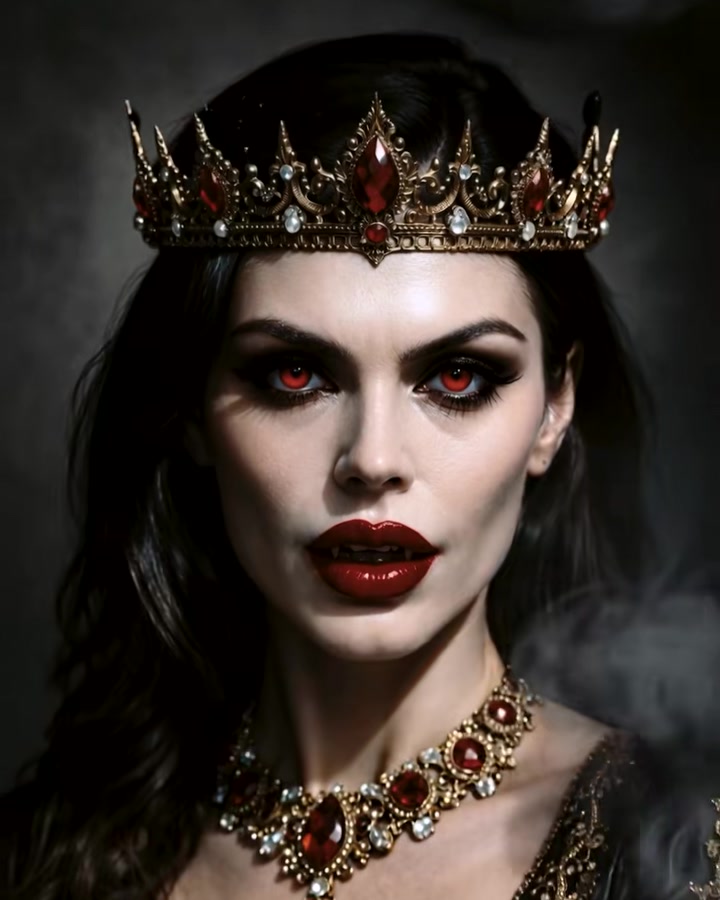
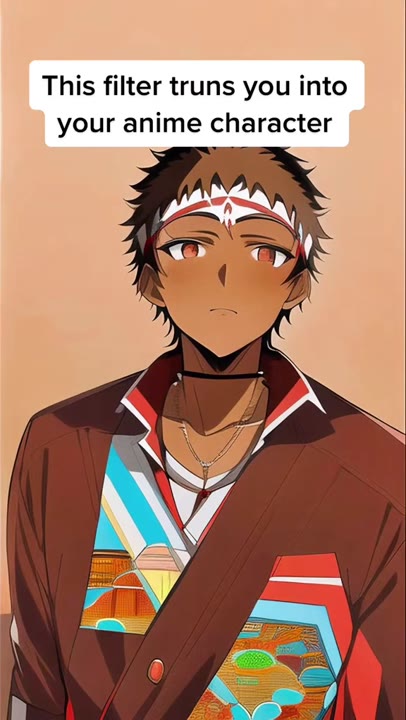
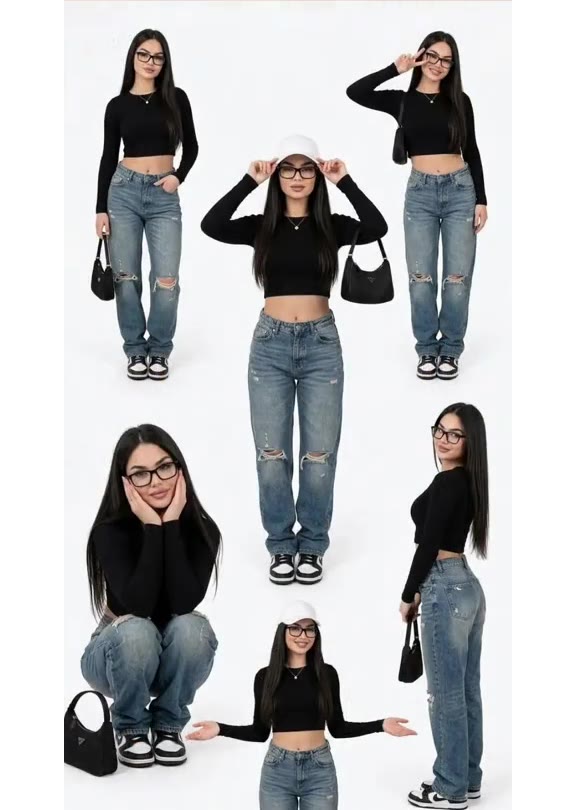
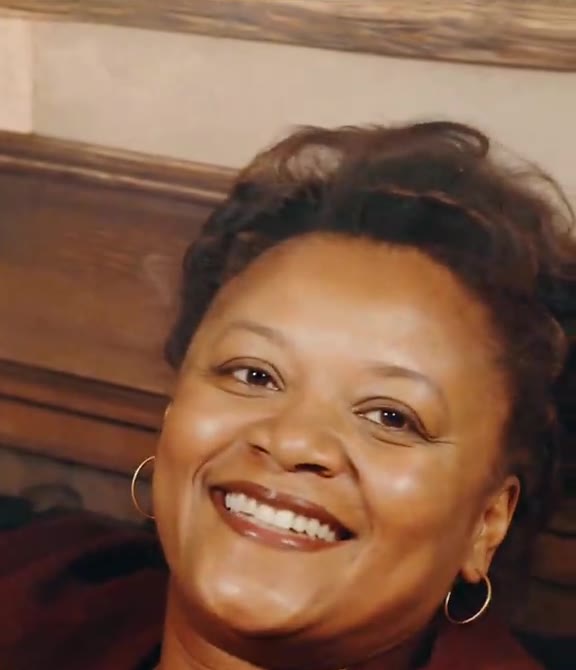
Transform your portrait in seconds
Upload your photo and hit Generate. 100% watermark-free studio styling.
How much does an AI dance video cost?
Basic
100 credits / month · ≈ 10 videos
$29.90/mo
≈ $2.99 / video
- Watermark-free HD export
- 100 fresh credits monthly
- Unused balance rolls over
- Cancel subscription anytime
ProSave 17%
200 credits / month · ≈ 20 videos
$49.90/mo
≈ $2.50 / video
- Clean 1080p MP4 downloads
- 200 monthly generation credits
- Automatic credit rollover
- Flexible monthly billing
StudioSave 26%
450 credits / month · ≈ 45 videos
$99.90/mo
≈ $2.22 / video
- Priority queue & 1080p output
- 450 credits refreshed monthly
- Keep unused monthly credits
- One-click account management
Or buy credits once
Basic: 10 videos a month for $29.90. The Crew Pack is 25 videos for $99, once.
Single
10 credits · ≈ 1 video
$9.90
≈ $9.90 / video
- Zero watermark on output
- Ready for TikTok & Reels
- Balance stays valid forever
- Auto-refund on failed tasks
Trio PackSave 39%
30 credits · ≈ 3 videos
$17.99
≈ $6 / video
- Unbranded HD video files
- Share across social feeds
- No expiration date on pack
- Instant credit return if blocked
Squad PackSave 41%
50 credits · ≈ 5 videos
$29
≈ $5.80 / video
- Full commercial social rights
- Export vertical 9:16 or 16:9
- Lifetime credit validity
- Protected against render errors
Crew PackSave 60%
250 credits · ≈ 25 videos
$99
≈ $3.96 / video
- Studio-grade watermark-free MP4
- Post to Shorts, Reels & TikTok
- Credits never expire
- Failed renders are refunded
Studio PackSave 66%
600 credits · ≈ 60 videos
$199
≈ $3.32 / video
- High-volume creator bundle
- Supports Ultra & Seedance 2.0
- Use at your own schedule
- 100% credit guarantee on failures
Label PackSave 72%
1800 credits · ≈ 180 videos
$499
≈ $2.77 / video
- Agency & multi-channel scale
- Lowest cost per rendered clip
- Permanent credit balance
- Zero risk on interrupted jobs
Get the next viral trend first
One email whenever a new TikTok or Reels AI trend explodes on HotDance AI. Unsubscribe at any time.
Search HotDance AI on Google
Add HotDance AI to your bookmarks or preferred sources on Google to get instant access to new trending AI video templates before they peak.