Falling Filter – Paper Fall AI Effect for TikTok
Discover the TikTok Falling Filter (Paper Fall Effect). Learn how to use it, join viral challenges, and explore trending falling filter videos now.
- 4s
- 1 person
- 16:9 wide
- ≈25K views
Discover the TikTok Falling Filter (Paper Fall Effect). Learn how to use it, join viral challenges, and explore trending falling filter videos now.
- 1 Your photo
- 2 Free preview
- 3 Your video
Star in Falling Filter
Add a photo and see yourself in the scene first, free.
Free preview first · Automatic refund if it fails
By making it, you confirm you have permission to use the uploaded photos.
The Falling Filter Motion & Identity Lock Pipeline
- Quality Options
- HD (720p) · Full HD (1080p)
- Credit Price
- From 10 credits (HD · 720p)
- Length & Format
- 4s · 16:9 HD
- Input
- 1 Photo(s)
Vertical 9:16 60fps motion-transfer sequence. Preserve the exact facial identity, proportions, and outfit details of the subject in your uploaded photo while executing the signature Falling Filter choreography and camera tracking (HotDance AI Falling Filter Sample Video · How to Use the Falling Filter in 3 Easy Steps).
Why Manual Editing Falls Short
Generic text-to-video tools swap your face or warp limb proportions during fast dance and motion beats.
✓How HotDance AI Solves It
HotDance AI locks onto your facial landmarks and clothing textures before mapping the motion sequence.
How to make your Falling Filter video
Upload one clear photo
Pick a sharp front-facing portrait or full-body photo from your device.
Choose your style preset
Select the Falling Filter preset and configure your output settings.
Generate & download in HD
Export a watermark-free vertical MP4 ready for TikTok, Reels, and Shorts.
What is the Falling Filter AI Video Trend?
Remake the Falling Filter trend on HotDance AI (hotdanceai.com): upload 1 photo, check your instant AI character frame preview with no sign-up, and render a 4s watermark-free HD video with synced audio from 10 credits — no prompt writing or reference video needed.
Discover the TikTok Falling Filter (Paper Fall Effect). Learn how to use it, join viral challenges, and explore trending falling filter videos now.
Creators searching for how to make falling filter clips use our falling filter generator from photo to animate a single still image into a smooth, beat-matched vertical video without manual editing.
HotDance AI preserves facial likeness and outfit geometry across every frame so your Falling Filter export looks sharp and natural on TikTok, Instagram Reels, and YouTube Shorts.
Falling Filter timeline breakdown
Opening Stance & Identity Lock
The camera locks onto your uploaded photo as Falling Filter lighting and pose tracking initialize.
Core Choreography & Rhythm Sequence
Fluid motion-transfer routine synced to the beat with realistic body kinematics and facial preservation.
Signature Finale & Feed Loop
High-retention finishing pose framed to loop seamlessly on TikTok, Reels, and Shorts.
Pro tips for the sharpest Falling Filter render
One subject per photo
Use a solo photo so the pose tracker locks cleanly onto a single person or pet.
Clear, even lighting
Natural daylight or bright indoor light preserves crisp facial and clothing detail.
Unobstructed posture
Photos where shoulders and torso are visible produce the smoothest dance and motion transitions.
Viral Falling Filter ideas and creative twists to try
Viral Falling Filter TikTok & Reels Post
"Front-facing portrait + Falling Filter Original preset + trending audio"
Turn your everyday selfie into a scroll-stopping falling filter clip ready for TikTok, Instagram Reels, and YouTube Shorts.
Best Friend or Group Chat Surprise
"Casual candid photo + Falling Filter HD preset"
Run a friend's portrait through the Falling Filter generator for an instant high-reaction reveal in your group chat.
Before-and-After Carousel Reveal
"Original still photo slide 1 -> Falling Filter HD export slide 2"
Post your original still photo next to the animated export to maximize watch time and comments.
Frequently asked questions about Falling Filter
How do I make a Falling Filter video from one photo?
To see how to make falling filter clips, upload one clear front-facing photo in our falling filter generator from photo above, select your preferred style preset, and click Generate.
Why is my falling filter render blurry or warped, and how do I fix it?
Blurry faces or warped limbs happen when the input photo has heavy shadows, sunglasses, or cropped shoulders. Upload a well-lit, front-facing photo for crisp identity lock.
Do I need dance skills or video editing experience?
No choreography or video editing skills are required. HotDance AI maps facial landmarks and posture kinematics automatically from your single uploaded portrait.
What photo works best for the Falling Filter generator?
A high-resolution, front-facing portrait with clear lighting and unobstructed shoulders produces the most realistic and seamless Falling Filter motion transfer.
Is the generated Falling Filter video watermark-free?
Yes, all Falling Filter video exports are 100% watermark-free in HD, ready for immediate publishing on TikTok, Instagram Reels, and YouTube Shorts.
Can I post my Falling Filter video directly to TikTok and Reels?
Yes, your exported MP4 is formatted in standard vertical 9:16 aspect ratio perfectly optimized for TikTok, Instagram Reels, and YouTube Shorts.






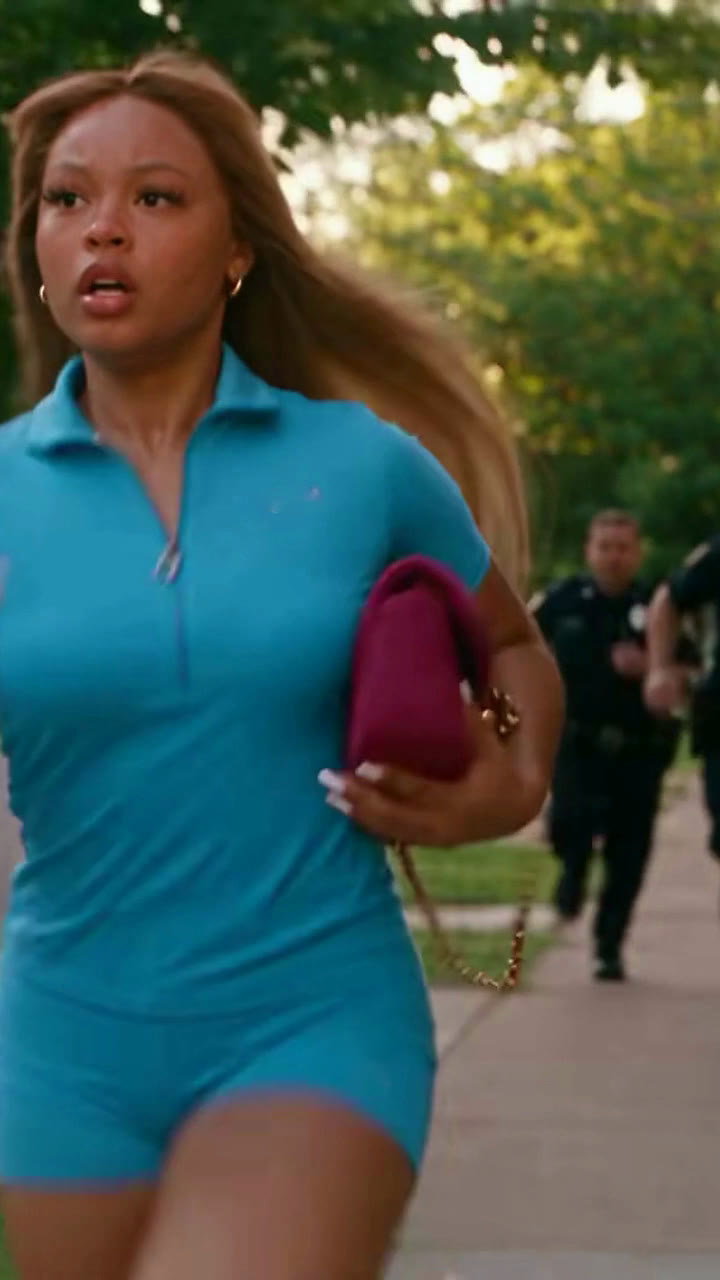
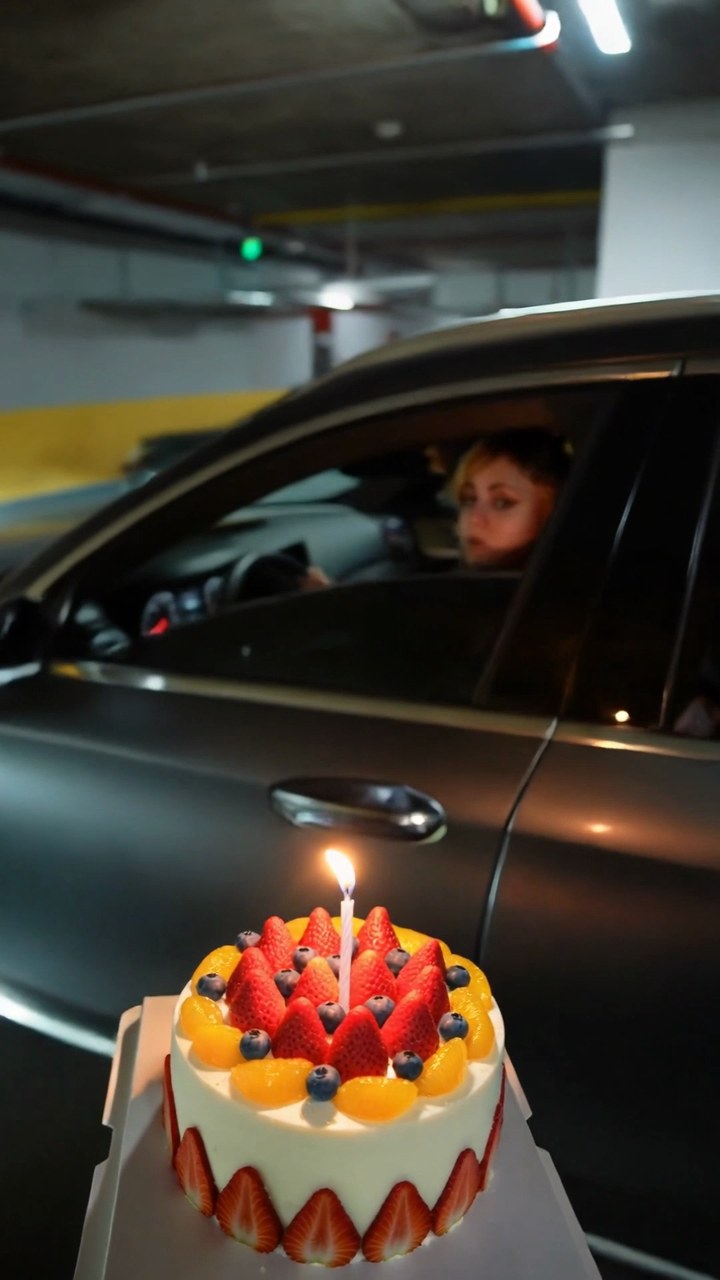
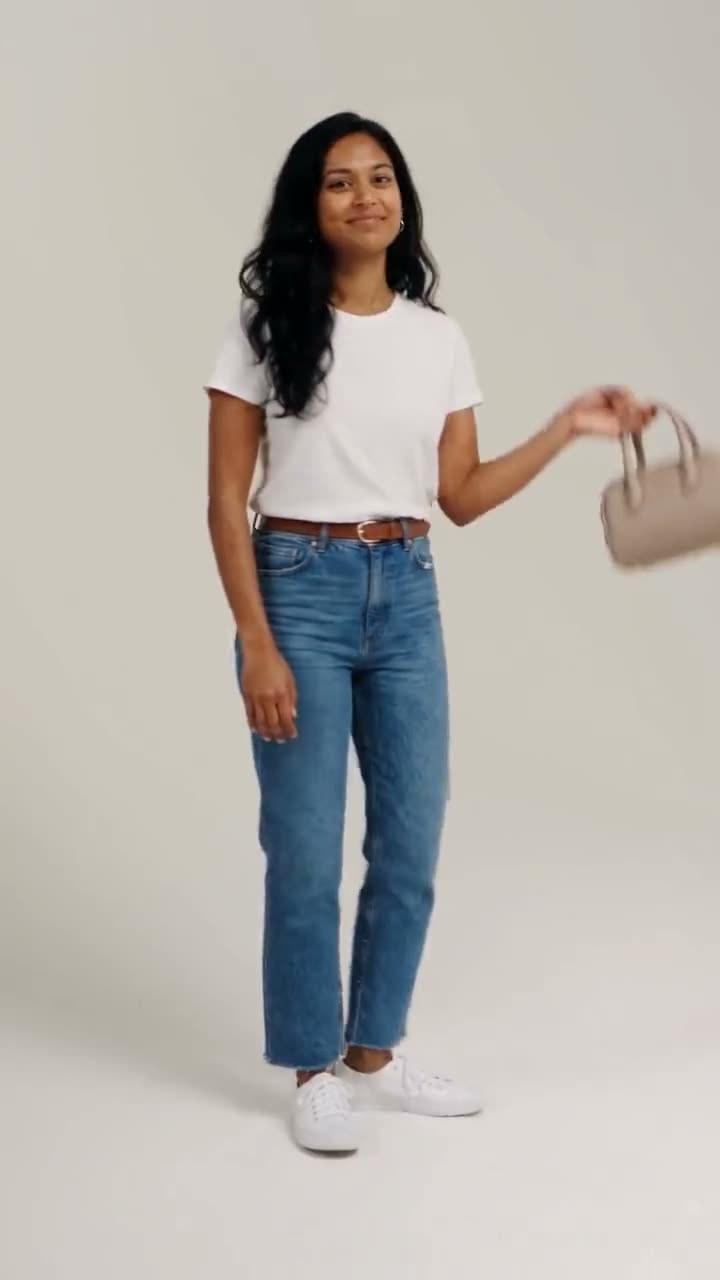
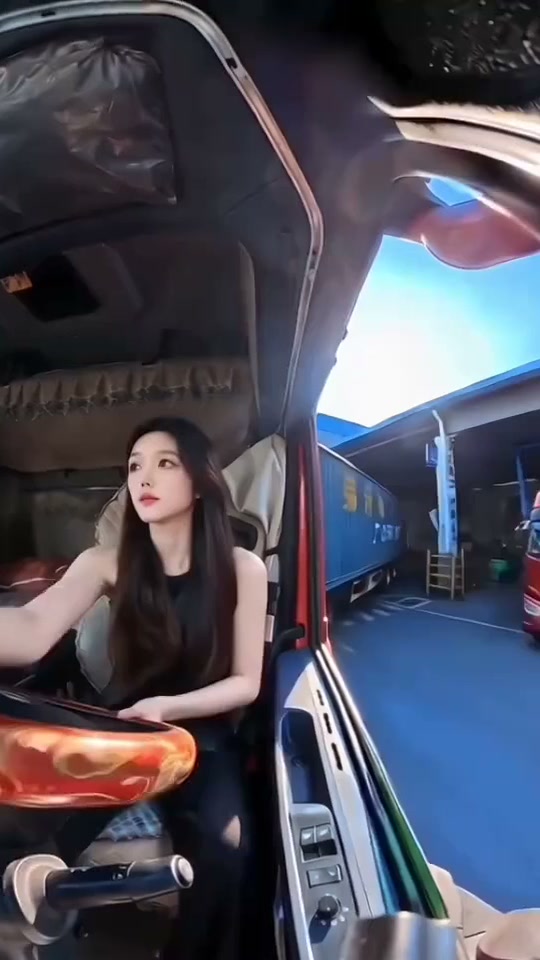
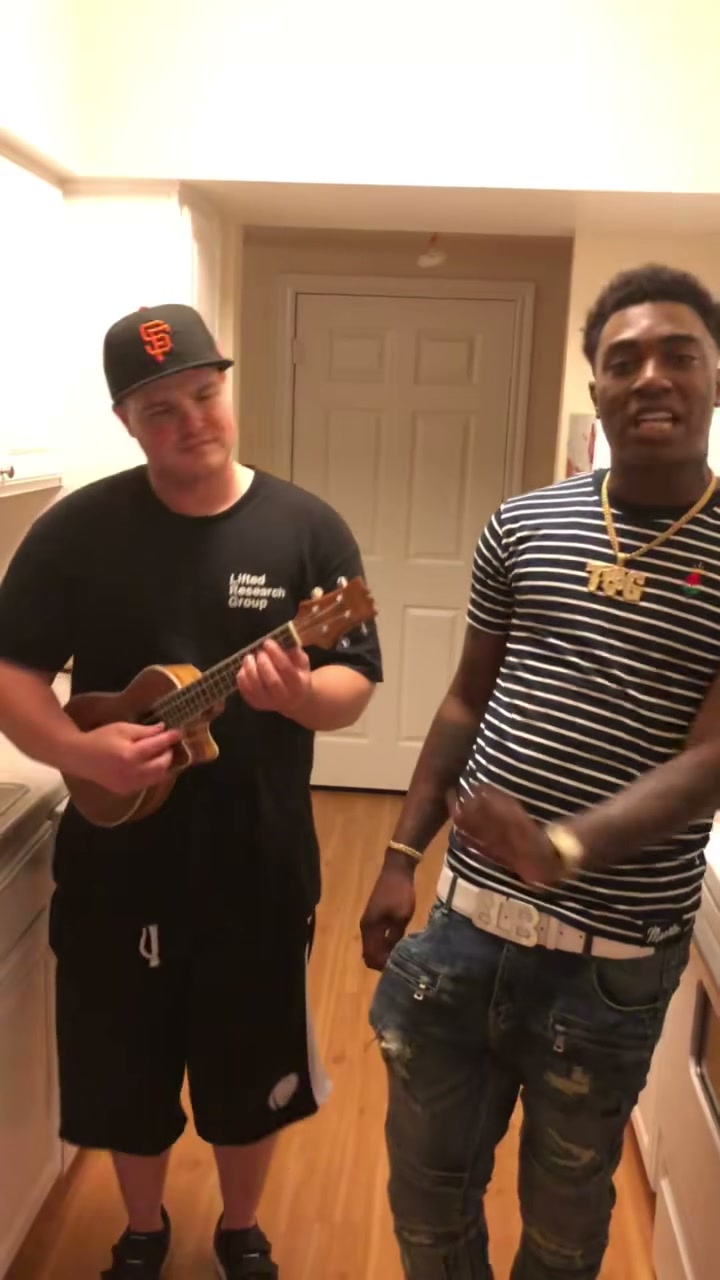
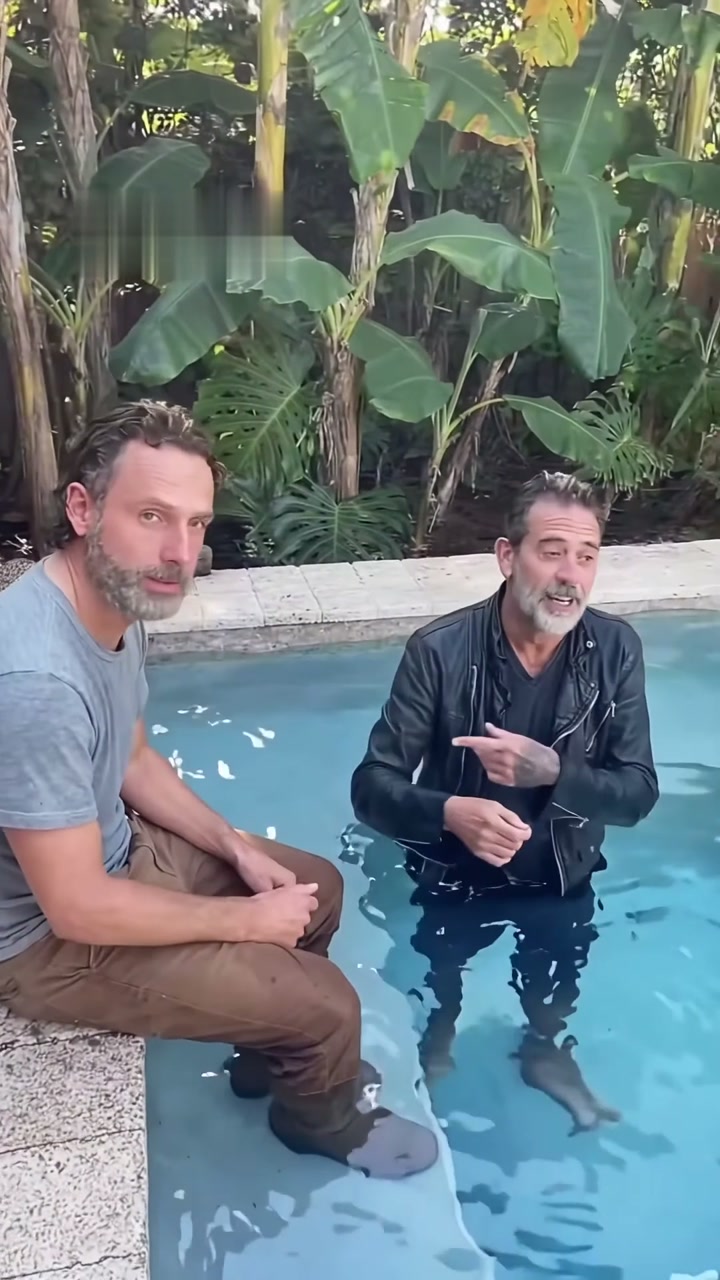
Render your viral dance clip in seconds
Upload your photo and hit Generate. 100% watermark-free HD export (up to Full HD 1080p).
How much does an AI dance video cost?
Basic
100 credits / month · ≈ 10 videos
$29.90/mo
≈ $2.99 / video
- Watermark-free HD export
- 100 fresh credits monthly
- Unused balance rolls over
- Cancel subscription anytime
ProSave 17%
200 credits / month · ≈ 20 videos
$49.90/mo
≈ $2.50 / video
- Clean 1080p MP4 downloads
- 200 monthly generation credits
- Automatic credit rollover
- Flexible monthly billing
StudioSave 26%
450 credits / month · ≈ 45 videos
$99.90/mo
≈ $2.22 / video
- Priority queue & 1080p output
- 450 credits refreshed monthly
- Keep unused monthly credits
- One-click account management
Or buy credits once
Basic: 10 videos a month for $29.90. The Crew Pack is 25 videos for $99, once.
Single
10 credits · ≈ 1 video
$9.90
≈ $9.90 / video
- Zero watermark on output
- Ready for TikTok & Reels
- Balance stays valid forever
- Auto-refund on failed tasks
Trio PackSave 39%
30 credits · ≈ 3 videos
$17.99
≈ $6 / video
- Unbranded HD video files
- Share across social feeds
- No expiration date on pack
- Instant credit return if blocked
Squad PackSave 41%
50 credits · ≈ 5 videos
$29
≈ $5.80 / video
- Full commercial social rights
- Export vertical 9:16 or 16:9
- Lifetime credit validity
- Protected against render errors
Crew PackSave 60%
250 credits · ≈ 25 videos
$99
≈ $3.96 / video
- Studio-grade watermark-free MP4
- Post to Shorts, Reels & TikTok
- Credits never expire
- Failed renders are refunded
Studio PackSave 66%
600 credits · ≈ 60 videos
$199
≈ $3.32 / video
- High-volume creator bundle
- Supports Ultra & Seedance 2.0
- Use at your own schedule
- 100% credit guarantee on failures
Label PackSave 72%
1800 credits · ≈ 180 videos
$499
≈ $2.77 / video
- Agency & multi-channel scale
- Lowest cost per rendered clip
- Permanent credit balance
- Zero risk on interrupted jobs
Get the next viral trend first
One email whenever a new TikTok or Reels AI trend explodes on HotDance AI. Unsubscribe at any time.
Search HotDance AI on Google
Add HotDance AI to your bookmarks or preferred sources on Google to get instant access to new trending AI video templates before they peak.