Photogenic Filter AI Video Generator: 5-Second Ghost-Blur Snap
Turn one full-body photo into the viral CapCut freeze-frame effect with our Photogenic Filter AI generator. Walk across a sunlit field in full color before the frame snaps into a high-contrast grey radial blur with a trailing ghost silhouette—all in a watermark-free 5-second MP4.
- 5s
- 1 person
- 9:16 vertical
Make the viral Photogenic Filter AI video from one photo. Create the 5-second outdoor walk with the monochrome ghost-blur freeze snap and synced audio.
- 1 Your photo
- 2 Free preview
- 3 Your video
Star in Photogenic Filter AI
Add a photo and see yourself in the scene first, free.
Free preview first · Automatic refund if it fails
By making it, you confirm you have permission to use the uploaded photos.
The 5-Part Full-Body Swap, Field Walk & 3.8s Monochrome Ghost-Blur Pipeline
- Quality Options
- HD (720p) · Full HD (1080p)
- Credit Price
- From 10 credits (HD · 720p)
- Length & Format
- 5s · 9:16 HD
- Input
- 1 Photo(s)
- 1. Full-Body Identity & Outfit Replacement Swaps the reference subject completely for the person in your photo, transferring your real face, hair, clothing, and footwear into every frame.
- 2. Sunlit Meadow Side-On Walking Trajectory Preserves the natural side-profile walking cadence across the sunlit outdoor field during the opening 3.8 seconds of full-color footage.
- 3. Precision 3.8-Second Monochrome Snap Triggers the exact color-to-grey shutter switch at 3.8 seconds so the transition hits on the musical beat just like the viral CapCut template.
- 4. Radial Motion Blur & Ghost Trail Double Renders the stylized radial edge blur and faint trailing double silhouette behind your body during the final monochrome freeze sequence.
- 5. Single-Subject Continuous Take Guardrails Maintains one adult subject in a single unbroken camera take with pre-mixed audio and zero template watermarks or stray captions.
Photorealistic 5-second continuous vertical 9:16 video. Replace the reference walker in the sunlit meadow with the person from your uploaded photo, locking 100% of their facial identity, hairstyle, body proportions, and original outfit. Preserve the side-on walking stride across the bright green field from 0.0s to 3.8s in natural daylight color. At exactly 3.8s, snap the frame into the signature high-contrast monochrome grey grade with radial motion blur and a semi-transparent trailing ghost double behind the subject through 5.0s, with zero watermarks or text overlays.
Why Manual Editing Falls Short
- No Color-to-Grey Shutter Switch: Text prompts alone treat "photogenic" as a beauty descriptor, never triggering the abrupt 3.8-second monochrome freeze.
- Missing Ghost-Trail Double: Generic video generators cannot reproduce the offset semi-transparent double silhouette that defines the CapCut template.
- Invented Legs from Chest-Up Crops: Uploading a tight selfie forces standard models to guess your lower body and shoes during the side-on field walk.
✓How HotDance AI Solves It
HotDance AI binds the 5-second outdoor walk reference and exact 3.8-second monochrome ghost-blur switch in our Photogenic Filter AI pipeline so one standing photo delivers the authentic CapCut effect.
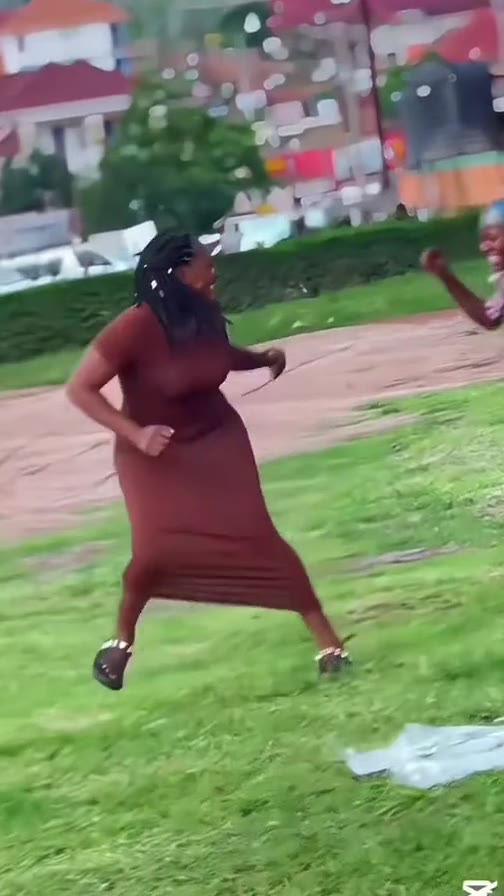
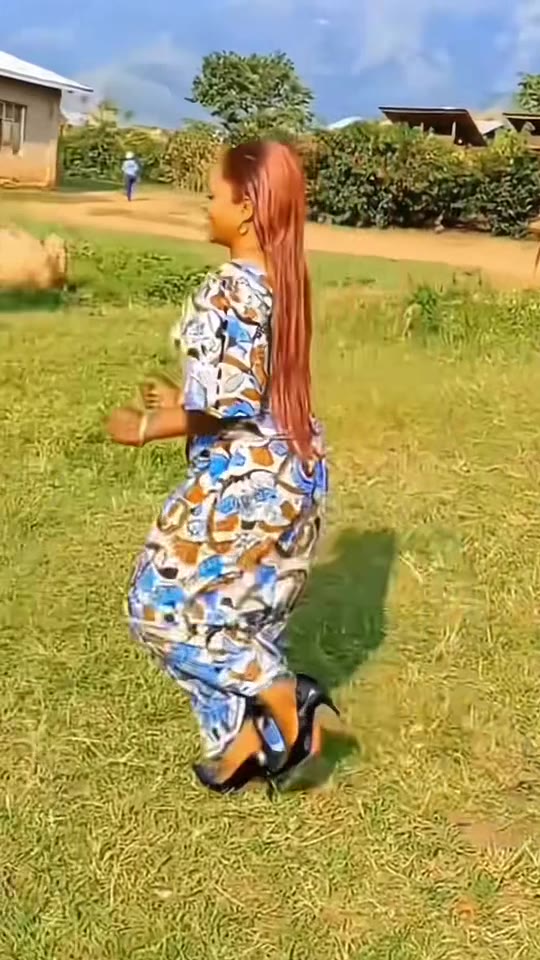
Photogenic Filter AI examples
How to make your Photogenic Filter AI video
Upload one standing full-body photo
Choose a sharp, well-lit photo showing you from head to feet; your hair and outfit in the photo become what you wear in the clip.
Select your style preset and aspect ratio
Pick Original Ghost-Blur Snap or High-Contrast Editorial 4K, and choose 9:16 vertical for TikTok, Reels, and Shorts.
Generate and download your 5-second MP4
Click Generate to export a watermark-free 5-second MP4 with the color-to-grey snap and audio ready to post immediately.
What Is the Viral Photogenic Filter AI Video Trend?
Remake the Photogenic Filter AI trend on HotDance AI (hotdanceai.com): upload 1 photo, check your instant AI character frame preview with no sign-up, and render a 5s watermark-free HD video with synced audio from 10 credits — no prompt writing or reference video needed.
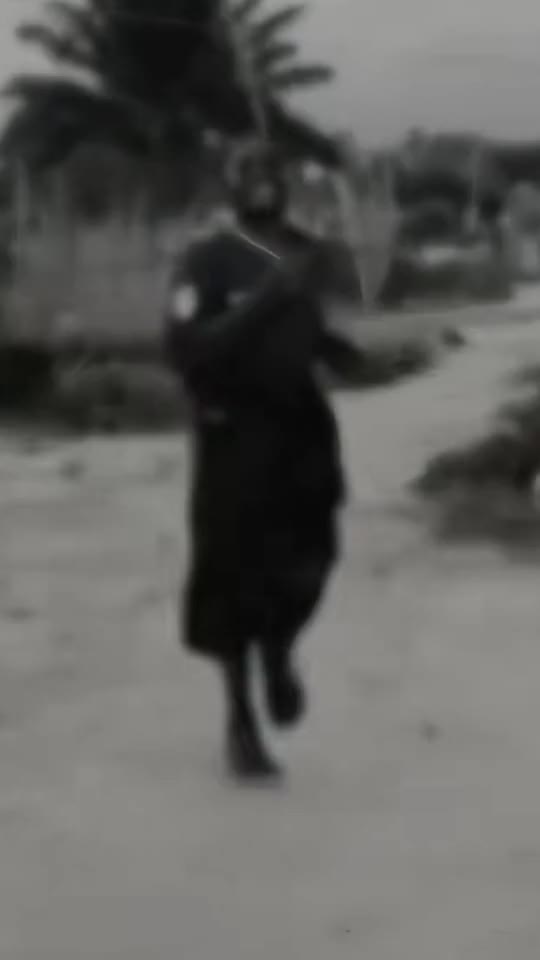
The Photogenic Filter AI trend—widely shared on TikTok and Reels under "Photogenic Filter 2026"—is a 5-second video effect that turns a casual outdoor walk into a dramatic, mid-stride freeze-frame photo shoot. The clip opens in natural daylight color for the first 3.8 seconds before snapping abruptly into a monochrome, radial-blurred frame with a faint ghost trail behind the subject.
Unlike traditional camera beauty filters that smooth skin or reshape facial features, this effect is all about kinetic editorial timing. Creators showcase the contrast between an everyday walk in a sunny meadow and the sudden, high-fashion grey shutter snap that looks like a candid magazine cover caught in motion.
HotDance AI lets you join the trend from a single still picture without filming outdoor walking footage or installing template apps. Our specialized Photogenic Filter AI generator replaces the reference walker with your full-body photo, keeping the sunny meadow, the exact 3.8-second monochrome snap, and the trailing ghost effect intact.
Photogenic Filter AI timeline breakdown
Sunlit Meadow Walk in Full Color
You step into frame walking sideways across a bright green field in natural daylight, showcasing your real outfit and hairstyle.
Mid-Stride Turn & Shutter Build-Up
As the camera tracks your stride, your posture aligns with the center frame right before the shutter beat drops.
Monochrome Radial Blur & Ghost Trail Snap
The frame snaps into high-contrast black-and-white with radial motion blur and a semi-transparent ghost silhouette trailing behind you.
Pro tips for the sharpest Photogenic Filter AI render
Use a full-body or three-quarter standing photo
Because the reference clip shows a full-length outdoor walk, showing your legs and shoes prevents the model from inventing footwear.
Stand in even daylight without heavy shadows
Clean, natural lighting on your face and clothes transfers most accurately into both the sunny field opening and the monochrome snap.
Upload a solo adult photo only
The walking reference tracks a single person; crop out friends or busy foreground objects before uploading.
Viral Photogenic Filter AI ideas and creative twists to try
Streetwear Outfit Reveal to Ghost-Blur Snap
"Full-body streetwear photo + Original Ghost-Blur Snap preset + 9:16 vertical"
Show off your favorite outfit in full daylight during the opening walk before freezing into an edgy monochrome album-cover frame.
Custom Audio TikTok Transition Edit
"Standing portrait + High-Contrast Editorial 4K preset + beat-drop sound swap on TikTok"
Export the 5-second clip and pair the 3.8-second grey shutter snap with your favorite bass drop or camera-shutter audio track.
Frequently asked questions about Photogenic Filter AI
How do I make a Photogenic Filter AI video from one photo?
Upload one clear full-body photo, select your preferred aspect ratio (9:16, 1:1, or 16:9), and click Generate. Your 5-second video with the sunny walk and grey ghost-blur snap renders automatically without any prompt writing.
Is this a still-photo beauty retouch or a moving video clip?
It is a 5-second moving MP4 video clip, not a static beauty filter. It animates your photo into an outdoor walk that snaps at 3.8 seconds into a stylized monochrome motion-blur frame.
Do I need the CapCut app or walking footage to make this?
No. While the trend originated from the "Photogenic Filter 2026" CapCut template, our web generator builds the entire 5-second video directly from a single still photo in your browser.
Can I turn off the grey blur at the end of the video?
No. The sudden switch from full color to the grey radial-blur ghost trail at 3.8 seconds is the signature visual hook of the trend and is built into the motion reference.
Why does a full-body photo work better than a close-up selfie?
The camera frames your entire body walking across a field. Providing a full-length photo ensures the generator uses your actual trousers, dress, and shoes instead of guessing them.
How many credits does a 5-second video render cost?
A standard 5-second 720p render starts at 10 credits, and if a generation ever fails or times out, your credits are refunded automatically.






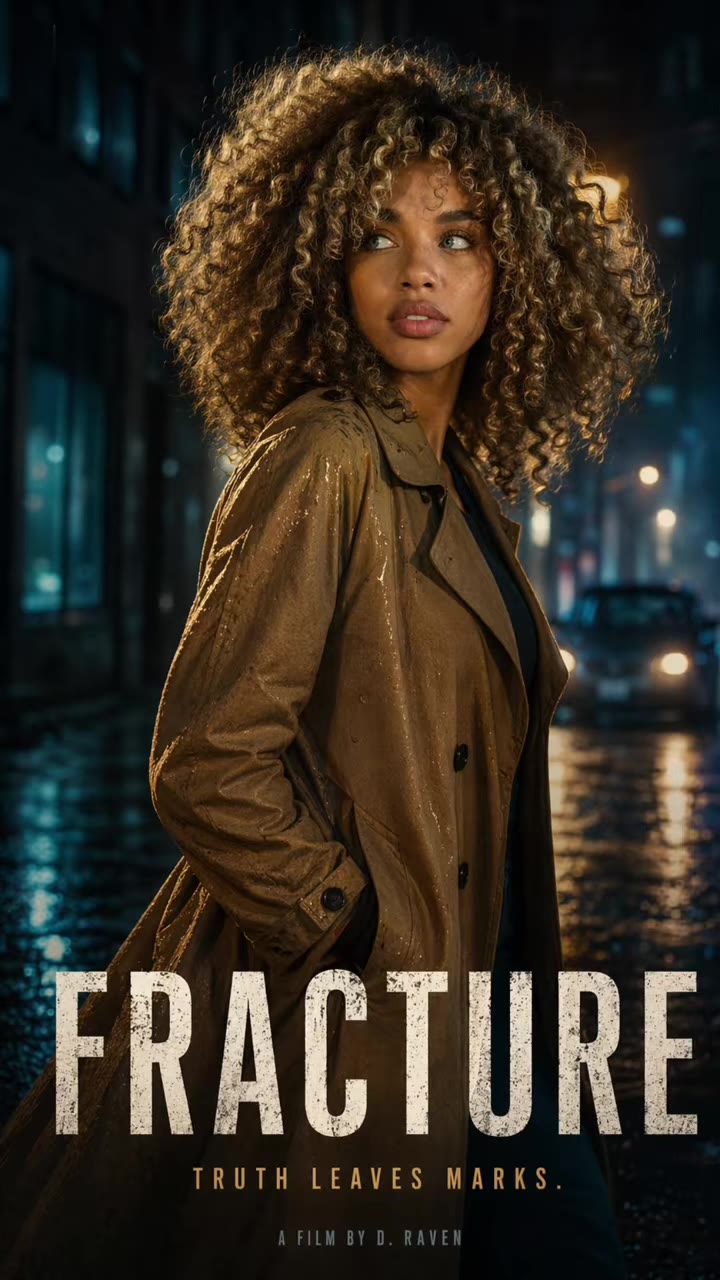
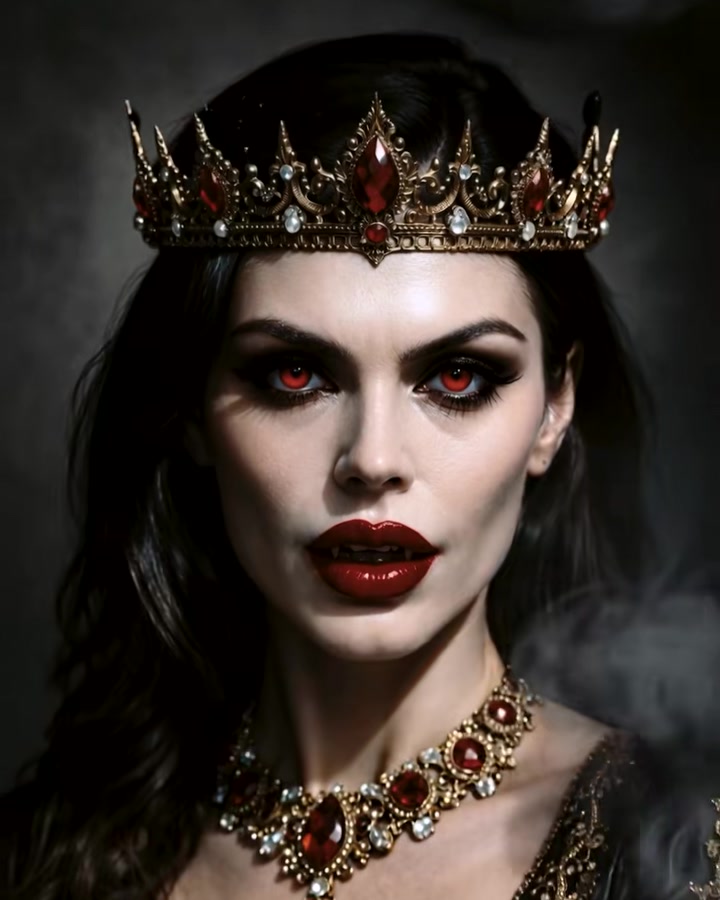
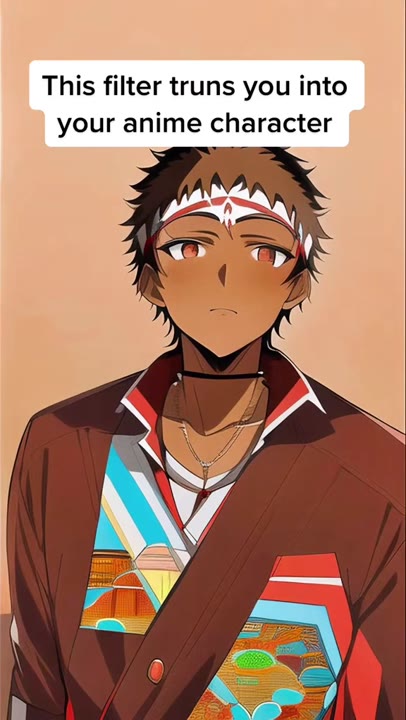
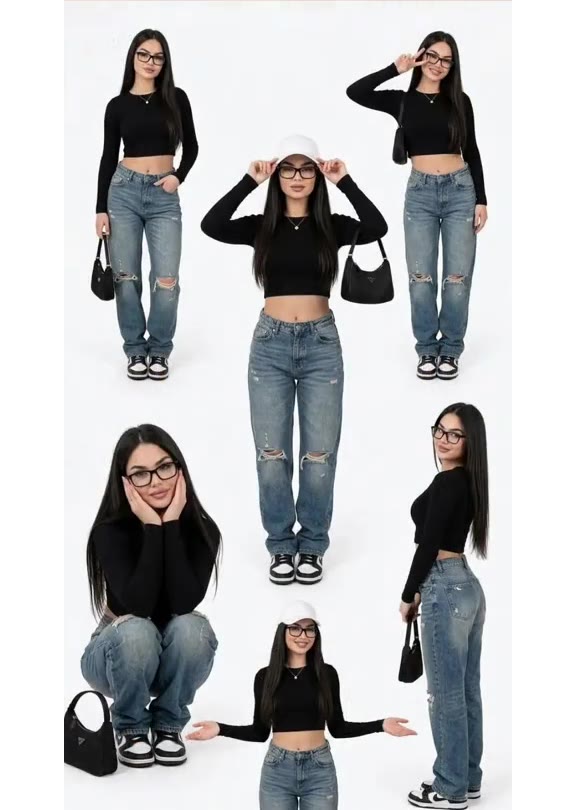

Render your viral dance clip in seconds
Upload your photo and hit Generate. 100% watermark-free HD export (up to Full HD 1080p).
How much does an AI dance video cost?
Basic
100 credits / month · ≈ 10 videos
$29.90/mo
≈ $2.99 / video
- Watermark-free HD export
- 100 fresh credits monthly
- Unused balance rolls over
- Cancel subscription anytime
ProSave 17%
200 credits / month · ≈ 20 videos
$49.90/mo
≈ $2.50 / video
- Clean 1080p MP4 downloads
- 200 monthly generation credits
- Automatic credit rollover
- Flexible monthly billing
StudioSave 26%
450 credits / month · ≈ 45 videos
$99.90/mo
≈ $2.22 / video
- Priority queue & 1080p output
- 450 credits refreshed monthly
- Keep unused monthly credits
- One-click account management
Or buy credits once
Basic: 10 videos a month for $29.90. The Crew Pack is 25 videos for $99, once.
Single
10 credits · ≈ 1 video
$9.90
≈ $9.90 / video
- Zero watermark on output
- Ready for TikTok & Reels
- Balance stays valid forever
- Auto-refund on failed tasks
Trio PackSave 39%
30 credits · ≈ 3 videos
$17.99
≈ $6 / video
- Unbranded HD video files
- Share across social feeds
- No expiration date on pack
- Instant credit return if blocked
Squad PackSave 41%
50 credits · ≈ 5 videos
$29
≈ $5.80 / video
- Full commercial social rights
- Export vertical 9:16 or 16:9
- Lifetime credit validity
- Protected against render errors
Crew PackSave 60%
250 credits · ≈ 25 videos
$99
≈ $3.96 / video
- Studio-grade watermark-free MP4
- Post to Shorts, Reels & TikTok
- Credits never expire
- Failed renders are refunded
Studio PackSave 66%
600 credits · ≈ 60 videos
$199
≈ $3.32 / video
- High-volume creator bundle
- Supports Ultra & Seedance 2.0
- Use at your own schedule
- 100% credit guarantee on failures
Label PackSave 72%
1800 credits · ≈ 180 videos
$499
≈ $2.77 / video
- Agency & multi-channel scale
- Lowest cost per rendered clip
- Permanent credit balance
- Zero risk on interrupted jobs
Get the next viral trend first
One email whenever a new TikTok or Reels AI trend explodes on HotDance AI. Unsubscribe at any time.
Search HotDance AI on Google
Add HotDance AI to your bookmarks or preferred sources on Google to get instant access to new trending AI video templates before they peak.