Mothers Monster AI Video Generator: Baby Dragon Scene
Step into the viral Mothers Monster AI baby dragon scene from one photo in seconds. Our Seedance 2.0 cinematic motion-transfer engine locks onto your facial identity, hair silhouette, and clothing textures while you gently lift and cradle the newborn dragon.
- 10s
- 1 person
- 16:9 wide
Create viral Mothers Monster AI videos from one photo in seconds. Star in the tender 13-second baby dragon snowfield or firelit cottage film scene.
- 1 Your photo
- 2 Free preview
- 3 Your video
Star in Mothers Monster AI
Add a photo and see yourself in the scene first, free.
Free preview first · Automatic refund if it fails
By making it, you confirm you have permission to use the uploaded photos.
The Baby Dragon Interaction & Multi-Shot Facial Identity Lock Pipeline
- Quality Options
- HD (720p) · Full HD (1080p)
- Credit Price
- From 10 credits (HD · 720p)
- Length & Format
- 10s · 16:9 HD
- Input
- 1 Photo(s)
- 1. Complete Character & Wardrobe Replacement Replaces the original film heroine’s green wool cloak and facial scratches with the exact person, hairstyle, and outfit from [INPUT_PHOTO].
- 2. Hand-to-Dragon Claw Contact Solver Locks five-finger human hand anatomy as the baby dragon’s tiny claws rest on the index finger, preventing extra digits or merged knuckles.
- 3. Creature Scale & Iridescent Texture Lock Maintains consistent baby dragon proportions, wing membrane translucency, and scale color across all camera angle cuts.
- 4. Multi-Cut Emotional Gaze Tracking Aligns eye-line and subtle maternal or protective micro-expressions toward the creature during tight portrait close-ups.
- 5. Atmospheric Snowfield & Hearth Lighting Applies physically accurate cold winter rim light or warm cottage firelight onto your skin tone and garment fabric.
Vertical 9:16 60fps cinematic fantasy character replacement. Replace the heroine in the reference sequence with the adult subject from your uploaded photo, preserving exact facial bone structure, eye color, hairstyle, and personal clothing while cradling the small iridescent baby dragon across close-up hand interactions and medium snowfield or hearthside shots.
Why Manual Editing Falls Short
- Original Heroine Feature Bleed-Through: Without explicit negative anchors for the film’s green wool cloak and facial scratches, generic tools blend your face onto the original actress.
- Finger & Dragon Claw Duplication: Tight close-ups of tiny dragon claws resting on a human finger routinely trigger six-finger artifacts in uncalibrated video models.
- Dragon Size & Color Drift Across Cuts: Multi-shot sequences cause the baby dragon to change color or double in size between the opening lift and the final cradle.
✓How HotDance AI Solves It
HotDance AI strips all reference-character costume traits first, then locks your facial identity, own clothing, and five-finger hand geometry across every cut of the baby dragon scene.
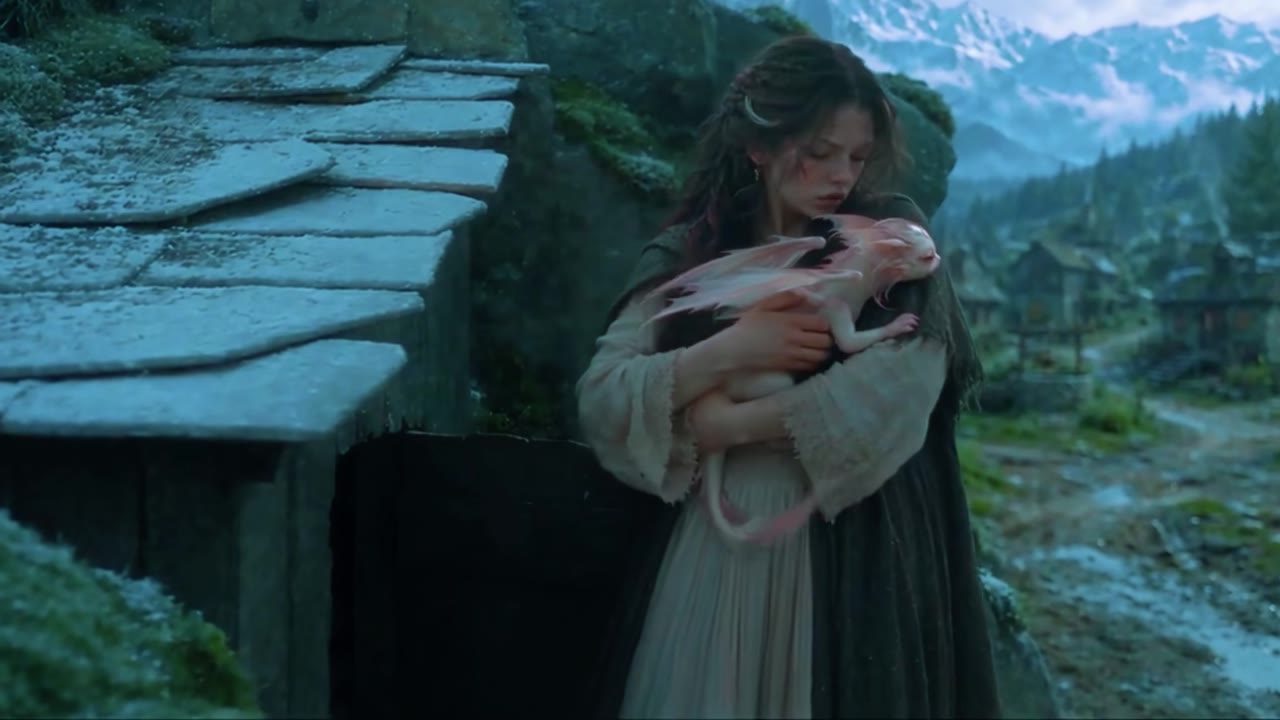
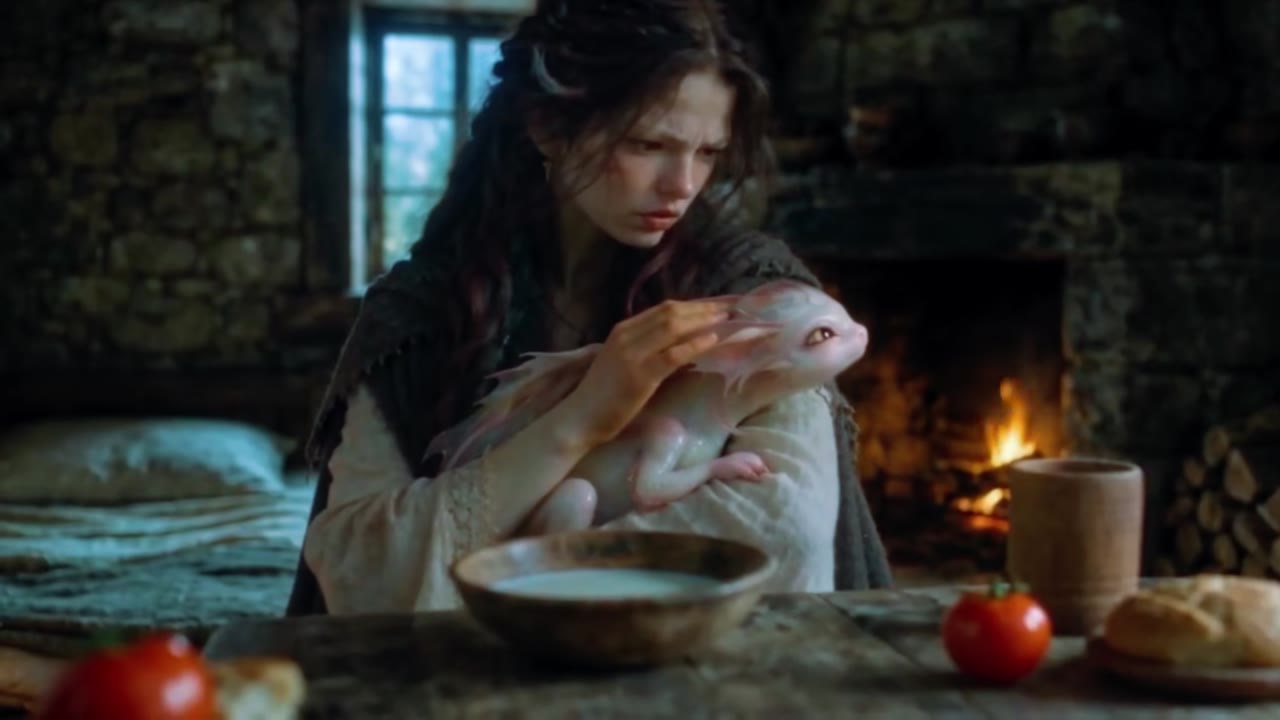
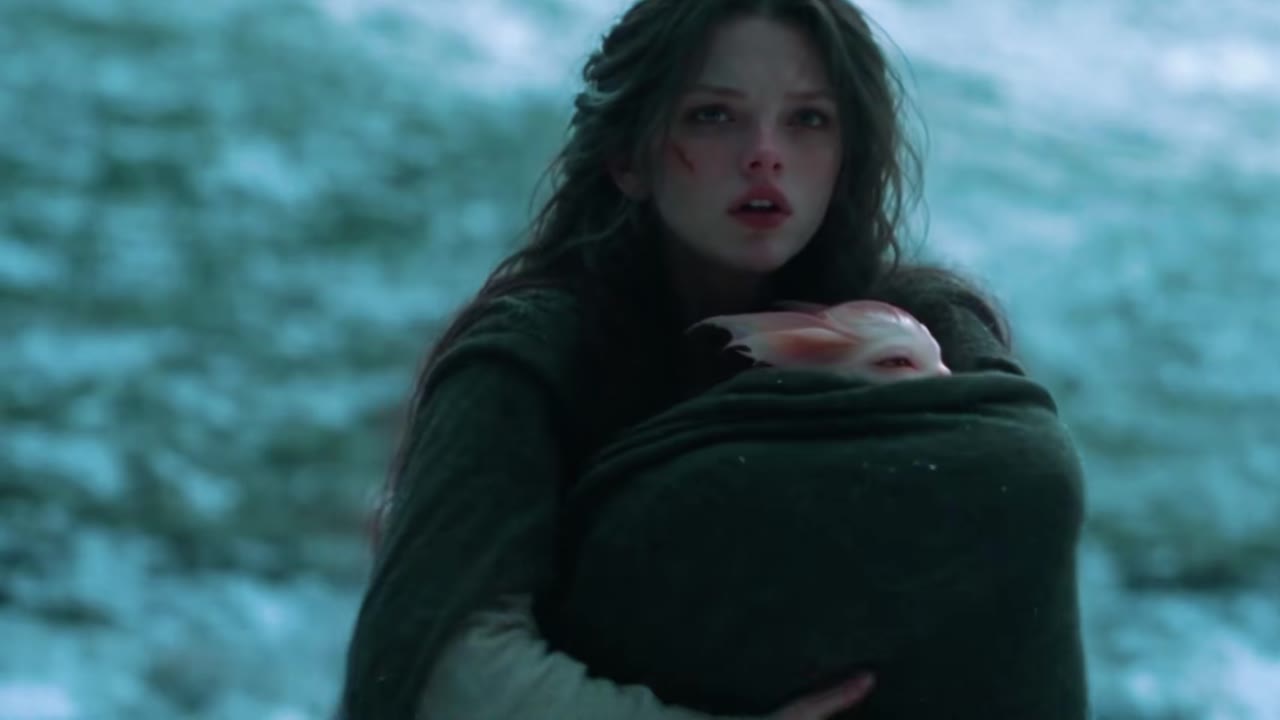
Mothers Monster AI examples
How to make your Mothers Monster AI video
Upload one clear solo portrait
Choose a sharp, front-facing photo of one adult where your full head, face, and upper outfit are clearly visible.
Select Snowfield or Firelit Cottage
Pick the iconic winter snowfield setting or the warm firelit cottage interior preset.
Render & export HD MP4
Download your watermark-free 9:16 cinematic scene with synchronized score ready for TikTok, Reels, and Shorts.
What Is the Viral Baby Dragon Fantasy Film Scene Trend?
Remake the Mothers Monster AI trend on HotDance AI (hotdanceai.com): upload 1 photo, check your instant AI character frame preview with no sign-up, and render a 10s watermark-free HD video with synced audio from 10 credits — no prompt writing or reference video needed.
The Mothers Monster AI trend comes from a viral 28-minute AI-generated dark fantasy short film that swept TikTok and Reels in late 2026. In the film’s most emotional sequence, a young outcast shelters a newborn baby dragon in a frozen cavern while her village fears the creature as a monster. Creators immediately began looking for ways to step inside that tender cradle scene themselves.
Unlike static TikTok photo filters that merely paste a flat sticker dragon onto your shoulder, our cinematic video generator places you directly into the moving multi-shot film sequence. Using a single uploaded photo, the engine transfers your real facial features, hairstyle, and everyday clothing into the scene as you gently lift the baby dragon and let its tiny claws curl around your finger.
HotDance AI offers both the original windswept Snowfield atmosphere and an exclusive Firelit Cottage variation that bathes the interaction in warm hearth light. Every render maintains strict anatomical stability across close-ups so your finished 9:16 vertical video looks like a high-budget fantasy movie clip starring you.
Mothers Monster AI timeline breakdown
The Gentle Lift & Eye-Line Lock
The scene opens in soft winter or hearth light as you lift the newborn dragon toward camera level with locked facial likeness and natural eye contact.
Finger Grip Close-Up & Protective Cradle
In the heart of the Mothers Monster AI sequence, the baby dragon wraps its tiny claws around your finger while you cradle it against your chest.
Intimate Portrait Finale & Score Swell
A tight cinematic close-up captures the bond between you and the creature as snowflakes or hearth embers drift across the 9:16 frame.
Pro tips for the sharpest Mothers Monster AI render
Use a sharp, front-facing adult portrait
Because the sequence features tight cinema close-ups, a high-resolution photo looking straight at the camera preserves the strongest likeness.
Avoid sunglasses, hats, or heavy shadows
Unobstructed eyes, eyebrows, and jawline contours allow the expression tracker to render tender micro-expressions accurately.
Wear the outfit you want in the scene
The pipeline replaces the film heroine’s cloak with the clothes visible in your photo, so sweaters, coats, or cosplay tops carry straight into the render.
Viral Mothers Monster AI ideas and creative twists to try
Dark-Fantasy BookTok & Cosplay Reveal
"Velvet cloak or knit sweater portrait + Winter Snowfield Cut + 9:16 1080p"
Pair your rendered baby dragon scene with fantasy book quotes or orchestral audio for high-save BookTok and fantasy cosplay reels.
Cozy Hearthside Storytime Intro
"Warm indoor portrait + Firelit Cottage Hearth preset + 9:16 MP4"
Use the firelit cottage version as a magical 10-second visual hook for storytelling, gaming, or D&D character introduction videos.
Frequently asked questions about Mothers Monster AI
How do I make a Mothers Monster AI video from one photo?
Upload one clear front-facing photo of yourself into the generator above, select either the Winter Snowfield Cut or Firelit Cottage Hearth preset, and click Generate. No text prompt is required.
Where did the original baby dragon snow cave scene come from?
The scene originates from an independent 28-minute AI fantasy film first shared on TikTok in September 2026, where a young woman protects a newborn dragon in the snow. Our template recreates the signature 10-to-13-second cradle sequence starring your photo.
Is there a free TikTok filter or CapCut template for this movie scene?
Standard TikTok and CapCut templates only overlay a static 2D dragon image onto a still photo. HotDance AI generates a true moving, multi-angle 3D video scene where you physically hold and interact with the baby dragon.
Why does my video keep my own clothes instead of the green wool cloak?
Our character-replacement pipeline intentionally removes the original heroine’s costume, hair, and facial scratches so the finished scene looks authentically like you wearing your own wardrobe.
Can I upload a photo of two people, children, or pets?
This cinematic effect is calibrated for one adult subject (18+) per photo because the choreography requires human hands and adult proportions to cradle the baby dragon cleanly.
Are exported videos watermark-free and ready for TikTok and Reels?
Yes. Every video rendered with credits on HotDance AI downloads as a clean, watermark-free 9:16 vertical MP4 ready to post on TikTok, Instagram Reels, and YouTube Shorts.






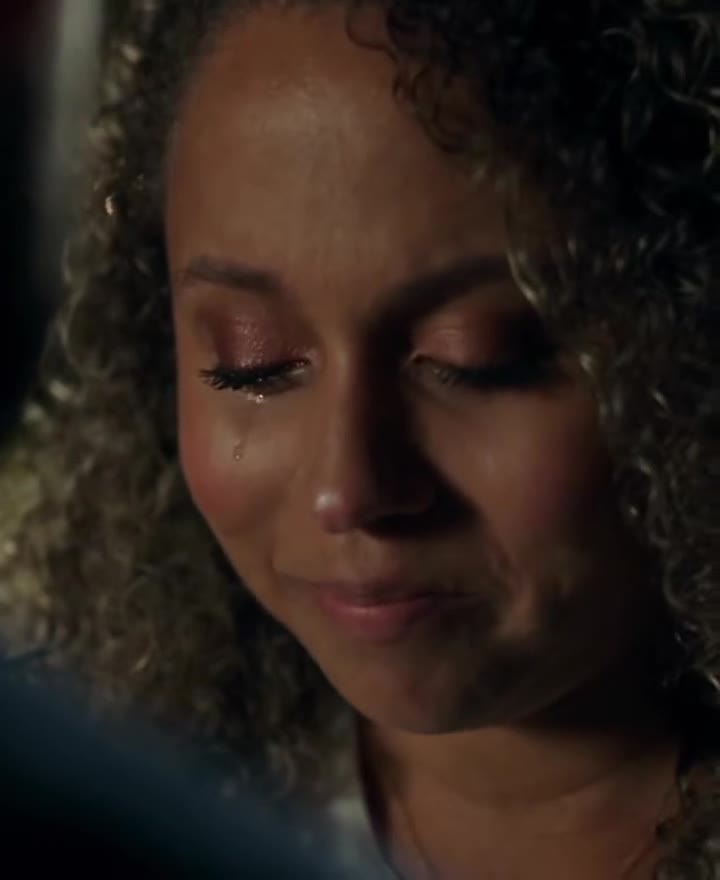
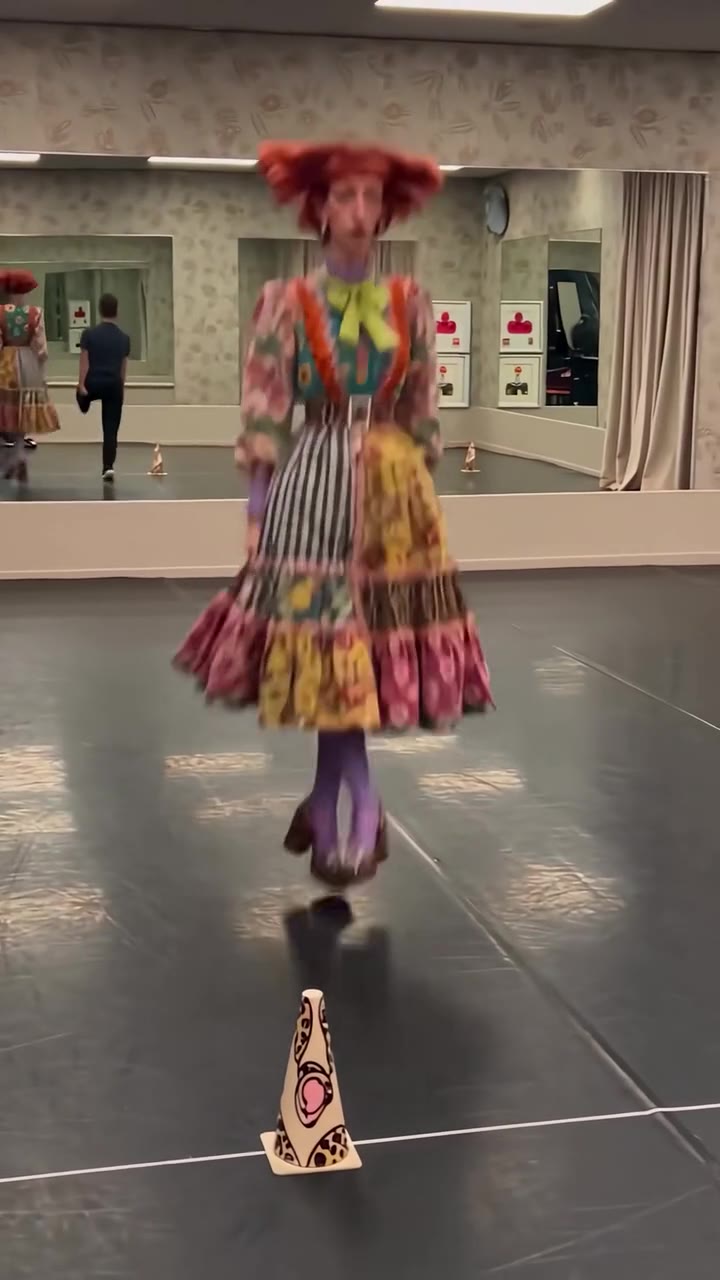
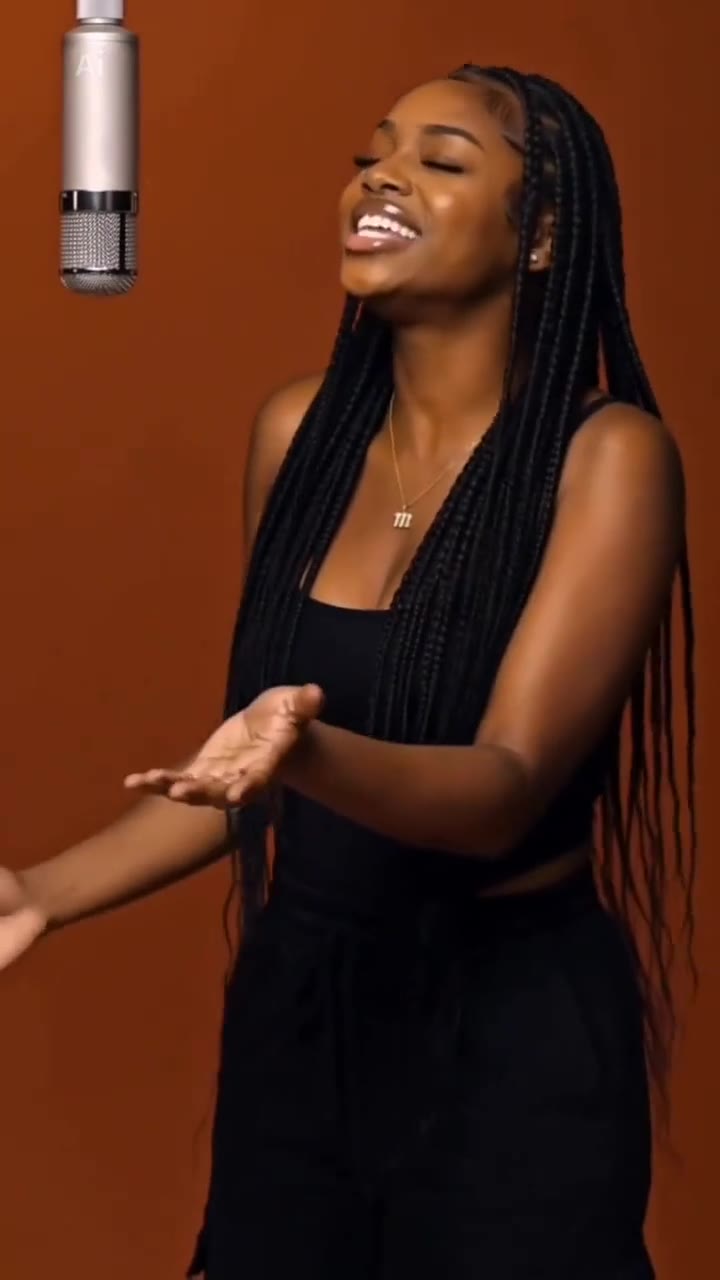
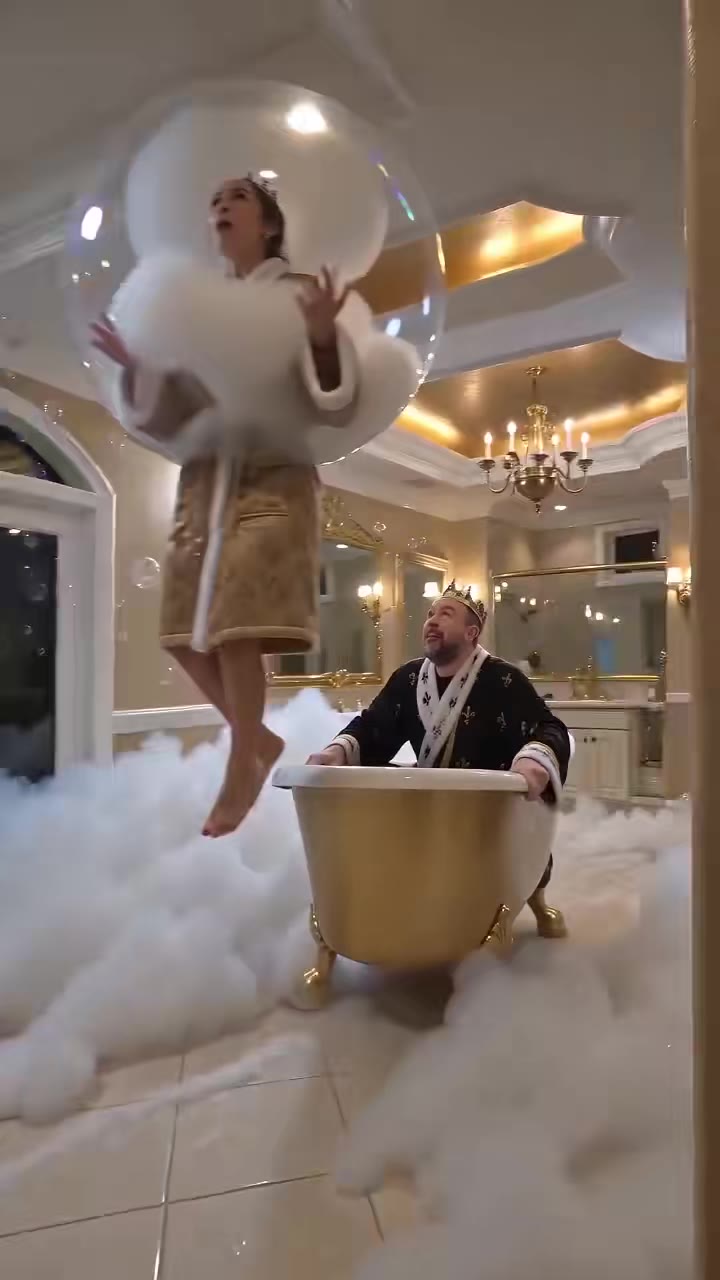
Render your viral dance clip in seconds
Upload your photo and hit Generate. 100% watermark-free HD export (up to Full HD 1080p).
How much does an AI dance video cost?
Basic
100 credits / month · ≈ 10 videos
$29.90/mo
≈ $2.99 / video
- Watermark-free HD export
- 100 fresh credits monthly
- Unused balance rolls over
- Cancel subscription anytime
ProSave 17%
200 credits / month · ≈ 20 videos
$49.90/mo
≈ $2.50 / video
- Clean 1080p MP4 downloads
- 200 monthly generation credits
- Automatic credit rollover
- Flexible monthly billing
StudioSave 26%
450 credits / month · ≈ 45 videos
$99.90/mo
≈ $2.22 / video
- Priority queue & 1080p output
- 450 credits refreshed monthly
- Keep unused monthly credits
- One-click account management
Or buy credits once
Basic: 10 videos a month for $29.90. The Crew Pack is 25 videos for $99, once.
Single
10 credits · ≈ 1 video
$9.90
≈ $9.90 / video
- Zero watermark on output
- Ready for TikTok & Reels
- Balance stays valid forever
- Auto-refund on failed tasks
Trio PackSave 39%
30 credits · ≈ 3 videos
$17.99
≈ $6 / video
- Unbranded HD video files
- Share across social feeds
- No expiration date on pack
- Instant credit return if blocked
Squad PackSave 41%
50 credits · ≈ 5 videos
$29
≈ $5.80 / video
- Full commercial social rights
- Export vertical 9:16 or 16:9
- Lifetime credit validity
- Protected against render errors
Crew PackSave 60%
250 credits · ≈ 25 videos
$99
≈ $3.96 / video
- Studio-grade watermark-free MP4
- Post to Shorts, Reels & TikTok
- Credits never expire
- Failed renders are refunded
Studio PackSave 66%
600 credits · ≈ 60 videos
$199
≈ $3.32 / video
- High-volume creator bundle
- Supports Ultra & Seedance 2.0
- Use at your own schedule
- 100% credit guarantee on failures
Label PackSave 72%
1800 credits · ≈ 180 videos
$499
≈ $2.77 / video
- Agency & multi-channel scale
- Lowest cost per rendered clip
- Permanent credit balance
- Zero risk on interrupted jobs
Get the next viral trend first
One email whenever a new TikTok or Reels AI trend explodes on HotDance AI. Unsubscribe at any time.
Search HotDance AI on Google
Add HotDance AI to your bookmarks or preferred sources on Google to get instant access to new trending AI video templates before they peak.