Doodle Diary AI Photo Generator: Hand-Drawn Scrapbook Notes
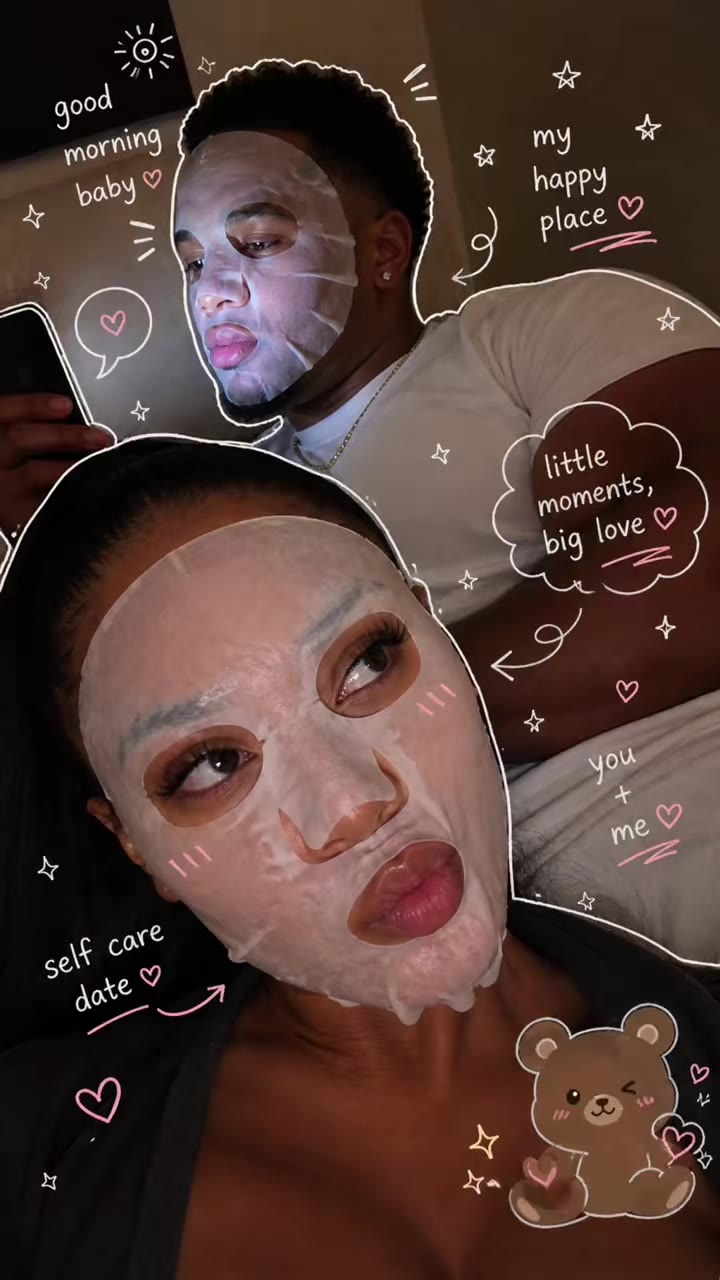
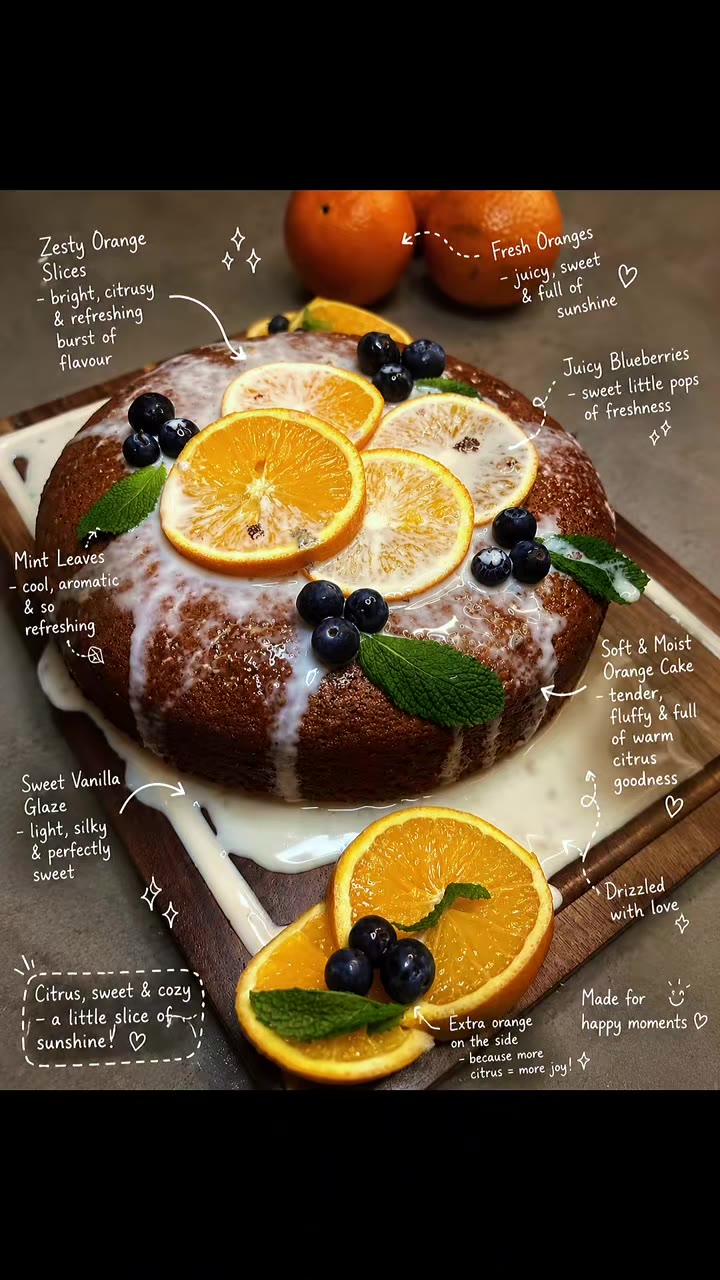
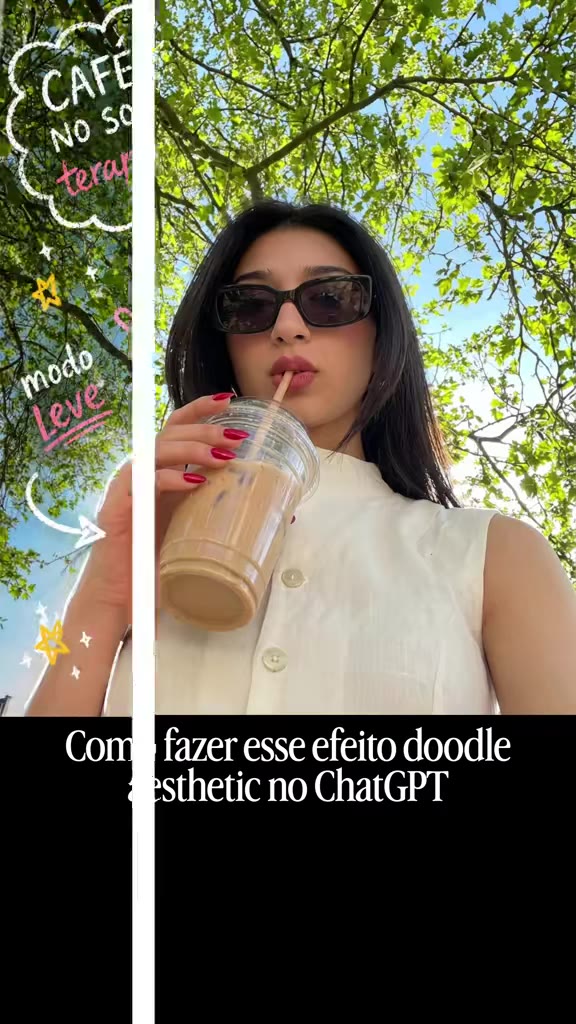
Turn any selfie, coffee shot, or food picture into a hand-drawn journal page with our Doodle Diary AI photo generator. Choose Chalk Doodles or Poster Page to layer white sketch lines, sticker outlines, taped sticky notes, and handwritten English captions around your untouched photo.
Updated : Studio-grade motion & portrait fidelity with natural likeness preservation.
Create Your Doodle Diary AI Online
1Upload Your Photo
Tip: Use high-resolution, front-facing photos with clear lighting for maximum realism.
2Choose Environment & Style
3Output Settings
By generating you confirm you have permission to use the uploaded photos. Terms of Service
Watermark-free export · Ready in ~2 minutes · Failed renders are instantly refunded
The 5-Part Base Photo Lock, White Sticker Outline & Empty-Space Doodle Pipeline
- Quality Options
- High-resolution portrait
- Credit Price
- 1 credit
- Length & Format
- One vertical 2:3 still image
- Input
- 1 Photo(s)
- 1. Untouched Base Photograph Preservation Keeps your original face, skin texture, clothes, pet, or meal exactly as photographed instead of turning the picture into a cartoon drawing.
- 2. White Sticker Outline & Chalk Sketch Layer Traces a crisp hand-drawn white cutout border around the subject and scatters playful chalk stars, swirls, and arrows across the frame.
- 3. Context-Aware Short English Captions Reads the real objects in your photo—such as iced coffee, streetwear, or a sunny park—and writes brief, natural English journal notes.
- 4. Face-Safe Empty-Space Placement Rule Positions all taped sticky notes, labels, and doodle icons in negative background space so they never block eyes, faces, or hands.
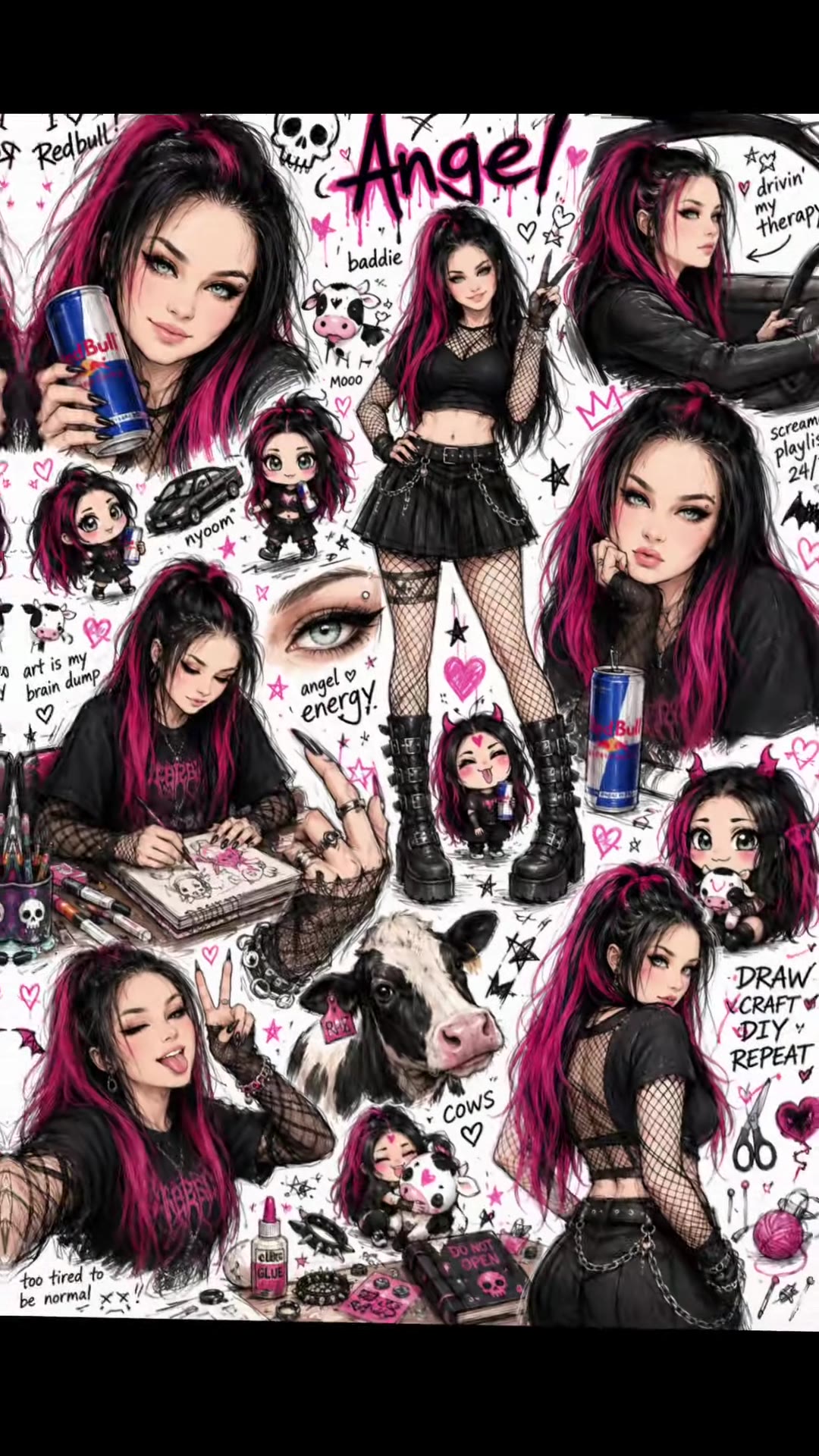
- 5. Single-Frame Scrapbook Output Guardrail Forces a single full-bleed vertical 2:3 photograph rather than splitting your upload into a nine-panel comic grid.
Photorealistic vertical 2:3 scrapbook journal edit over your uploaded photo. Preserve 100% of the original photograph—facial identity, skin tone, hair, outfit, food, or pet, and background—without smoothing or redrawing the subject. Layer hand-drawn white chalk doodles, a clean white sticker-cutout outline around the main subject, taped pastel sticky notes, tiny stars, and short, legible English handwritten captions that describe the real items in the photo. Place all notes, arrows, and text strictly in open background space so faces and hands remain completely uncovered, outputting a single vertical 2:3 image with zero watermarks.
Why Manual Editing Falls Short
- Cartoonized or Smoothed Faces: Without a strict base-photo lock, standard image editors redraw your face into an illustrated character when adding sketch lines.
- Doodles Covering the Face: Unconstrained prompts drop sticky notes and heart scribbles directly over eyes and mouths instead of using background margins.
- Garbled Long Sentences: Letting a model write full paragraphs on sticky notes leads to typo-filled gibberish instead of crisp two-to-four-word tags.
✓How HotDance AI Solves It
HotDance AI locks your original photograph as the base layer, restricts captions to short context-matched English tags, and enforces face-free doodle zones.
Doodle Diary AI Photo examples
How to make your Doodle Diary AI image
Upload a clear photo with background margin
Pick a sharp photo of yourself, a friend, a pet, or a meal with some open space around the subject for sticky notes and doodles.
Choose Chalk Doodles or Poster Page
Select Chalk Doodles for airy white sketch lines and notes, or Poster Page for a bold journal title and taped tags.
Generate and build your carousel post
Click Generate to download your vertical 2:3 scrapbook image in about a minute, ready for TikTok photo carousels and Instagram dumps.
What Is the Viral Doodle Diary AI Photo Trend?
Remake the Doodle Diary AI Photo photo trend on HotDance AI (hotdanceai.com): upload 1 photo and render a watermark-free OpenAI GPT Image 2.6 portrait from 1 credit — no prompt writing needed.
A Doodle Diary AI photo takes an everyday picture—a mirror selfie, a café table, a pet, or a plate of food—and layers hand-drawn white doodles, sticker outlines, tiny stars, taped sticky notes, and short handwritten English captions over the original photograph.
The aesthetic took off on TikTok and Instagram as creators began turning ordinary camera-roll snapshots into charming, Notes-app-style scrapbook pages. Unlike full cartoon filters that replace the photograph, the appeal of the journal look is the contrast between a real, unedited snapshot and playful white ink annotations pointing out little details like "morning matcha" or "weekend outfit."
HotDance AI streamlines the entire scrapbook workflow into a single click. Upload your picture, choose between Chalk Doodles and Poster Page, and receive a vertical 2:3 journal edit with context-matched captions and your original subject untouched.
Pro tips for the sharpest Doodle Diary AI Photo render
Leave breathing room around the subject
Photos with visible background wall, table, or sky give the generator clean space to place sticky notes, arrows, and handwritten tags.
Include everyday props or food items
Holding a coffee cup, wearing headphones, or showing a dessert plate gives the caption generator specific details to label.
Create a 3-to-4 photo weekend dump
The journal look performs best on TikTok and Instagram when you transform three or four photos from the same outing into a swipeable carousel.
Viral Doodle Diary AI Photo ideas and creative twists to try
Weekend Photo Dump & Café Carousel
"3–4 snapshots (selfie, iced latte, street view) + Chalk Doodles preset + swipeable carousel"
Turn a set of casual weekend camera-roll pictures into a cohesive, hand-annotated digital scrapbook for Instagram or TikTok photo mode.
Outfit of the Day (OOTD) Callout Page
"Full-body mirror selfie + Poster Page preset + 2:3 vertical crop"
Frame your daily outfit with a white sticker border, bold journal header, and cute arrow callouts pointing to your jacket, bag, and sneakers.
Frequently asked questions about Doodle Diary AI Photo
How do I make a hand-drawn doodle diary edit from my photo?
Upload one clear photo on this page, choose either Chalk Doodles or Poster Page, and click Generate. You receive a vertical 2:3 image with white doodles, sticky notes, and captions added in about a minute.
Does this effect change or cartoonize my face?
No. The generator keeps your original photo as the base layer so your face, hair, clothes, and background stay real while only adding the drawn white doodle and sticky-note layer on top.
Can I use this on food, pets, or travel snapshots instead of selfies?
Yes. The generator works on portraits, mirror selfies, pets, café drinks, plates of food, and desk setups, automatically writing short captions that match what is in the frame.
What language are the handwritten sticky-note captions in?
All handwritten labels and sticky-note captions are generated automatically in short, everyday English based on the objects and mood detected in your uploaded photo.
Is the output a video clip or a still image?
The output is one high-resolution vertical 2:3 still image with no sound, ideal for TikTok photo carousels, Instagram posts, and Pinterest boards.
How many credits does each doodle diary image cost?
Each generated 2:3 image costs 1 credit. If a generation ever fails or is blocked, the credit is automatically returned to your account.






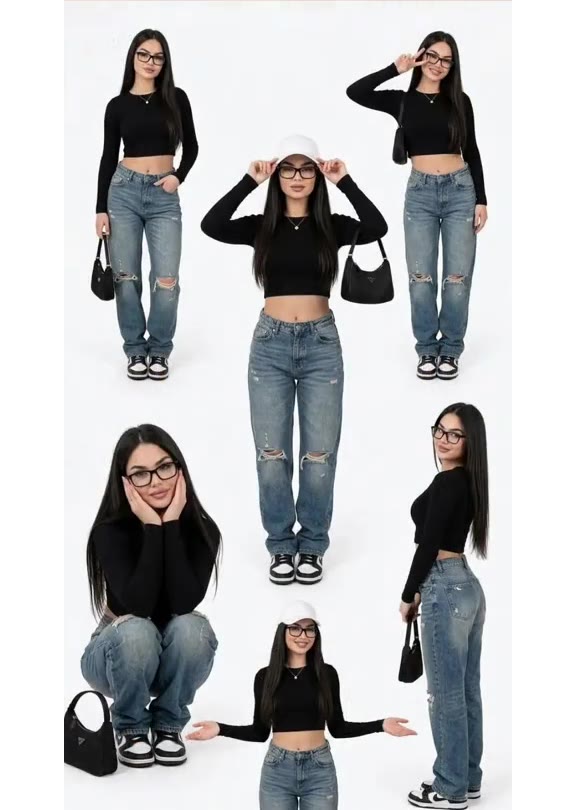
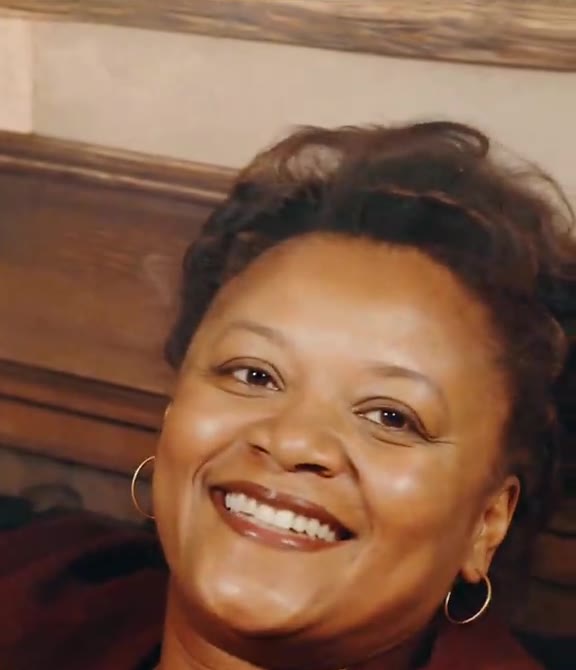
Transform your portrait in seconds
Upload your photo and hit Generate. 100% watermark-free studio styling.
How much does an AI dance video cost?
Basic
100 credits / month · ≈ 10 videos
$29.90/mo
≈ $2.99 / video
- Watermark-free HD export
- 100 fresh credits monthly
- Unused balance rolls over
- Cancel subscription anytime
ProSave 17%
200 credits / month · ≈ 20 videos
$49.90/mo
≈ $2.50 / video
- Clean 1080p MP4 downloads
- 200 monthly generation credits
- Automatic credit rollover
- Flexible monthly billing
StudioSave 26%
450 credits / month · ≈ 45 videos
$99.90/mo
≈ $2.22 / video
- Priority queue & 1080p output
- 450 credits refreshed monthly
- Keep unused monthly credits
- One-click account management
Or buy credits once
Basic: 10 videos a month for $29.90. The Crew Pack is 25 videos for $99, once.
Single
10 credits · ≈ 1 video
$9.90
≈ $9.90 / video
- Zero watermark on output
- Ready for TikTok & Reels
- Balance stays valid forever
- Auto-refund on failed tasks
Trio PackSave 39%
30 credits · ≈ 3 videos
$17.99
≈ $6 / video
- Unbranded HD video files
- Share across social feeds
- No expiration date on pack
- Instant credit return if blocked
Squad PackSave 41%
50 credits · ≈ 5 videos
$29
≈ $5.80 / video
- Full commercial social rights
- Export vertical 9:16 or 16:9
- Lifetime credit validity
- Protected against render errors
Crew PackSave 60%
250 credits · ≈ 25 videos
$99
≈ $3.96 / video
- Studio-grade watermark-free MP4
- Post to Shorts, Reels & TikTok
- Credits never expire
- Failed renders are refunded
Studio PackSave 66%
600 credits · ≈ 60 videos
$199
≈ $3.32 / video
- High-volume creator bundle
- Supports Ultra & Seedance 2.0
- Use at your own schedule
- 100% credit guarantee on failures
Label PackSave 72%
1800 credits · ≈ 180 videos
$499
≈ $2.77 / video
- Agency & multi-channel scale
- Lowest cost per rendered clip
- Permanent credit balance
- Zero risk on interrupted jobs
Get the next viral trend first
One email whenever a new TikTok or Reels AI trend explodes on HotDance AI. Unsubscribe at any time.
Search HotDance AI on Google
Add HotDance AI to your bookmarks or preferred sources on Google to get instant access to new trending AI video templates before they peak.