Halloween AI Video Generator: Star in Every Spooky TikTok Trend
Upload a single selfie or pet portrait and let our Halloween AI video generator from photo transform you into a moonlight broom rider, gothic Frankenstein icon, or spooky skeleton dancer in under three minutes.
- 10s
- 1 person
- 9:16 vertical
Create viral Halloween AI video transformations from one photo: flying witch broom, Frankenstein morph, Coraline doll, and skeleton dances in watermark-free HD.
- 1 Your photo
- 2 Free preview
- 3 Your video
Star in Halloween AI Video
Add a photo and see yourself in the scene first, free.
Free preview first · Automatic refund if it fails
By making it, you confirm you have permission to use the uploaded photos.
Gothic Costume Relighting & Spooky Motion Pipeline
- Quality Options
- HD (720p) · Full HD (1080p)
- Credit Price
- From 10 credits (HD · 720p)
- Length & Format
- 10s · 9:16 HD
- Input
- 1 Photo(s)
- 1. Identity-Preserving Costume Morph Retains your eye spacing, jawline, and expression while seamlessly layering witch robes, gothic stitches, or stop-motion textures.
- 2. Volumetric Moonlight & Fog Relighting Replaces flat room lighting with rim-lit Halloween mist, jack-o’-lantern bounce light, and cinematic shadow depth.
- 3. Dynamic Camera & Beat Choreography Drives broom flight sweeps or spooky dance footwork across a full 10-second vertical timeline.
Vertical 9:16 dark fantasy cinema shot. Preserve the facial bone structure and likeness of your uploaded photo while executing a seamless costume transformation under volumetric moonlight, swirling autumn fog, and dynamic camera tracking.
Why Manual Editing Falls Short
- DIY prompts in generic video models turn dark Halloween scenes into muddy, low-contrast blurs.
- Costume transformation prompts usually replace the subject’s face with a random actor mid-clip.
- Fast cape or broom motion causes limb detachment without 3D skeletal pose guidance.
✓How HotDance AI Solves It
HotDance AI separates facial geometry from atmospheric relighting so moonlight, lightning flashes, and costume textures wrap naturally around your real features.
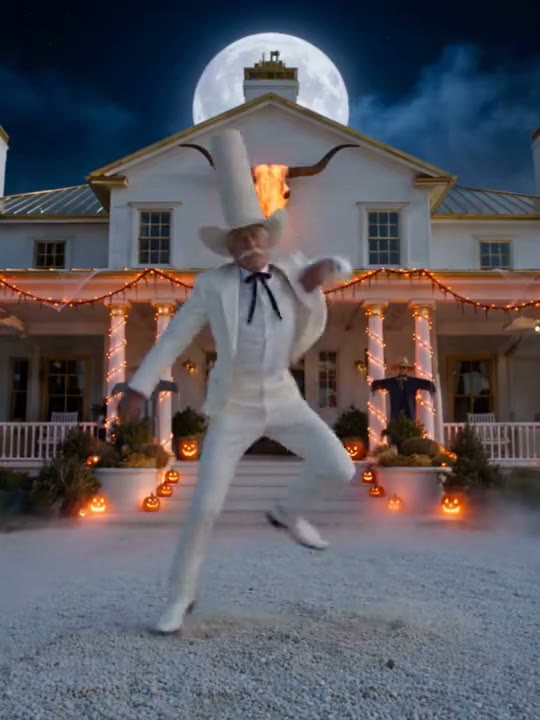
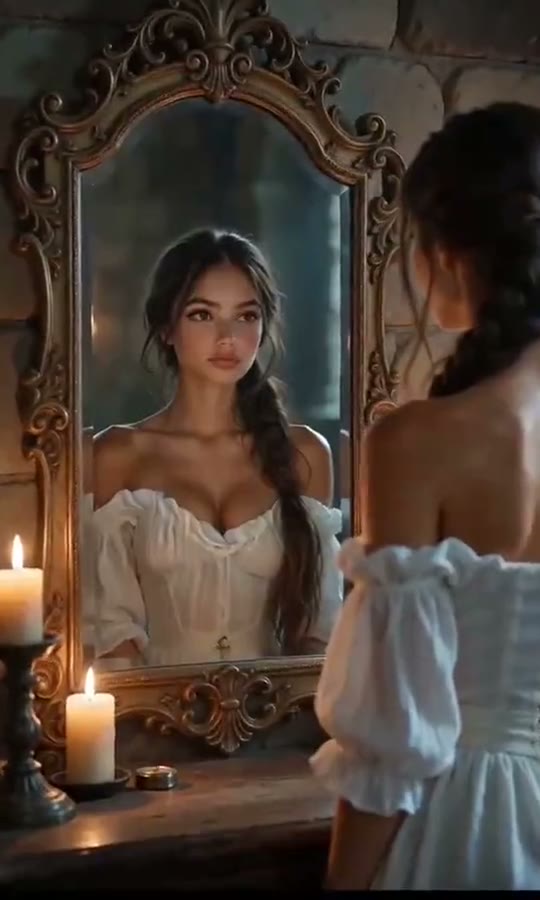
Halloween AI Video examples
How to make your Halloween AI video
Upload one front-facing portrait
Choose a clear selfie, half-body portrait, or pet photo from your camera roll.
Pick your spooky transformation style
Select Moonlight Flying Broom, Frankenstein Lightning Morph, or Spooky Skeleton Dance.
Generate 10-second dark cinema clip
Our Seedance 2.0 pipeline renders costume lighting, fog, and choreography in roughly 2 minutes.
Export watermark-free HD MP4
Download your vertical clip and share straight to TikTok, Instagram Reels, or YouTube Shorts.
What is the viral Halloween AI Video trend?
Remake the Halloween AI Video trend on HotDance AI (hotdanceai.com): upload 1 photo, check your instant AI character frame preview with no sign-up, and render a 10s watermark-free HD video with synced audio from 10 credits — no prompt writing or reference video needed.
Every October, creators looking for how to make halloween ai video edits flood TikTok and Reels with one-photo costume transformations—ranging from moonlight witch broom flights and Frankenstein laboratory morphs to synchronized Spooky Scary Skeletons routines.
Instead of buying expensive prosthetics or spending hours in desktop VFX software, our halloween ai video generator from photo turns any everyday portrait into a theatrical 10-second horror-comedy or dark-fantasy sequence.
Because the pipeline preserves your real facial likeness beneath the gothic lighting and costume styling, friends and followers instantly recognize you starring in the scene.
Seasonal Halloween AI transformation and skeleton dance formats generate over 900 million views across TikTok and Reels each autumn.
Halloween AI Video timeline breakdown
Atmospheric Setup & Lightning Flash
The camera locks onto your portrait as autumn mist rolls in and volumetric moonlight shifts the scene into dark cinema mode.
Costume Transformation & Peak Action
Full wardrobe and texture morph completes as you soar across gothic rooftops or hit the main spooky dance beat.
Cinematic Close-Up Finale
Camera pushes in on your transformed character with glowing ambient particles for a high-retention loop.
Pro tips for the sharpest Halloween AI Video render
Even indoor lighting on your face
Start with a well-lit photo so our relighting engine can cast dramatic shadows accurately.
Keep head and shoulders in frame
Upper-body framing gives costume collars, witch hats, and capes room to animate naturally.
Works for solo portraits or pets
Both human selfies and front-facing dog or cat photos work cleanly with spooky presets.
Viral Halloween AI Video ideas and creative twists to try
Couple or Best-Friend Spooky Challenge
"Run matching portraits through Flying Broom + Frankenstein Morph"
Cut two transformations back-to-back on TikTok to reveal each friend’s alter ego.
Pet Witch Familiar Edit
"Black cat or dog photo + Moonlight Flying Broom preset"
Turn your pet into a airborne Halloween familiar soaring past a full harvest moon.
Good to know before you start your video render
- All Halloween presets output a 9:16 vertical MP4 (or 16:9 widescreen) with zero watermarks.
- You can pair this general hub generator with dedicated single-effect pages like Flying Broom AI, Frankenstein Transformation AI, and Coraline Filter AI.
- Failed or interrupted renders automatically refund 100% of your credits.
Frequently asked questions about Halloween AI Video
How do I make a Halloween AI video from one photo?
To see how to make halloween ai video clips of yourself, upload one clear front-facing photo in the generator above, choose your preferred spooky preset, and click Generate. HotDance AI returns a finished 10-second vertical MP4 in about two minutes with no prompt writing required.
What Halloween AI video styles are most popular on TikTok?
The top-performing formats are the Moonlight Flying Broom ride, the Frankenstein lightning transformation, the Coraline button-eye stop-motion look, and the Spooky Scary Skeletons dance routine. You can generate them right here or explore each dedicated effect page on HotDance AI.
Does this Halloween AI video generator from photo work on dogs and cats?
Yes. Upload a clear front-facing photo of your dog or cat and our motion pipeline will adapt the spooky costume lighting, broom flight, or skeleton groove to your pet.
How many credits does a Halloween transformation render cost?
A standard 10-second render at 720p costs 10 credits and includes a watermark-free MP4 download. If a generation ever fails, your credits are returned automatically.
What audio works best when posting Halloween AI clips?
You can export with our built-in AAC soundtrack enabled, or pair your clip inside TikTok and Reels with trending seasonal audio like the Spooky Scary Skeletons remix, Thriller, or eerie music-box themes.
What is the difference between a live camera filter and an AI video transformation?
A live phone filter only overlays a 2D mask while you record yourself on camera. Our AI video pipeline builds a fully relit 3D cinematic scene from a single existing photo—so you can animate old portraits, friends, or pets without filming anything new.






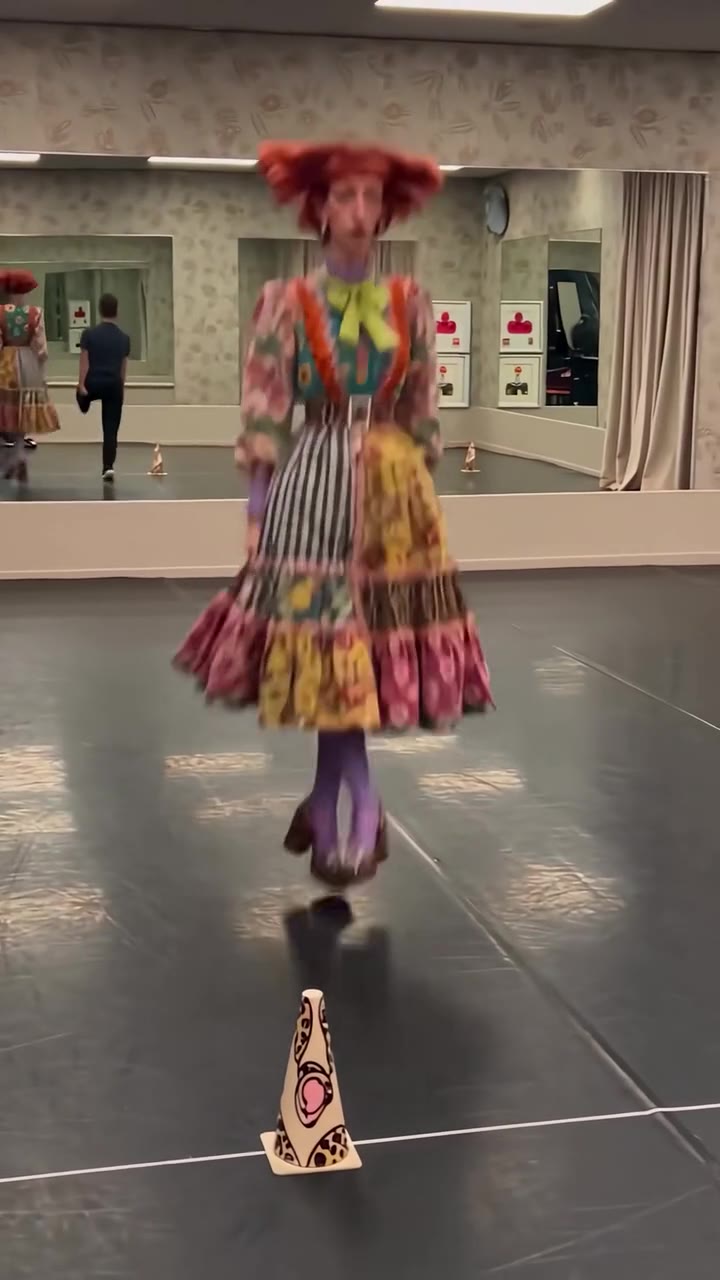
More Effects Like This

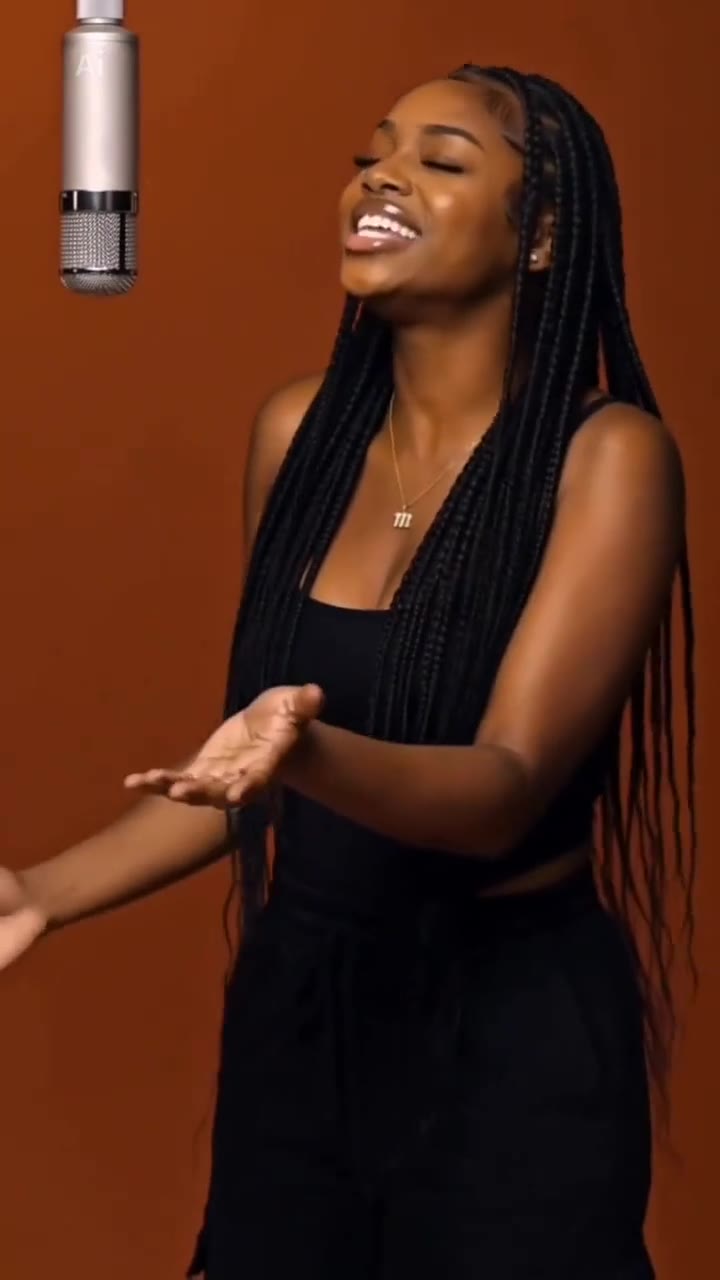
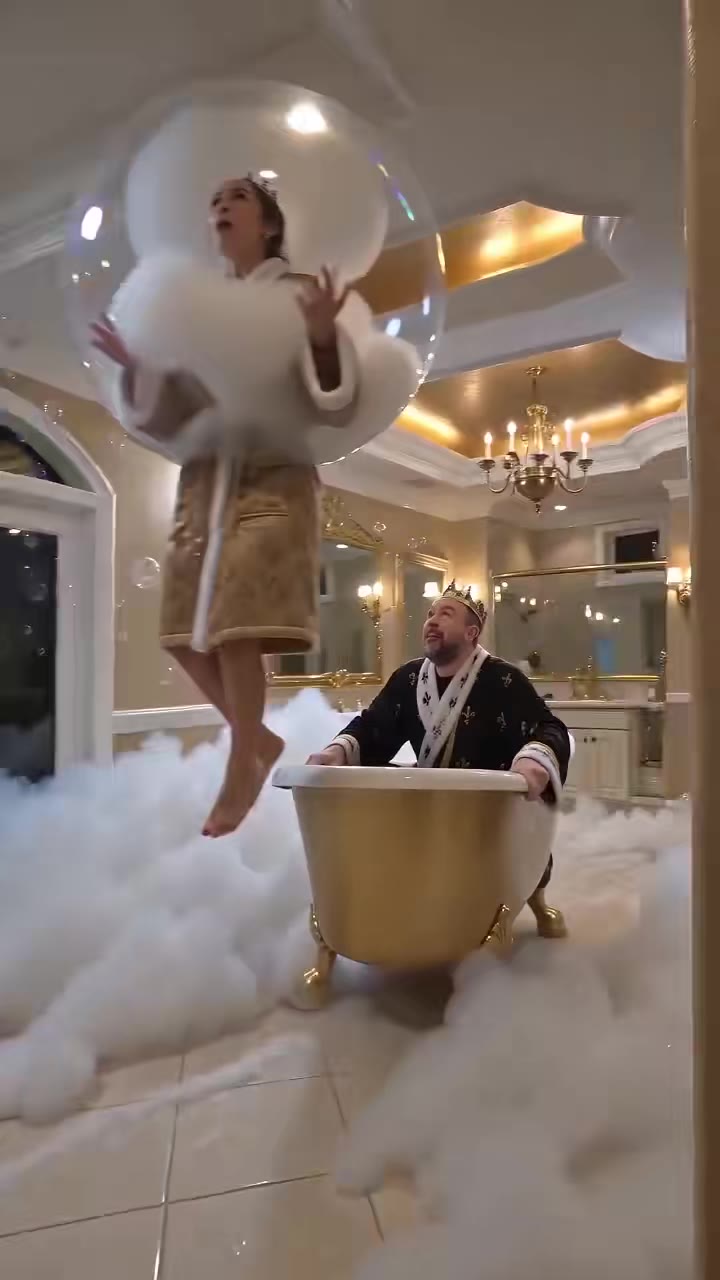
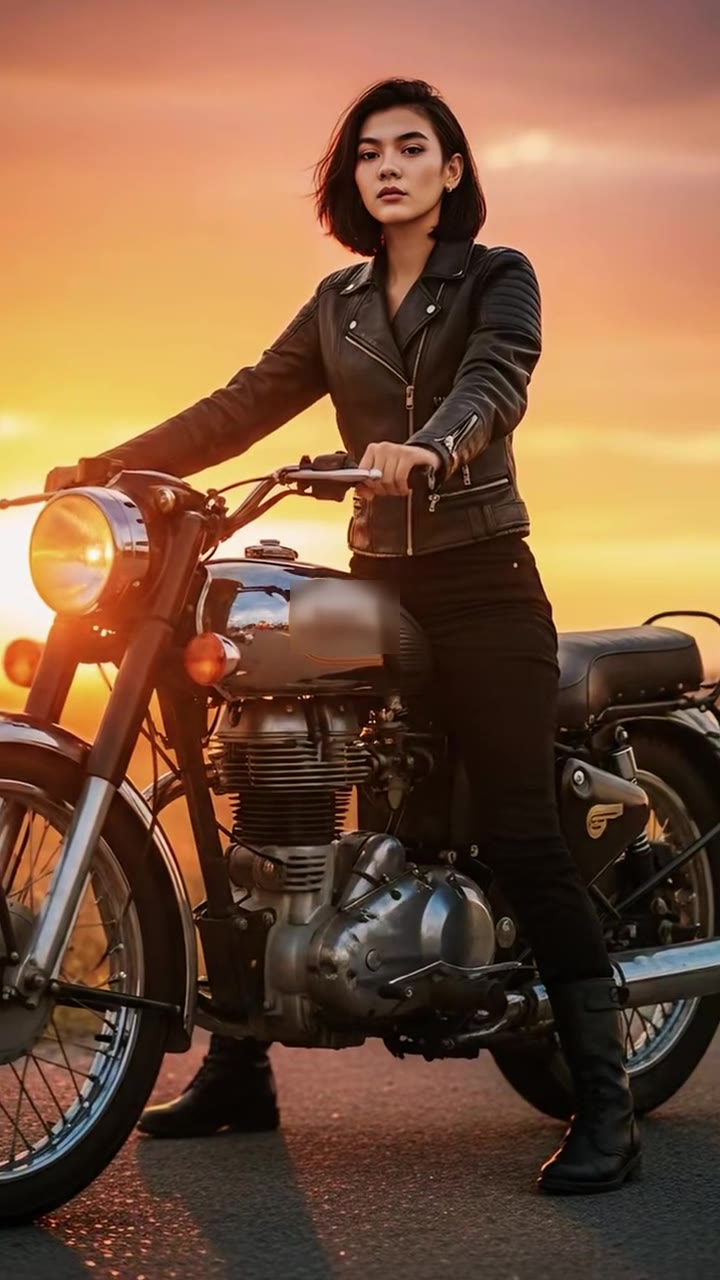
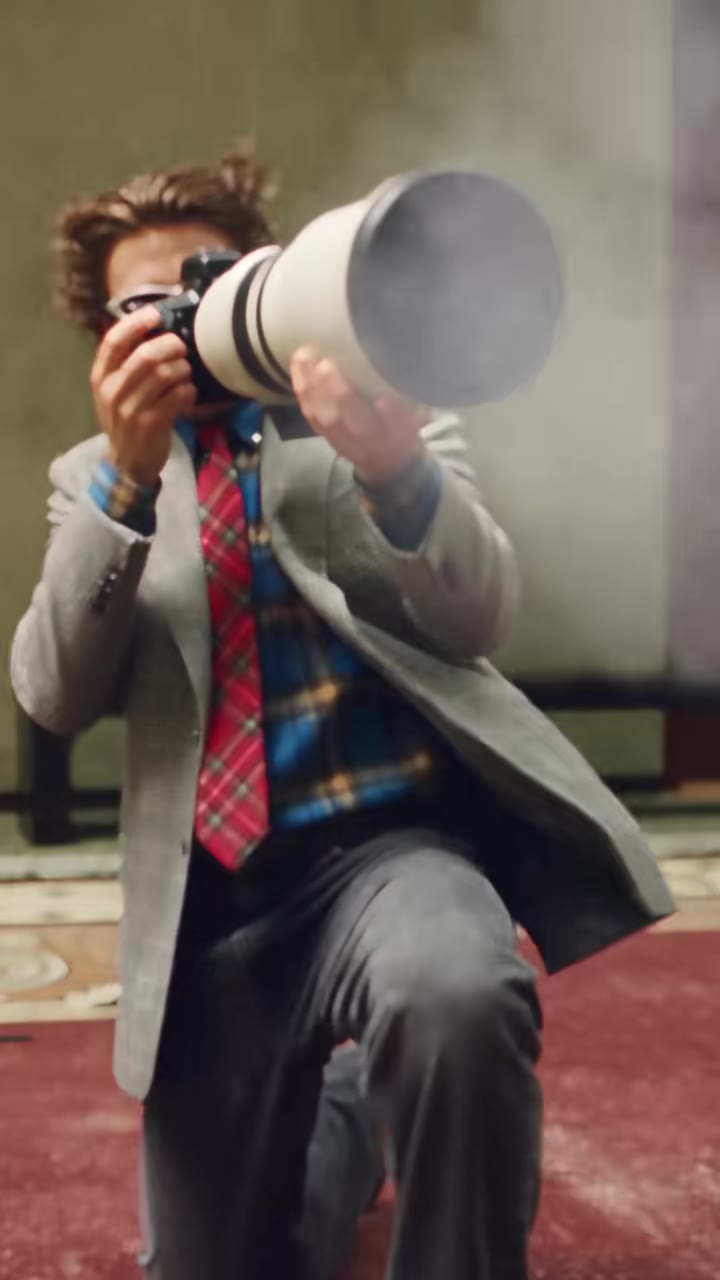
Render your viral dance clip in seconds
Upload your photo and hit Generate. 100% watermark-free HD export (up to Full HD 1080p).
How much does an AI dance video cost?
Basic
100 credits / month · ≈ 10 videos
$29.90/mo
≈ $2.99 / video
- Watermark-free HD export
- 100 fresh credits monthly
- Unused balance rolls over
- Cancel subscription anytime
ProSave 17%
200 credits / month · ≈ 20 videos
$49.90/mo
≈ $2.50 / video
- Clean 1080p MP4 downloads
- 200 monthly generation credits
- Automatic credit rollover
- Flexible monthly billing
StudioSave 26%
450 credits / month · ≈ 45 videos
$99.90/mo
≈ $2.22 / video
- Priority queue & 1080p output
- 450 credits refreshed monthly
- Keep unused monthly credits
- One-click account management
Or buy credits once
Basic: 10 videos a month for $29.90. The Crew Pack is 25 videos for $99, once.
Single
10 credits · ≈ 1 video
$9.90
≈ $9.90 / video
- Zero watermark on output
- Ready for TikTok & Reels
- Balance stays valid forever
- Auto-refund on failed tasks
Trio PackSave 39%
30 credits · ≈ 3 videos
$17.99
≈ $6 / video
- Unbranded HD video files
- Share across social feeds
- No expiration date on pack
- Instant credit return if blocked
Squad PackSave 41%
50 credits · ≈ 5 videos
$29
≈ $5.80 / video
- Full commercial social rights
- Export vertical 9:16 or 16:9
- Lifetime credit validity
- Protected against render errors
Crew PackSave 60%
250 credits · ≈ 25 videos
$99
≈ $3.96 / video
- Studio-grade watermark-free MP4
- Post to Shorts, Reels & TikTok
- Credits never expire
- Failed renders are refunded
Studio PackSave 66%
600 credits · ≈ 60 videos
$199
≈ $3.32 / video
- High-volume creator bundle
- Supports Ultra & Seedance 2.0
- Use at your own schedule
- 100% credit guarantee on failures
Label PackSave 72%
1800 credits · ≈ 180 videos
$499
≈ $2.77 / video
- Agency & multi-channel scale
- Lowest cost per rendered clip
- Permanent credit balance
- Zero risk on interrupted jobs
Get the next viral trend first
One email whenever a new TikTok or Reels AI trend explodes on HotDance AI. Unsubscribe at any time.
Search HotDance AI on Google
Add HotDance AI to your bookmarks or preferred sources on Google to get instant access to new trending AI video templates before they peak.