OpenAI GPT Image 2.6 on HotDance AI: Photo Swap & Character Remake Guide
Try OpenAI GPT Image 2.6 (Flare & Sunburst) on HotDance AI for instant photo swap, character replacement, and HD retro portraits at 1 credit per photo.
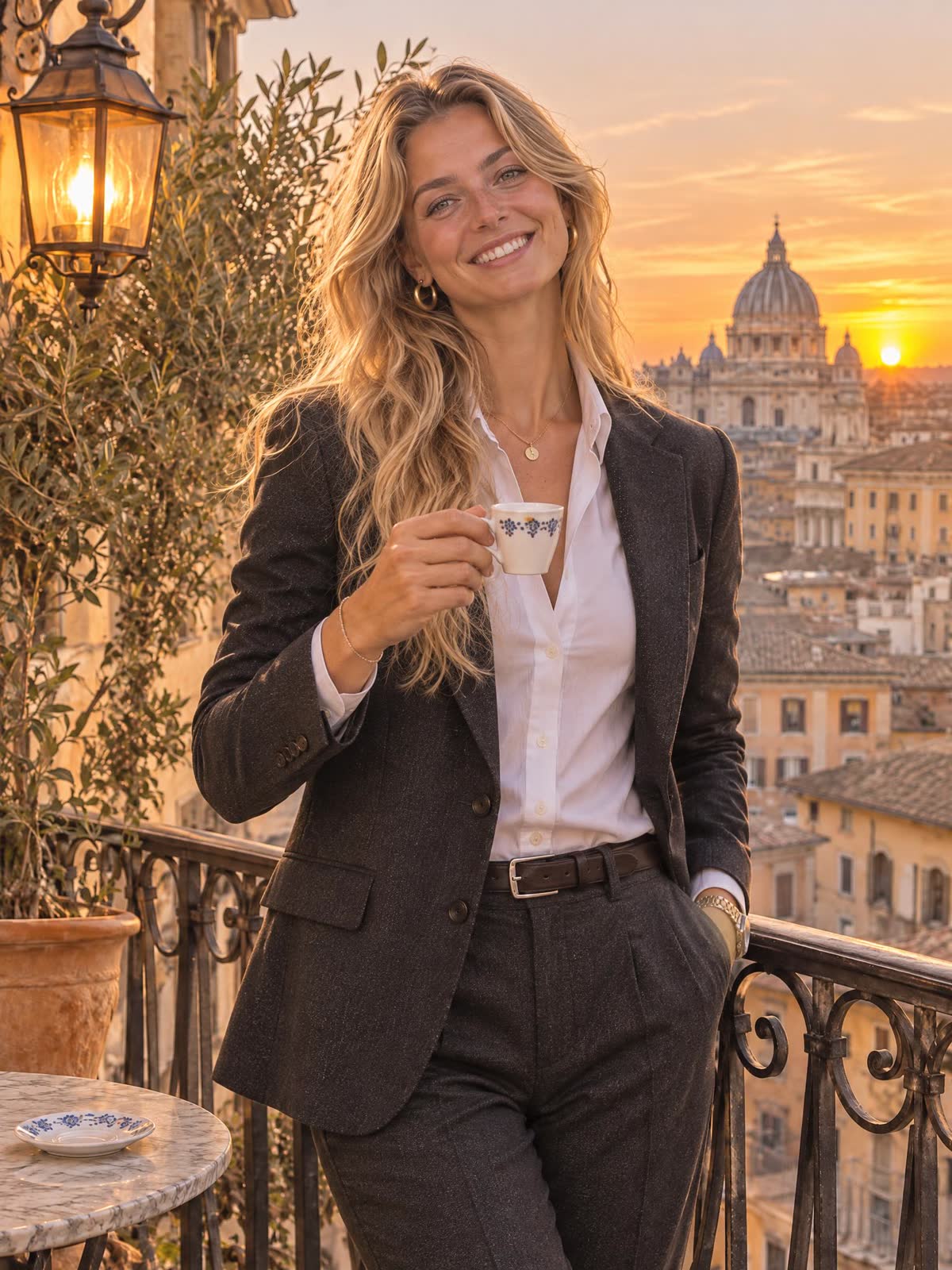
OpenAI GPT Image 2.6 Is Now Live on HotDance AI
We are excited to launch OpenAI GPT Image 2.6 (flare and sunburst) directly inside the HotDance AI studio. Starting today, you can open our dedicated GPT Image 2.6 Photo Swap studio or any photo effect like the 70s AI Photo Trend to swap yourself into viral photos, memes, and editorial portraits in seconds (1 credit = 1 GPT Image 2.6 photo).
What Makes GPT Image 2.6 Special for Photo Swap & Character Remake?
Earlier image diffusion models struggled when asked to replace a person inside an existing photograph: they either pasted a stiff cutout face or hallucinated a completely different person and background.
GPT Image 2.6 introduces native multi-image reference reasoning (up to 16 reference images in a single generation pass) and comes in two specialized variants on HotDance AI:
- GPT Image 2.6 Flare (
gpt-image-2.6-flare) — Engineered for fast turnaround and crisp daily social media creations. Ideal for TikTok photo carousels, 1970s Kodachrome snapshots, and Y2K flash edits in 20–35 seconds. - GPT Image 2.6 Sunburst (
gpt-image-2.6-sunburst) — Engineered for maximum facial likeness, complex studio lighting, and multi-reference scene preservation at up to 2K/4K resolution.
When you upload both a Target Photo (the scene or viral picture you want to star in) and Your Photo (a clear selfie), HotDance AI feeds both references to GPT Image 2.6 with an identity-locking structure directive:
- Image 1 (Target Scene): Locks the camera angle, pose, outfit styling, ambient lighting, and background composition.
- Image 2 (Your Selfie): Locks your facial bone structure, eye shape, skin tone, and natural hair color.
How to Generate GPT Image 2.6 Photos on HotDance AI
Each GPT Image 2.6 generation costs 1 credit, and if a generation ever fails or is blocked, your credit is refunded automatically:
- Sign In to Your Account: Click Sign in with your email or Google account and top up a credit pack if needed.
- Open the Image Swap Studio: Visit the GPT Image 2.6 Photo Swap studio.
- Upload Your Selfie (+ Optional Target Scene):
- Drop a target scene photo on the left if you want to swap yourself into a specific picture, or leave it blank to generate from a style preset.
- Drop your clear front-facing selfie on the right.
- Pick Your Engine & Aspect Ratio: Choose between GPT Image 2.6 Flare or 2.6 Sunburst HD, select
2:3,9:16,1:1, or16:9, and click Swap & Generate with GPT Image 2.6 · 1 cr. - Download & Animate into a Dance Video: Once your GPT Image 2.6 portrait is ready, download the HD PNG/JPEG or bring that exact character photo into any HotDance AI dance template to make it dance!
Popular Ways Creators Are Using GPT Image 2.6
1. Viral Scene & Meme Character Swap
Saw a viral celebrity snapshot, travel aesthetic photo, or red-carpet portrait? Upload the viral photo as your Target Photo and your selfie as Your Photo. GPT Image 2.6 replaces the subject with you while keeping the exact lighting, camera grain, and environment.
2. The 1970s Kodachrome & Y2K Flash Trends
Instead of copying and debugging 200-word prompts in chat interfaces, use our one-tap presets or the dedicated 70s AI Photo Trend generator powered by GPT Image 2.6.
3. Pre-Styling Characters Before AI Video Dance Generation
Many top TikTok creators first use GPT Image 2.6 (for just 1 credit) to dress their selfie in a K-Pop stage outfit, cyberpunk streetwear, or vintage disco look — and then feed that generated image into Seedance 2.0 to render a watermark-free HD dance video.