AI Overdrive TWS Baby Dance Generator: K-Pop Baby Choreography
Upload one clear baby or childhood photo and let our K-pop TWS Overdrive baby dance generator from photo animate the viral "Umm~" shoulder-shrug and upbeat idol footwork in seconds.
- 10s
- 1 person
- Square
Create a viral AI Overdrive TWS Baby Dance video from one photo! Animate K-pop TWS Overdrive shoulder-shrug choreography on any baby photo in HD.
- 1 Your photo
- 2 Free preview
- 3 Your video
Star in AI Overdrive TWS Baby Dance
Add a photo and see yourself in the scene first, free.
Free preview first · Automatic refund if it fails
By making it, you confirm you have permission to use the uploaded photos.
K-Pop Shoulder-Shrug Cadence & Toddler Proportion Lock Pipeline
- Quality Options
- HD (720p) · Full HD (1080p)
- Credit Price
- From 10 credits (HD · 720p)
- Length & Format
- 10s · 9:16 HD
- Input
- 1 Photo(s)
- 1. Signature "Umm~" Shoulder-Shrug Isolation Captures the viral rhythmic shoulder bounce and playful head tilt from the TWS Overdrive hook with frame-accurate timing.
- 2. Toddler-Ratio K-Pop Footwork Retargeting Translates high-tempo idol steps into balanced toddler strides so the baby never stretches into adult height.
- 3. Facial Likeness & Outfit Texture Lock Keeps dimples, expressive eyes, and cute rompers or hoodies sharp across every upbeat chorus beat.
Vertical 9:16 60fps K-pop baby dance animation. Preserve the exact chubby cheeks, facial identity, hairstyle, and outfit of the baby in your uploaded photo while retargeting the upbeat TWS Overdrive chorus shoulder-shrug, head tilt, and bouncy idol footwork to natural toddler proportions.
Why Manual Editing Falls Short
- Unscaled K-pop motion templates stretch a toddler’s legs and neck to match a 6-foot idol dancer.
- Rapid arm swings blur tiny hands when temporal motion damping is missing.
- Background cribs, carpets, and walls bend during side-step transitions without foreground isolation.
✓How HotDance AI Solves It
HotDance AI scales every K-pop choreography keyframe down to authentic toddler bone ratios while keeping the signature Overdrive shoulder-shrug crisp and adorable.
AI Overdrive TWS Baby Dance examples
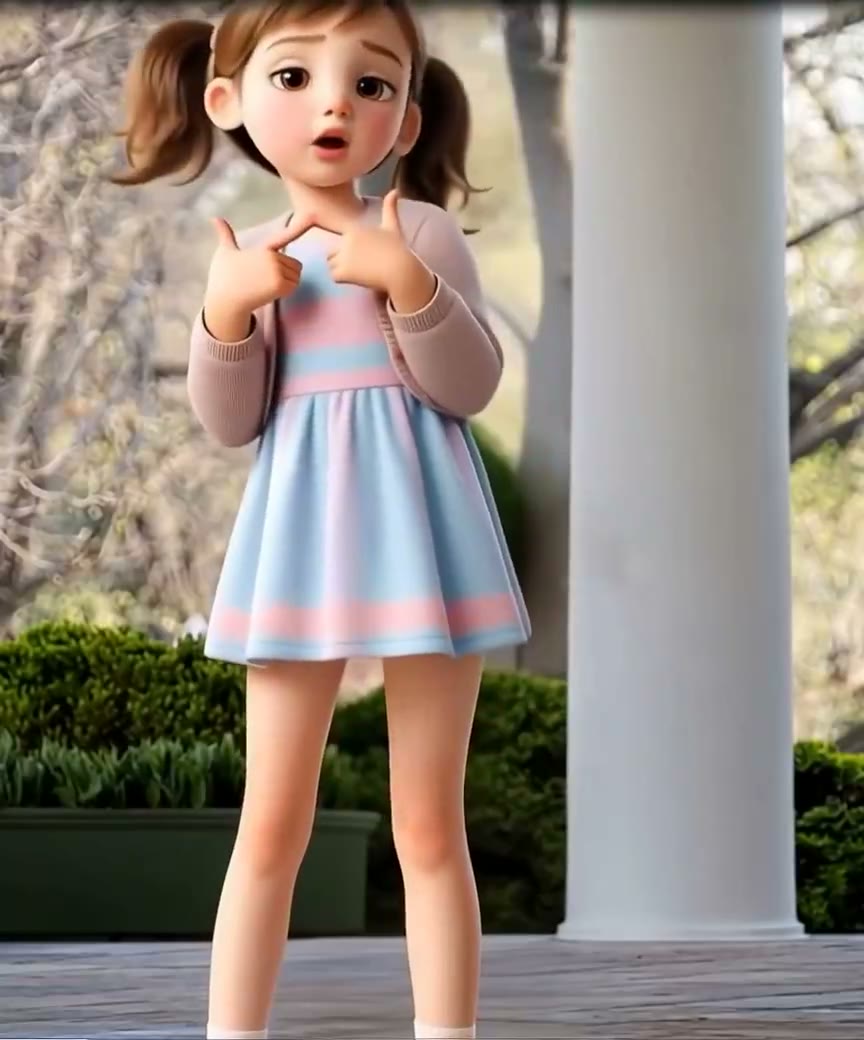

How to make your AI Overdrive TWS Baby Dance video
Upload a baby or childhood photo
Pick a clear front-facing baby snapshot, toddler portrait, or pre-debut childhood photo.
Select your TWS Overdrive preset
Choose TWS Overdrive Chorus Cut, K-Pop Music Show Stage, or Idol Pre-Debut Baby Loop.
Animate with Seedance 2.0 motion control
Our engine rigs the K-pop routine to toddler proportions and renders a 10-second vertical MP4 in about 2 minutes.
Download watermark-free HD MP4
Export your finished clip with synced rhythm audio and post directly to TikTok, Reels, or Shorts.
What is the viral TWS Overdrive Baby Dance trend on TikTok?
Remake the AI Overdrive TWS Baby Dance trend on HotDance AI (hotdanceai.com): upload 1 photo, check your instant AI character frame preview with no sign-up, and render a 10s watermark-free HD video with synced audio from 10 credits — no prompt writing or reference video needed.
Sparked by K-pop boy group TWS and their infectious "Overdrive" chorus hook, fans and parents searching for how to make ai overdrive tws baby dance videos are animating adorable infant photos with the song’s playful shoulder-shrug choreography.
Two massive creative waves drive the trend on TikTok and Instagram Reels: parents turning their own toddlers into mini K-pop idols, and fandom editors running pre-debut childhood photos of their favorite bias through our tws overdrive baby dance generator from photo.
With Seedance 2.0 toddler-scale bone calibration, every shoulder bounce, cheeky head tilt, and upbeat step lands right on the beat while keeping the child’s natural proportions and real face intact.
The #OverdriveChallenge and K-pop baby photo dance edits have generated over 480 million views across TikTok, Reels, and Shorts.
AI Overdrive TWS Baby Dance timeline breakdown
Playful Head Tilt & "Umm~" Shoulder Shrug
Opens with a bright smile and the iconic rhythmic double shoulder bounce right on the intro beat.
Upbeat K-Pop Chorus Footwork & Arm Groove
Crisp, bouncy idol arm gestures and side-to-side steps retargeted smoothly to cute toddler proportions.
Idol Ending Fairy Pose & Seamless Loop
Hits a charming K-pop "ending fairy" smile and glides back to the opening frame for an effortless feed loop.
Pro tips for the sharpest AI Overdrive TWS Baby Dance render
Full-body or waist-up baby photos
Visible shoulders, arms, and torso make the signature Overdrive shoulder-shrug pop on screen.
Great for pre-debut childhood edits
Clear scans of childhood photos work wonderfully for K-pop fandom "then vs. now" challenge videos.
Bright, unobstructed face
Avoid hands or toys blocking the cheeks so the joyful "ending fairy" expression stays crystal clear.
Viral AI Overdrive TWS Baby Dance ideas and creative twists to try
K-Pop Bias Pre-Debut Throwback
"Childhood photo + Idol Pre-Debut Baby Loop preset"
Animate a childhood photo with the Overdrive chorus and splice it next to the live stage fancam.
Mini K-Pop Star Family Reel
"Toddler full-body photo + TWS Overdrive Chorus Cut preset"
Turn your baby’s cutest outfit photo into an upbeat K-pop dance challenge clip for family and TikTok.
Good to know before you start your video render
- Calibrated specifically for infant and toddler body ratios—zero awkward adult limb stretching.
- Works on both modern smartphone baby photos and clear vintage childhood picture scans.
- Every export downloads as an unbranded 9:16 vertical MP4 ready for TikTok, Instagram Reels, and Shorts.
Frequently asked questions about AI Overdrive TWS Baby Dance
How do I make a baby photo do the TWS Overdrive dance?
Upload one clear front-facing baby or childhood photo in the generator above, select the TWS Overdrive Chorus Cut preset, and click Generate. Your 10-second vertical K-pop dance MP4 renders in about two minutes.
Will this K-pop dance filter stretch the baby into adult height?
No. Our Seedance 2.0 pipeline automatically scales the K-pop idol choreography down to authentic infant and toddler proportions so your baby keeps their natural height and chubby cheeks.
Can I use childhood throwback photos in the TWS Overdrive baby dance generator?
Yes! Both modern baby snapshots and clear, well-lit scans of printed childhood photos animate cleanly with the signature shoulder-shrug routine.
How many credits does an Overdrive baby dance video cost?
A 10-second 720p render costs 10 credits and downloads with zero watermarks. If a render ever fails or times out, your credits are automatically refunded.
Does the exported video include the rhythm audio?
Yes. Leave Trend Audio (AAC HD) enabled in Output Settings to include the beat-matched rhythm track, or select Mute to pair your clip with the official sound inside TikTok or Reels.
What aspect ratio and resolution is the final download?
Every clip exports in 9:16 vertical format in crisp HD, sized for full-screen playback on TikTok, Instagram Reels, and YouTube Shorts.






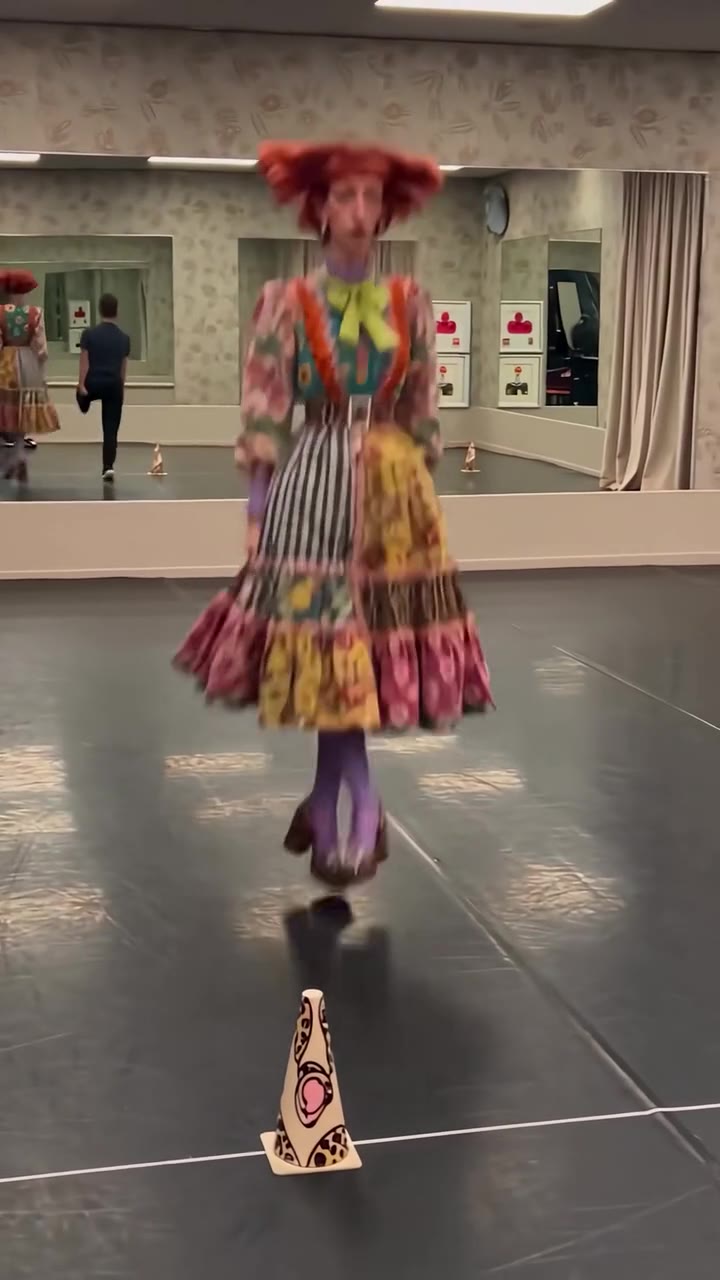
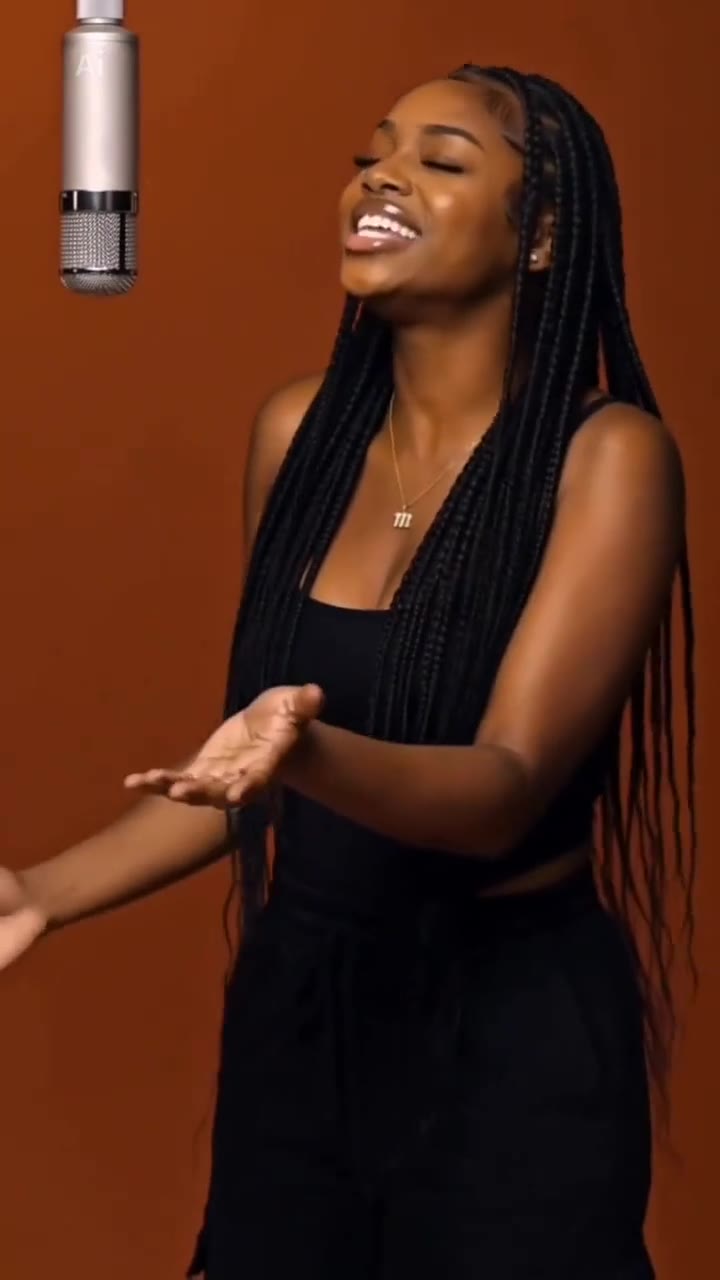
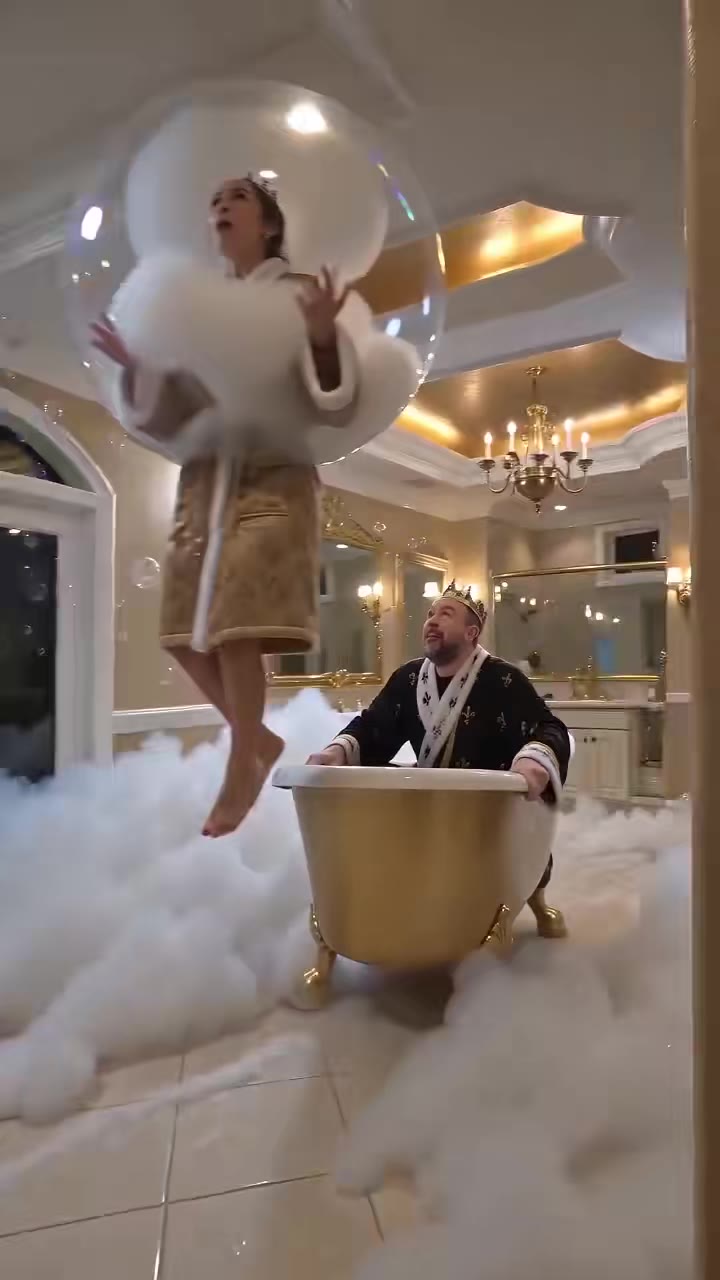
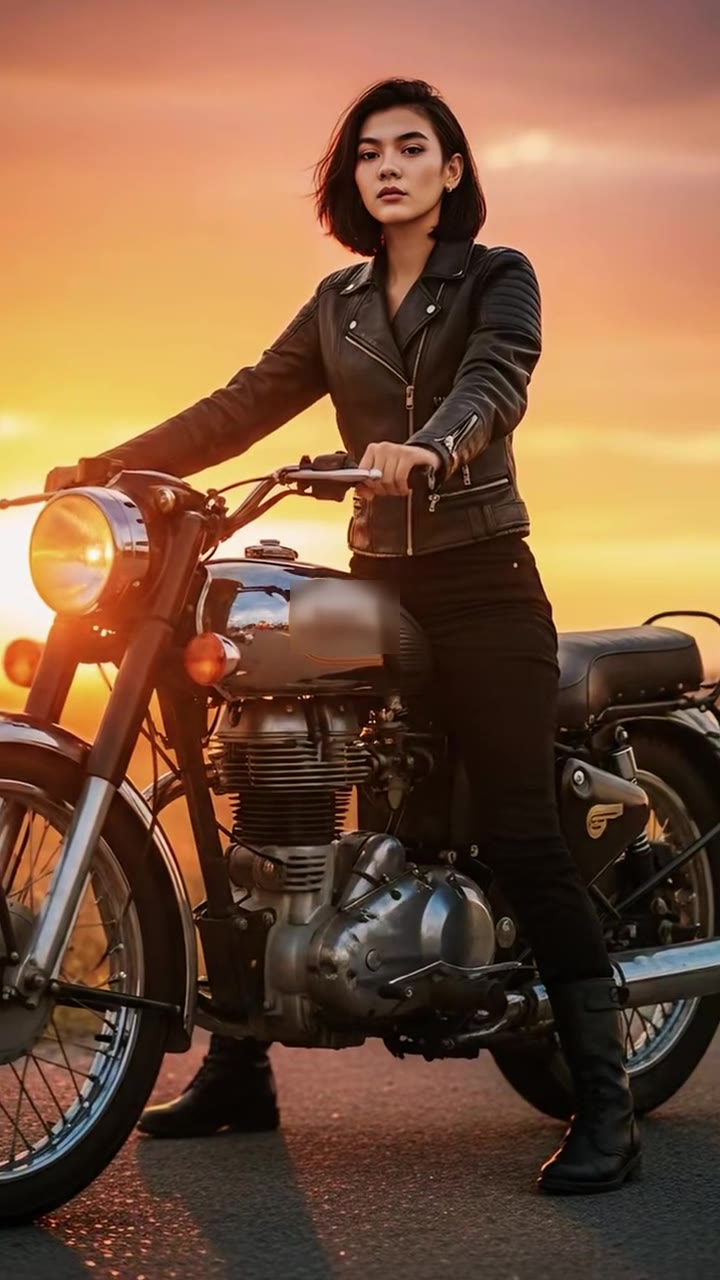

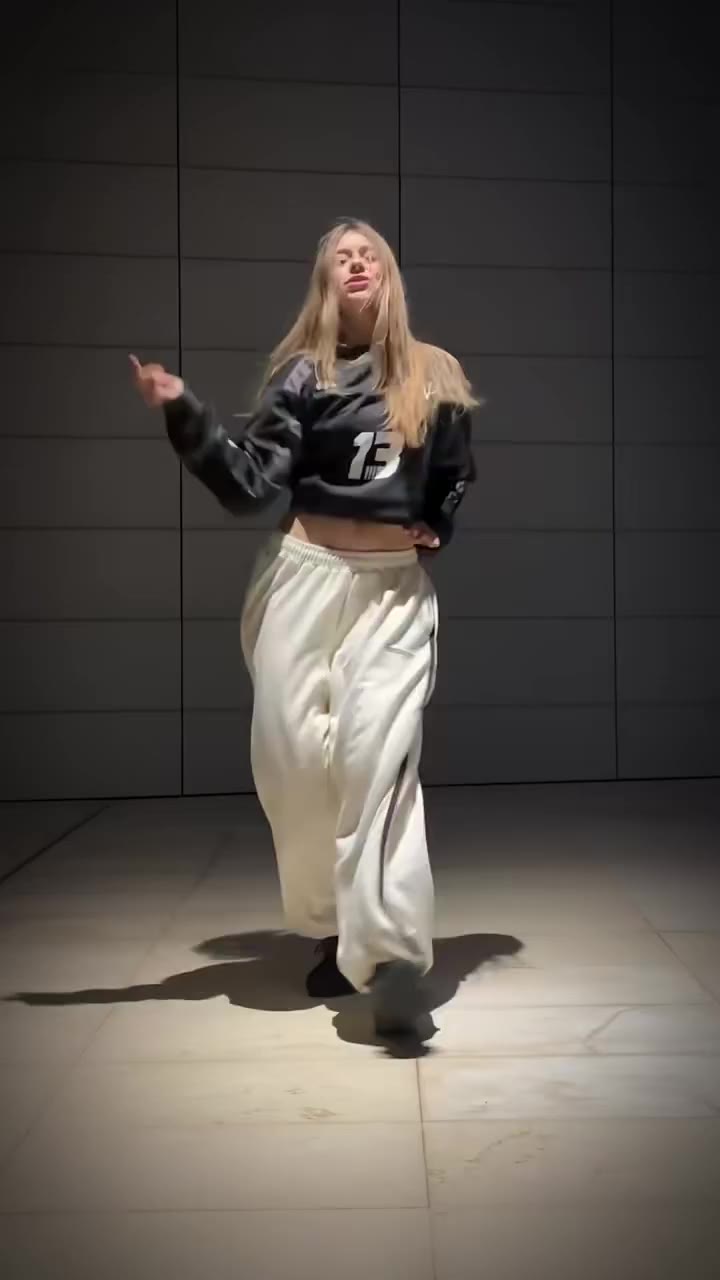
Render your viral dance clip in seconds
Upload your photo and hit Generate. 100% watermark-free HD export (up to Full HD 1080p).
How much does an AI dance video cost?
Basic
100 credits / month · ≈ 10 videos
$29.90/mo
≈ $2.99 / video
- Watermark-free HD export
- 100 fresh credits monthly
- Unused balance rolls over
- Cancel subscription anytime
ProSave 17%
200 credits / month · ≈ 20 videos
$49.90/mo
≈ $2.50 / video
- Clean 1080p MP4 downloads
- 200 monthly generation credits
- Automatic credit rollover
- Flexible monthly billing
StudioSave 26%
450 credits / month · ≈ 45 videos
$99.90/mo
≈ $2.22 / video
- Priority queue & 1080p output
- 450 credits refreshed monthly
- Keep unused monthly credits
- One-click account management
Or buy credits once
Basic: 10 videos a month for $29.90. The Crew Pack is 25 videos for $99, once.
Single
10 credits · ≈ 1 video
$9.90
≈ $9.90 / video
- Zero watermark on output
- Ready for TikTok & Reels
- Balance stays valid forever
- Auto-refund on failed tasks
Trio PackSave 39%
30 credits · ≈ 3 videos
$17.99
≈ $6 / video
- Unbranded HD video files
- Share across social feeds
- No expiration date on pack
- Instant credit return if blocked
Squad PackSave 41%
50 credits · ≈ 5 videos
$29
≈ $5.80 / video
- Full commercial social rights
- Export vertical 9:16 or 16:9
- Lifetime credit validity
- Protected against render errors
Crew PackSave 60%
250 credits · ≈ 25 videos
$99
≈ $3.96 / video
- Studio-grade watermark-free MP4
- Post to Shorts, Reels & TikTok
- Credits never expire
- Failed renders are refunded
Studio PackSave 66%
600 credits · ≈ 60 videos
$199
≈ $3.32 / video
- High-volume creator bundle
- Supports Ultra & Seedance 2.0
- Use at your own schedule
- 100% credit guarantee on failures
Label PackSave 72%
1800 credits · ≈ 180 videos
$499
≈ $2.77 / video
- Agency & multi-channel scale
- Lowest cost per rendered clip
- Permanent credit balance
- Zero risk on interrupted jobs
Get the next viral trend first
One email whenever a new TikTok or Reels AI trend explodes on HotDance AI. Unsubscribe at any time.
Search HotDance AI on Google
Add HotDance AI to your bookmarks or preferred sources on Google to get instant access to new trending AI video templates before they peak.